Custom websites, webshops, apps and software, built around how your business really works. We explain 125 industries: what your customers expect, what we build and what it costs.
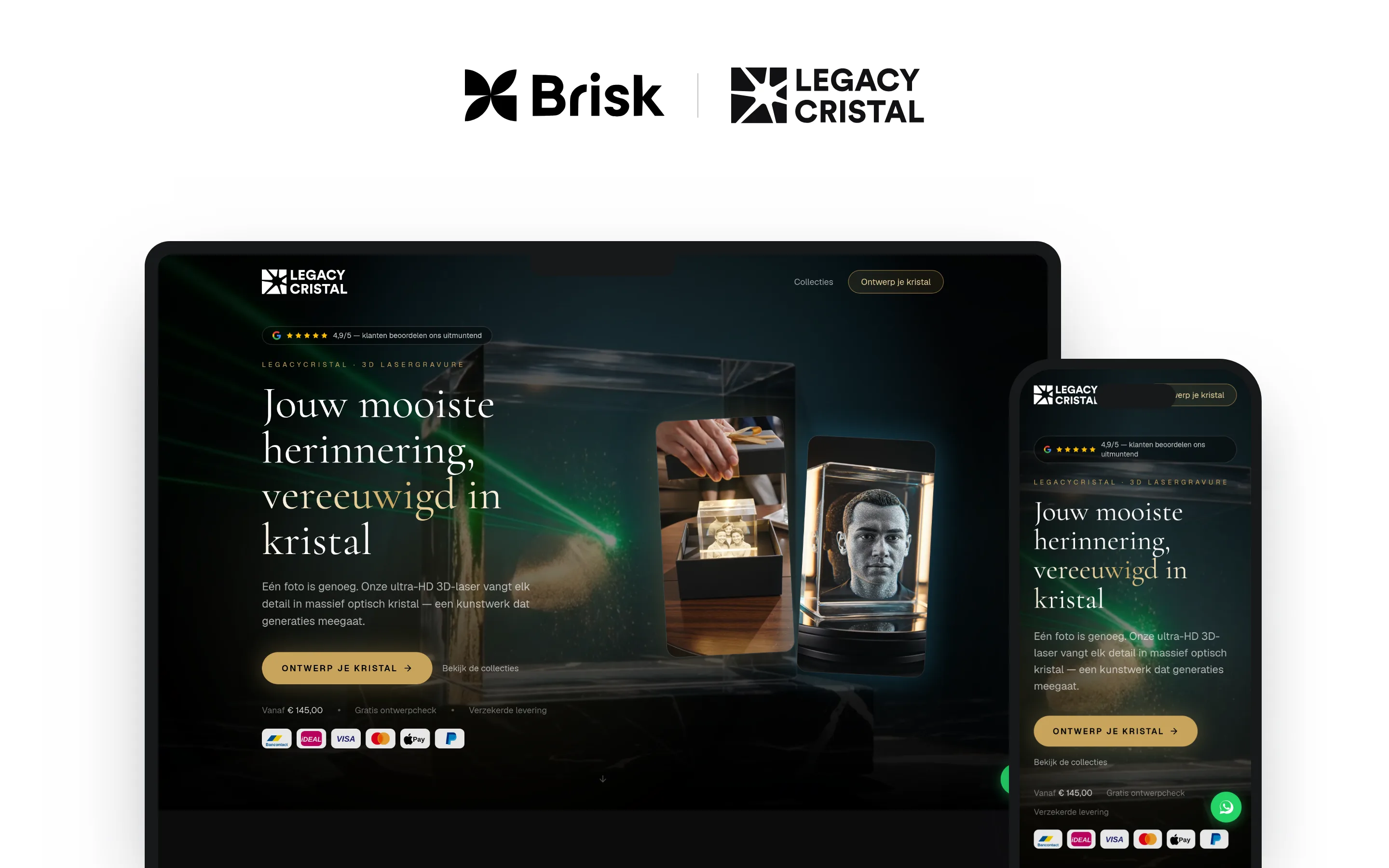
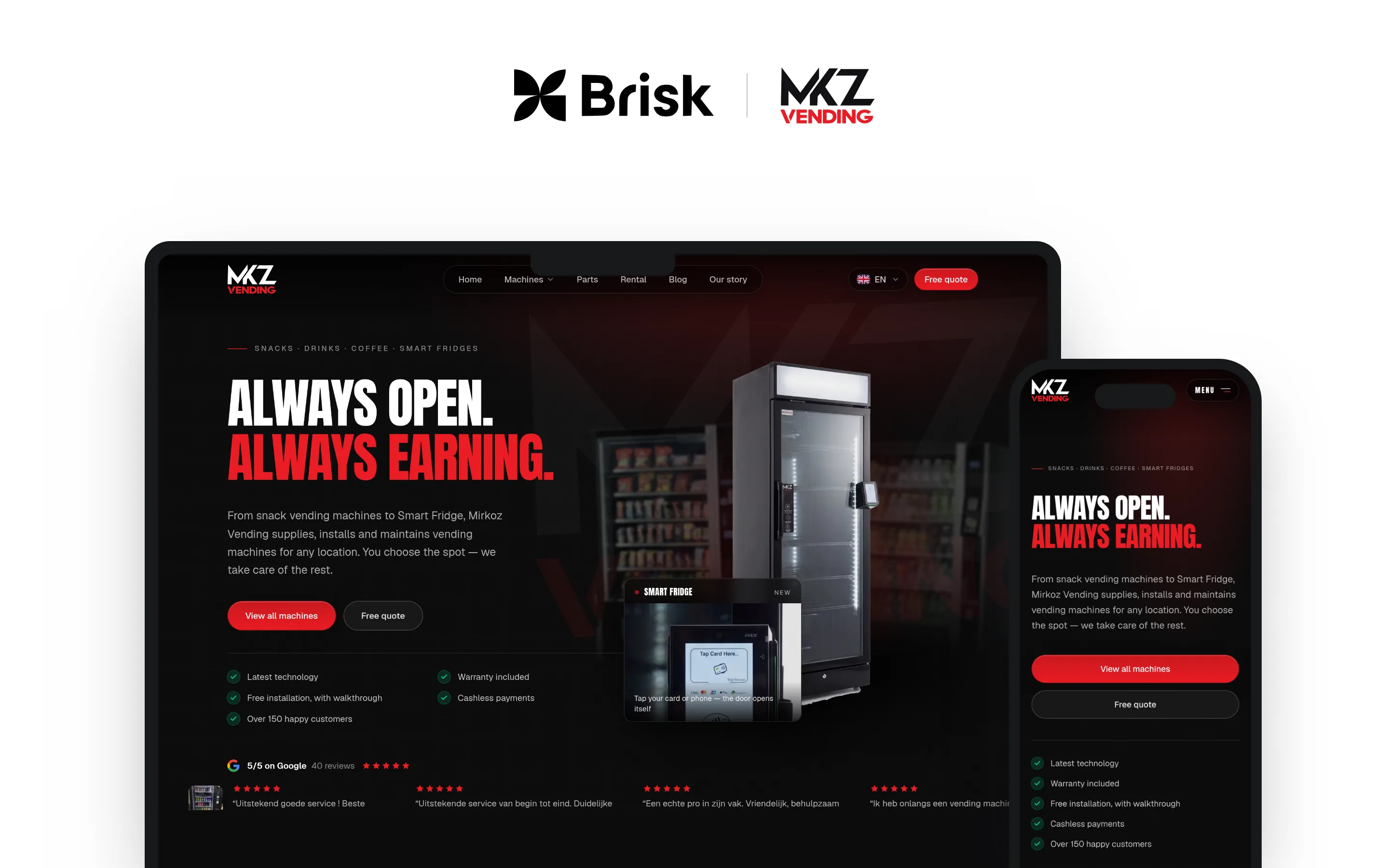
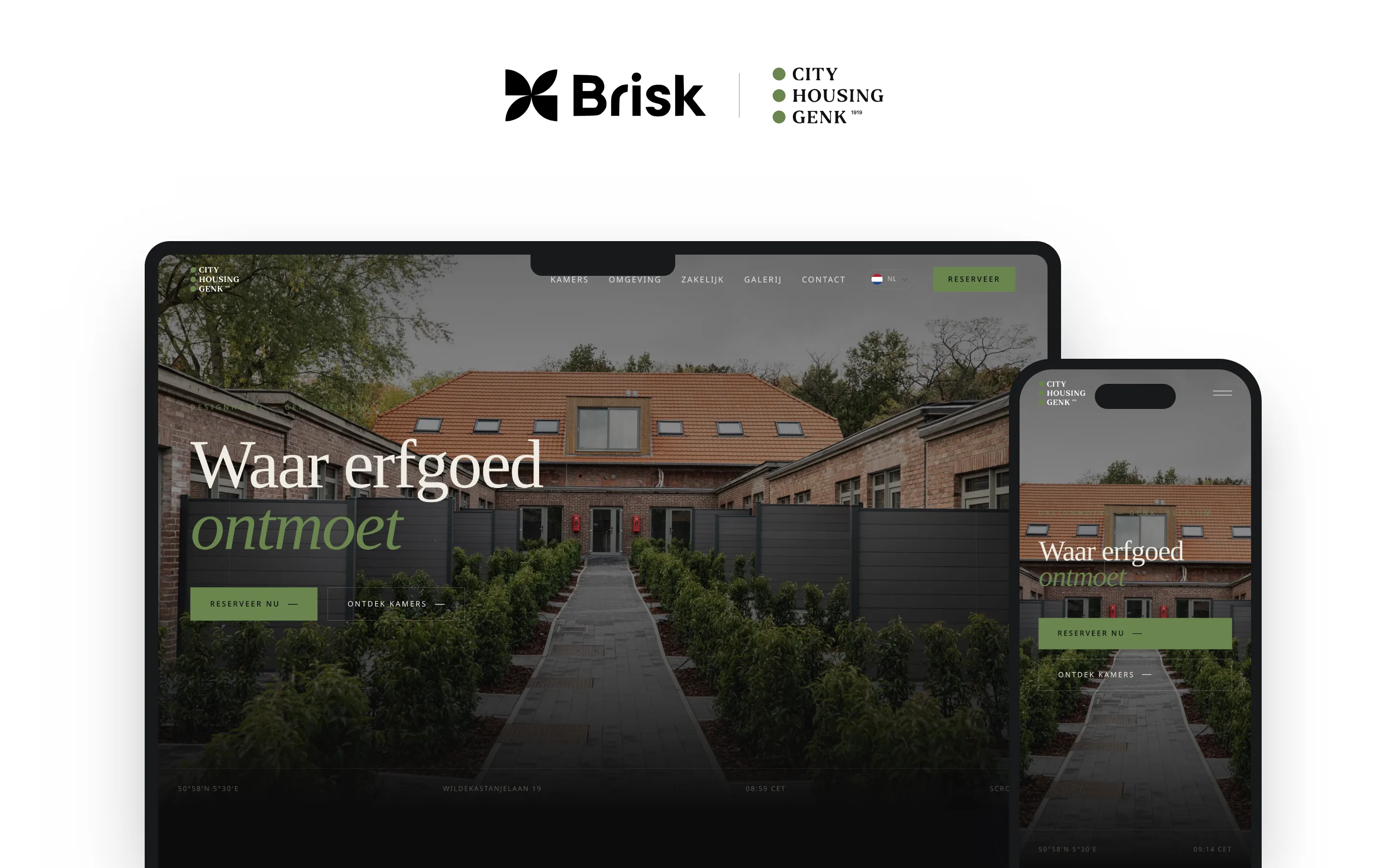
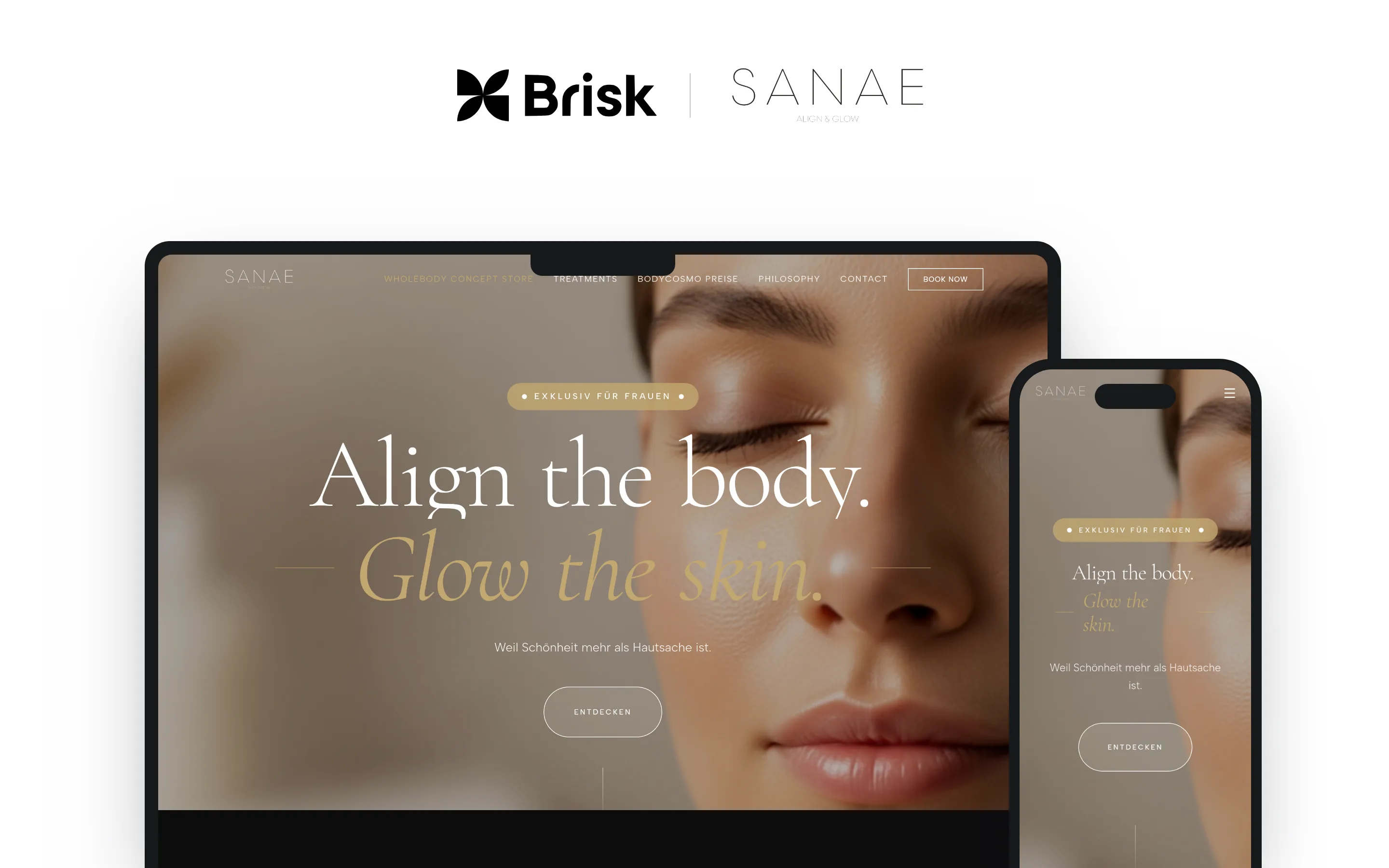
Demo with eight example businesses from the fictional town of Vennegem. Pick a trade with the buttons below: the website on the laptop and the app on the phone take on the colors, logo and photos of that business, and show what matters most in that industry. A bakery gets cake pre-orders with a pickup slot, a hair salon online booking with your regular stylist, a garage service booking by license plate, a dentist appointments with a reminder, an installer a guide price for a heat pump, a city an online service desk, a boutique reserve and pick up, and an accountant a portal to upload documents. Each time, a card shows what arrives at the business itself.
Where our team has worked. By industry, with names and roles.
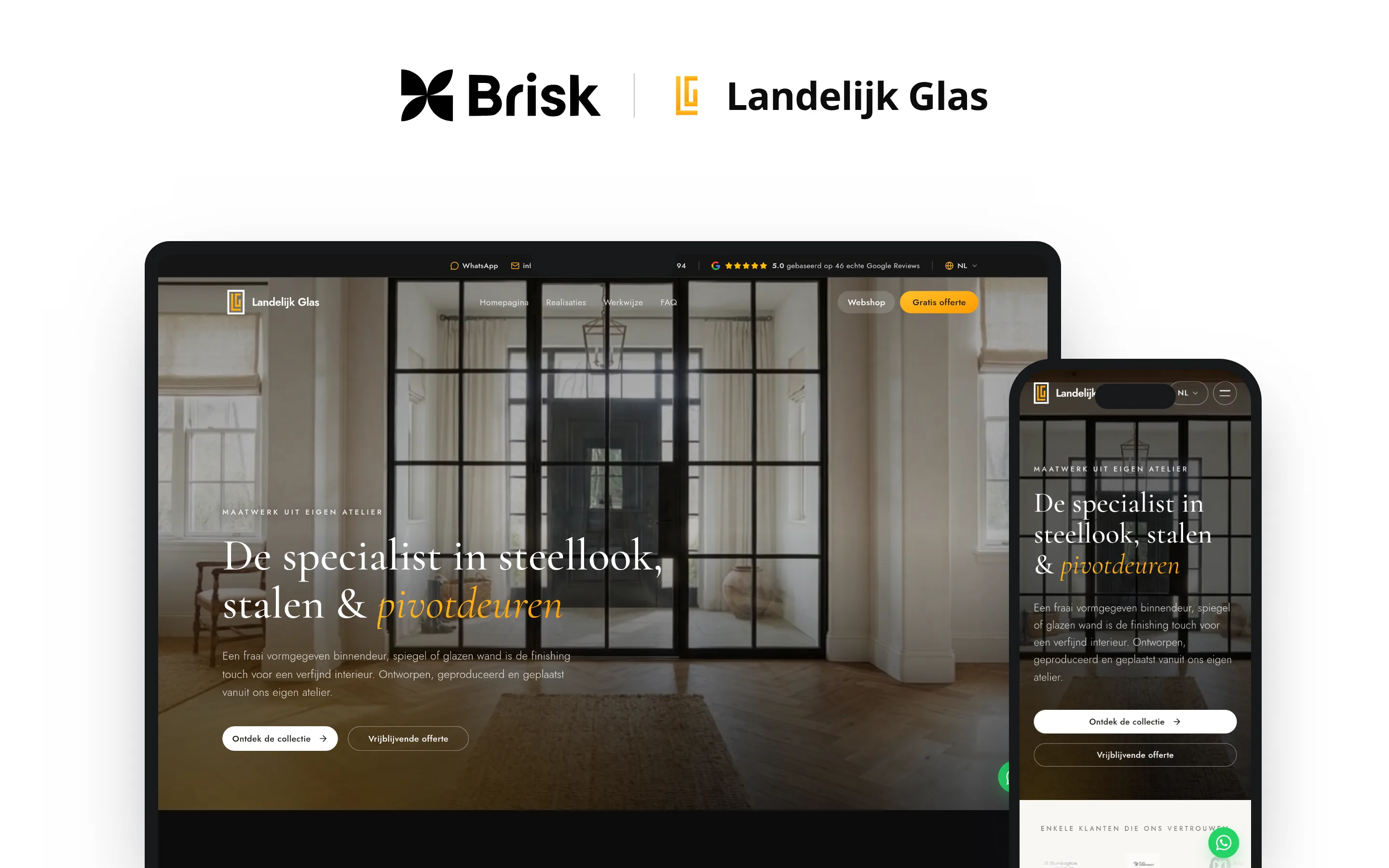
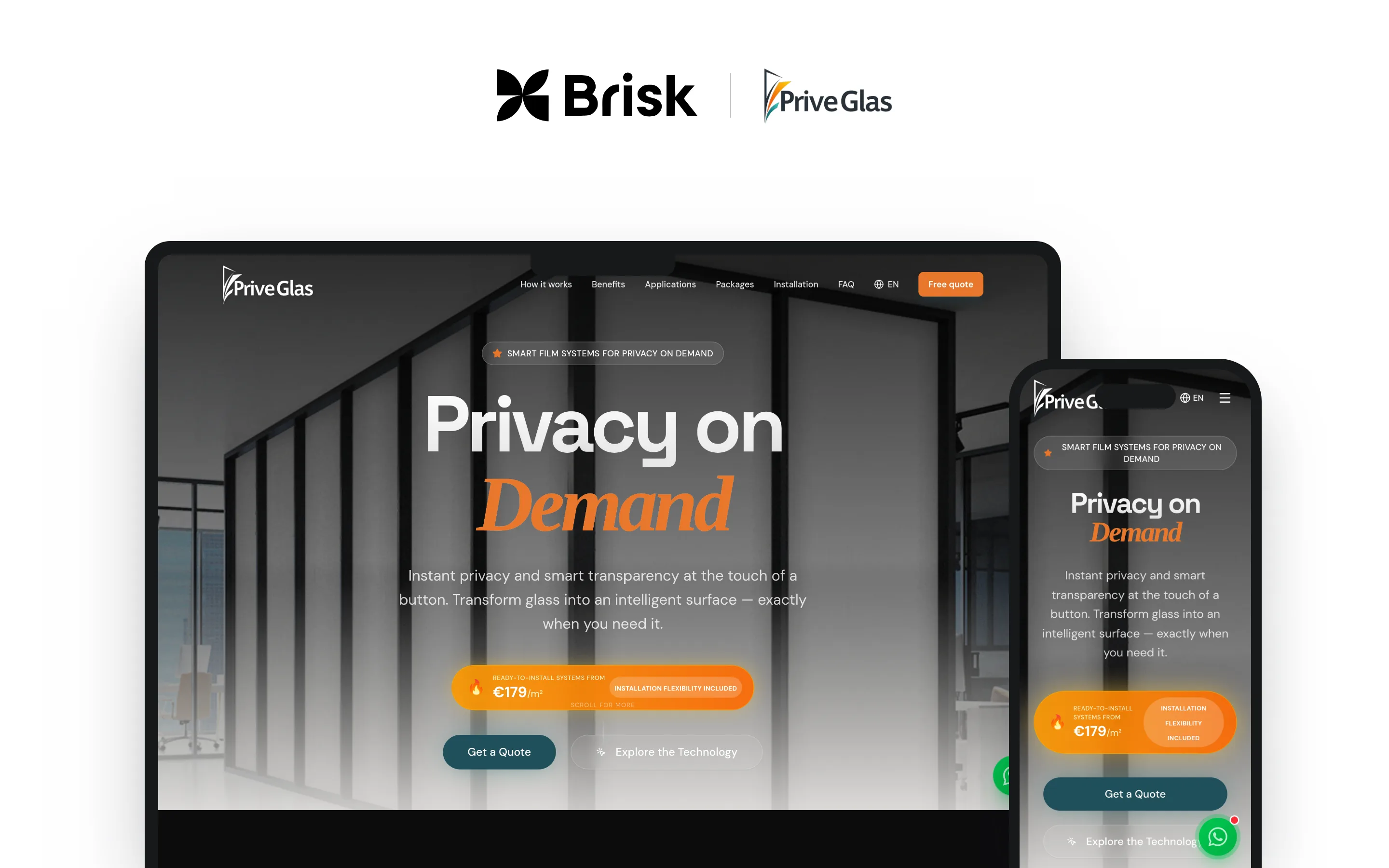
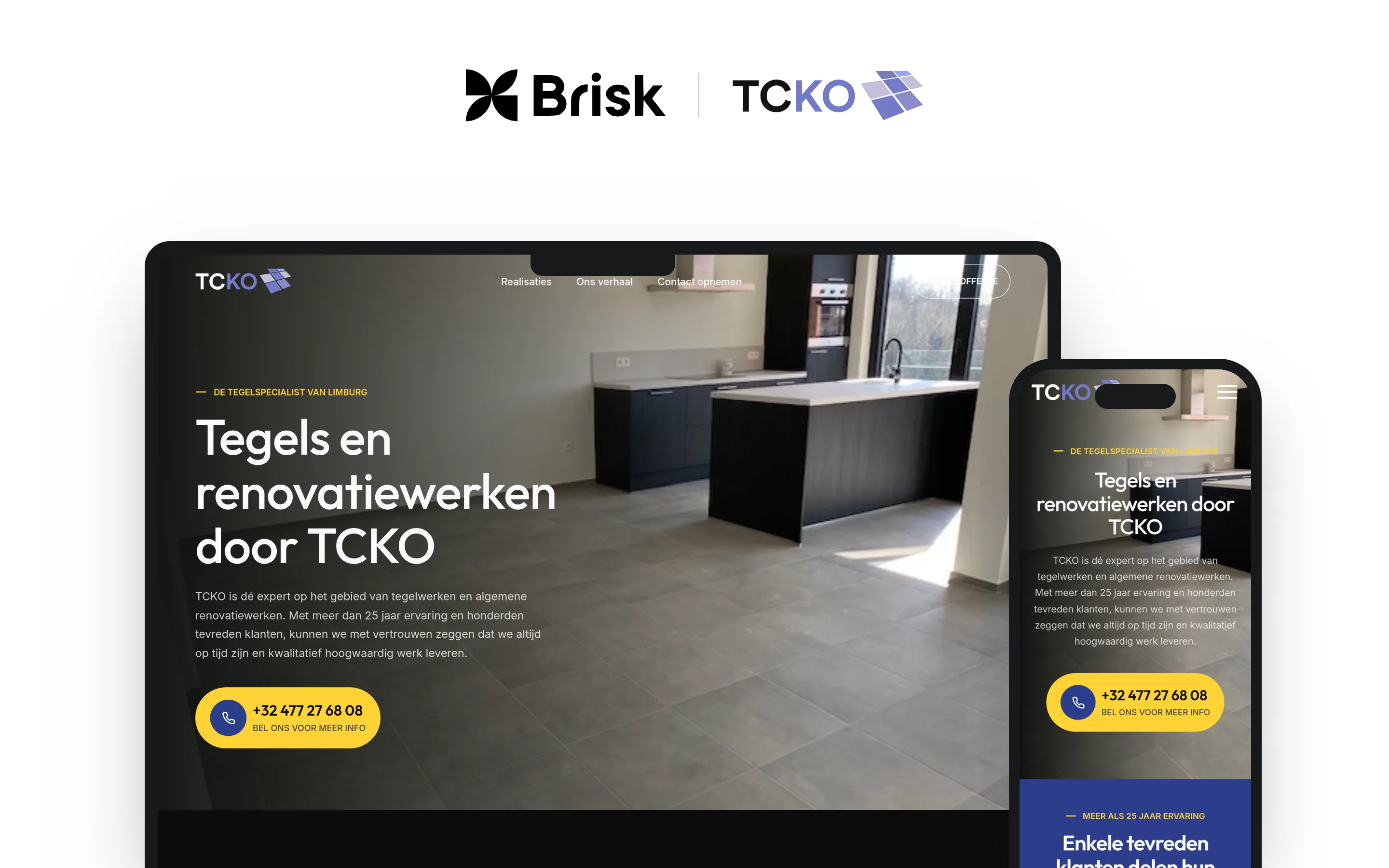
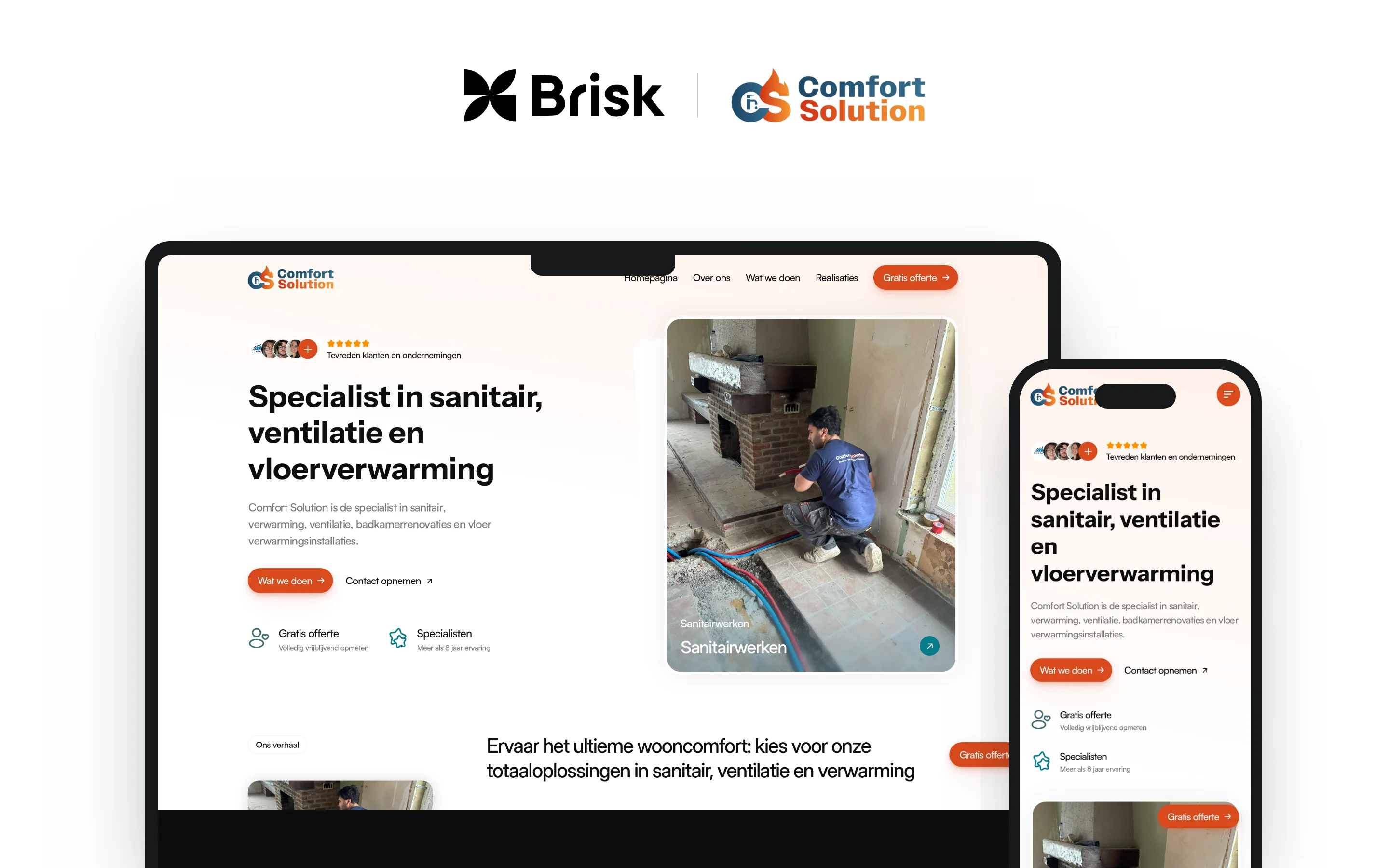
No made-up clients and no logos without an explanation. First, the websites we built for small businesses, which you can visit yourself today. Then the larger organizations our team worked on, with exactly what our role was.
on Google, from 49 reviews
5.0
projects delivered
150+
years of experience
14+
people use something our team designed or built, every day
7+ million
17 client websites. All live.
Each of these businesses has a site we designed and built from a blank page. Click through and see for yourself.
Don’t see your industry? Then we’ll get to know it the way we get to know every trade: by asking the right questions, watching how you work and testing with real cases. How we approach it
From auto shops to notaries, from bakeries to city halls. Pick your group or type what you do. For each business, you’ll read what your customers expect, where things often go wrong, what we build for you, which rules to know and what it costs.
125 industries in 13 groups, each one explained
Try:
brisk.be / industries / Automotive and mobility / Auto repair and service
125/125
Automotive and mobility
Government and public sector
Food and hospitality
Beauty and wellness
Healthcare
Education and training
Construction, installation and real estate
Shops and retail
Transport and logistics
Manufacturing and wholesale
Business services
Leisure and tourism
Farming, garden and animals
Choose your group above or type your business. Then tap your industry to read the details.
Automotive and mobility
Auto repair and service
Also: car garage, auto repair shop, mechanic, car service, car maintenance, auto workshop, car repair near me
A site where customers book a service or repair themselves, and know roughly what it costs up front.
What your customers expect
Customers want to book their service when it suits them, even at 10 p.m., without calling first. They expect an idea of the price up front and a heads-up as soon as their car is ready.
Where it often goes wrong
1The phone rings all day, right when you’re lying under a car.
2Customers ask for a price on “a major service” without giving the make, model or mileage.
3Cars are ready, but the customer doesn’t know and only shows up the next day.
What we build for you
We build a website with a booking module: the customer picks the make, model and type of work, and instantly sees which days are still open. Want to go further? We connect that schedule to your garage software or your accounting, so you never type anything twice.
Must-haves
Online booking per type of work
License plate and model with each request
Guide prices for servicing and tires
Text or WhatsApp alert: car is ready
Book a loaner car at the same time
Opening hours and directions up top
Good to know
As a garage, you report the mileage to Car-Pass for every service and every repair, while the car is still at your shop. If you use digital work orders, we make the mileage a required field.
General information, not legal advice.
Tip Send an automatic reminder a year after each service, with a link to book the next one right away.
Also: car dealer, franchised dealer, authorized dealer, showroom, new cars, dealer garage, brand dealer
A site of your own next to the brand’s: your location, your team, your workshop and your stock.
What your customers expect
Buyers compare models and prices online long before they walk into a showroom. They want to book a test drive and know who will welcome them there.
Where it often goes wrong
The brand’s site shows the brand, but not your location, your people or your service.
Inquiries come in by email, phone and forms, and end up scattered.
You’re looking for technicians, but nobody notices your job ads.
What we build for you
We build a website that shows off your location: new models, stock, workshop and team, with a planner for test drives and servicing. All inquiries arrive in one place, or go straight into your CRM through an integration.
Must-haves
Book a test drive online
Workshop booking with choice of service
Stock with filters for model and fuel
Fuel use and CO₂ for every new model
Jobs for technicians and salespeople
Team per department, with photo and contact
Good to know
Advertising for new passenger cars must state the official fuel consumption and CO₂ emissions, and that also applies to websites with a Belgian domain name. We give that information a fixed spot on every model page.
Tip
With every test drive request, ask right away whether there’s a trade-in, so your salesperson can prepare.
Also: used cars, pre-owned cars, second-hand cars, car lot, used car sales, buy a used car
A site with your current stock, honest info on every car and a quick route to a test drive.
What your customers expect
Buyers want to see everything per car: lots of photos, the mileage, the service history and the price. They’d rather send a message or plan a visit right away, even on a Sunday evening.
Where it often goes wrong
You list every car separately on your site and on classifieds sites, over and over.
Sold cars stay online, and people keep calling about them.
Plenty of trade-in requests come in, but without photos or details.
What we build for you
We build a website with a stock page you manage from one place, with filters for make, price, fuel and year. If you already use stock software or a classifieds platform, we look at whether an integration can pull in your stock automatically.
Must-haves
Stock with filters and lots of photos
Car-Pass link for every car
Trade-in requests with photos and mileage
Plan a test drive or visit
“Sold” label in one click
WhatsApp button per car
Good to know
If you sell used cars as a professional, the Car-Pass information belongs in your ad and in your showroom, and every online ad needs the unique Car-Pass link. When you sell to a private buyer, you also hand over the Car-Pass.
Tip
Add a short walk-around video to every car; buyers from farther away can then see whether the trip is worth it.
Also: body shop, collision repair, panel beater, dent repair, auto paint shop, car damage repair, bodywork
A site where people with damage quickly request an estimate, photos included.
What your customers expect
Someone who just had a collision wants to know the next step and how long they’ll be without a car. People want to send photos and hear whether you work with their insurer.
Where it often goes wrong
People call for a price, but you can’t say anything without seeing the damage.
Photos come in by WhatsApp, email and text, and you can’t find them later.
Customers call every day to ask whether their car is ready yet.
What we build for you
We build a website with a damage form: the customer uploads photos, fills in the license plate and insurer, and you get everything in one file. Later you can add a customer portal where they follow the progress of the repair themselves.
Must-haves
Report damage with photos
Choice: through insurance or self-pay
Step by step: what to do after an accident
Request a loaner car
Follow the repair’s progress
Before-and-after photos of repairs
Good to know
For body work, too, you report the mileage to Car-Pass. If you keep your damage files digitally, the mileage belongs in them as a required field.
Tip
Put a page online called “Damage? Here’s what to do” with the steps after an accident: exactly what people search for the moment they need you.
An online store where customers find the right tire and choose a fitting slot right away.
What your customers expect
Customers search by tire size or by car, and want to see the price including fitting. In spring and fall, they want to book a slot for the changeover quickly.
Where it often goes wrong
Twice a year the phone rings off the hook for the tire changeover.
Customers don’t know their tire size, or give the wrong one.
You track your tire storage in a list only you understand.
What we build for you
We build an online store with filters for tire size, season and brand, where the customer picks a fitting slot at checkout. If you store tires for customers, a simple tool keeps track of whose tires are on which rack, and customers get a timely reminder.
Must-haves
Search by tire size or by car
Tire label next to every price
Price including fitting and balancing
Pick a fitting slot when ordering
Explainer: where’s my tire size?
Reminder for the seasonal change
Good to know
If you sell tires online, the EU tire label and the product information sheet must be visible near the price. In distance sales, the customer gets a copy of the label before the purchase.
Tip
In March and October, send your tire storage customers a link to pick their own changeover slot.
Also: car wash, carwash, automatic car wash, car cleaning, detailing, polishing, ceramic coating, interior cleaning
An app or site where customers buy a wash, take out a membership or book a detailing.
What your customers expect
Customers want to pay quickly, preferably without coins or a card at the pay station. For a detailing, they want to see up front what’s included, how long it takes and what it costs.
Where it often goes wrong
On gray days everything stands still, and at the first sunshine there’s a line.
You track memberships and punch cards on paper or in a list.
People ask for a detailing price without saying how big or how dirty the car is.
What we build for you
For a car wash, we build an app where customers buy a wash program, manage a membership and collect points. Whether the app can also start your equipment depends on your machines; we look at that together. If you mostly do detailing, a website with packages, before-and-after photos and a booking module is often enough.
Must-haves
Buy a wash program in the app
Monthly unlimited wash membership
Digital loyalty card
Detailing packages with time and price
Before-and-after photos
Push notification with a deal
Tip
After a rainy week, send a push notification on Saturday morning with a limited-time deal.
What it costs
Mobile app (base) + Push notifications + In-app payments + Loyalty card or rewards program: €11,690 excl. VAT
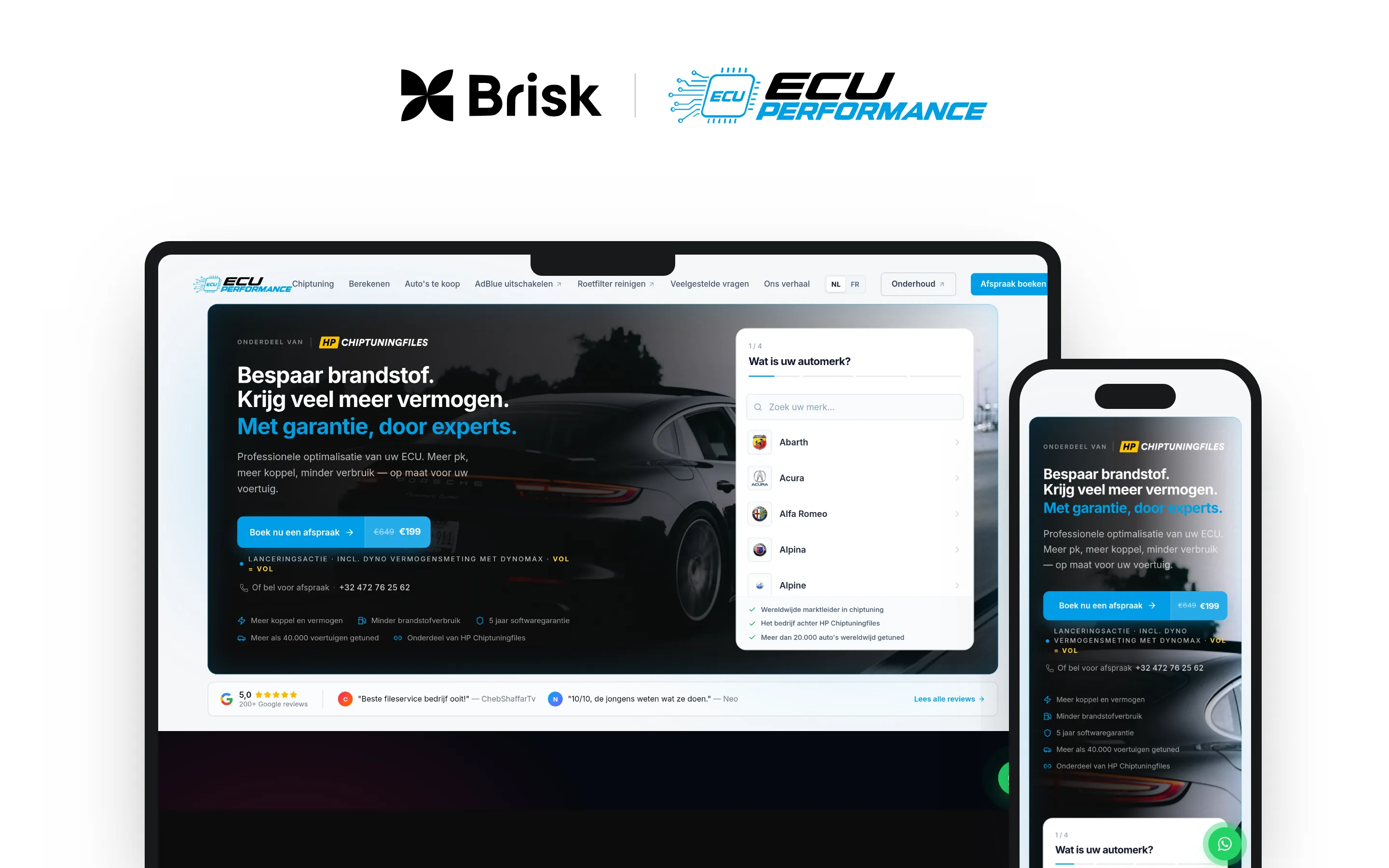
A site that shows what tuning delivers per car, and lets requests and files come in smoothly.
What your customers expect
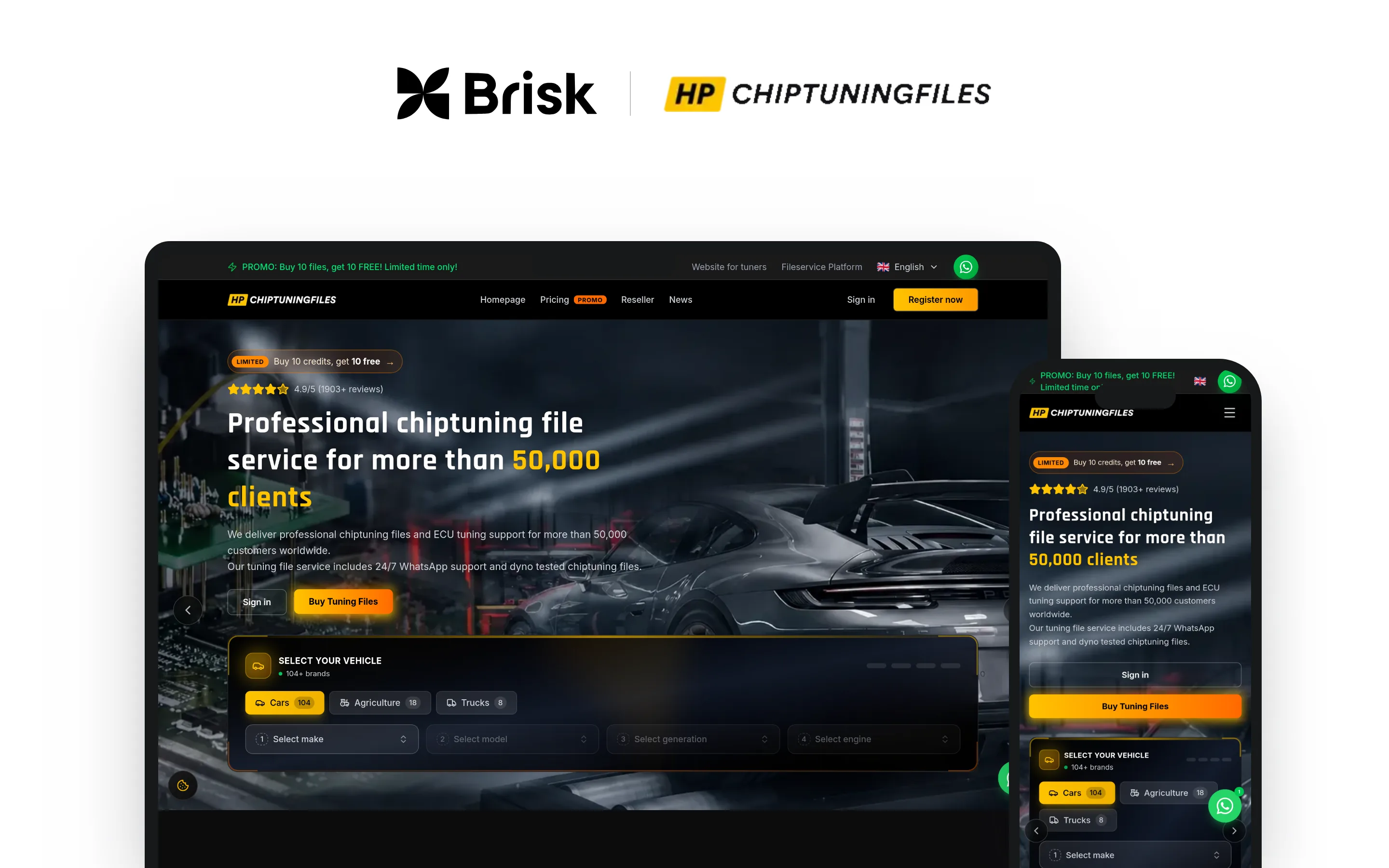
Customers search by make, model and engine, and want to see right away how much power and torque they’ll gain. Tuners who order files want to upload a file and get the modified one back fast, even outside office hours.
Where it often goes wrong
The same question every day: “How much horsepower can you get out of my car?”
Files come in by email and WhatsApp, without the right details.
Keeping the vehicle data on your site up to date is a job in itself.
What we build for you
We build a website with a vehicle selector: make, model, engine, and then the power before and after tuning, with a button to book an appointment. For a file service, we create a customer portal where tuners upload files, buy credits and download their modified files.
Must-haves
Vehicle selector by make, model and engine
Power and torque before and after
Book a tuning appointment
Upload and download files
Buy credits in the customer portal
Multilingual, for customers abroad
Tip
Create a page for every popular model with the before-and-after figures, so people find you when they search for their own car.
What it costs
Custom website (base) + Online appointment booking + Quote tool or configurator + Client area with login: €2,635 excl. VAT
A site that clearly explains what’s wrong, what it costs and how soon the customer is back on the road.
What your customers expect
Anyone who sees an orange warning light or failed the vehicle inspection wants to know quickly what’s going on. Customers want a price, a date and, in plain words, the difference between cleaning and replacing.
Where it often goes wrong
People don’t know whether their problem is the particulate filter, the AdBlue or something else.
Garages send in filters, but keep asking how that works.
After a failed inspection, everyone wants help by tomorrow.
What we build for you
We build a website that explains what to do for each problem, with a request form and a booking module. If you also sell filters or parts, we add an online store; for garages, there can be a dedicated request for shipping and pickup.
Must-haves
Explainer per symptom and error code
Cleaning vs. replacing, clearly compared
Request an appointment or pickup
Separate page for garages
Prices per filter type
Follow the cleaning’s progress
Good to know
Since July 1, 2022, the vehicle inspection in Flanders also counts the number of fine particles on diesel cars; a faulty or removed particulate filter shows up there. Explain on your site what such a failed inspection means for your customer and what the next step is.
Tip
Create a page called “Failed for particulates?” with the steps and a button to book an appointment right away.
Also: driving lessons, driving instructor, driver’s license, category B license, road test, theory test, motorcycle lessons
A site where students book lessons, compare packages and see where they stand.
What your customers expect
Students handle everything on their phone, even at 11 p.m. They and their parents want to see clearly what a package costs and how many lessons are left.
Where it often goes wrong
Moving and canceling lessons happens by phone and scattered messages.
Parents call to ask how many lessons their kid has already had.
Instructors keep their own calendar, and it doesn’t always match the office’s.
What we build for you
We build a website with packages and a booking module per instructor and per license type. In a student portal, the student sees their booked lessons, what’s left and the next steps toward the road test.
Must-haves
Book lessons per instructor
Compare packages per license
Student portal with lessons and balance
Step by step to the road test
Reminder the day before the lesson
Cancel up to a set time before
Good to know
As an accredited driving school, you must display the rates for your services in your office and in your classroom. Put those same rates on your site too, so students know up front where they stand.
Tip
Show a simple step-by-step plan from theory to road test; that’s exactly what a new student wants to know first.
What it costs
Custom website (base) + Online appointment booking + Client area with login: €2,435 excl. VAT
Car rental
Also: rent a car, car hire, van rental, rent a van, RV rental, camper rental, rental company
A site where customers pick a car, see what’s available and book right away.
What your customers expect
Renters want to see at a glance which cars are available on their dates and what it all costs together. They expect to book and pay online without emailing first.
Where it often goes wrong
Availability lives in your head or in a list, and double bookings loom.
Customers are shocked at the counter by the deposit, the mileage or the insurance.
You only check the driver’s license and ID at pickup, and that takes time.
What we build for you
We build a website with a booking module: choose dates, choose a car, add extras and pay. In a customer portal, renters upload their driver’s license in advance, and you see in one overview which car is out when.
Must-haves
Availability per car and per day
Total price with mileage and insurance
Pay online, deposit clearly stated
Upload driver’s license in advance
Extras: child seat, tow hitch, snow chains
Choose pickup and return time
Good to know
For consumers, you show the total price, including VAT and all mandatory costs. The 14-day right of withdrawal for online purchases doesn’t apply to car rental on fixed dates, so state your cancellation terms clearly with the booking.
Tip
The day before pickup, send a message with the address, opening hours and what the renter needs to bring.
What it costs
Custom website (base) + Online appointment booking + Client area with login: €2,435 excl. VAT
An app or site where customers order a ride, see the price up front and pay.
What your customers expect
Customers want to book a ride on their phone, know the price in advance and see when the car will arrive. For an airport ride, they want to book days ahead and get a confirmation.
Where it often goes wrong
Rides come in by phone, text and WhatsApp, and your schedule is one big puzzle.
Customers want a price up front, and working it out on the phone takes time.
Drivers find out late which ride they’re getting.
What we build for you
We build an app where customers order a ride, see the price up front and pay, with a notification when the driver sets off. For a smaller company, a website with a booking form for airport rides is often a good start.
Must-haves
Order a ride with pickup and drop-off
See the price before you confirm
Pay with Bancontact or card
Alert: your driver is on the way
Book airport rides well in advance
Ride overview per driver
Good to know
In Flanders, taxi services need a license from the municipality where your operating base is located. The decree also requires your fares to be transparently available before the customer requests or orders a ride.
Tip
Put fixed prices for your most frequent airport rides on your site; it saves you lots of phone calls.
Also: bicycle shop, bike store, bike repair, bike mechanic, e-bike, electric bike, speed pedelec, cargo bike
An online store with your range and stock, and repairs customers schedule online.
What your customers expect
Buyers compare e-bikes online and want to know what you have in stock before they come for a test ride. For a repair, they want to choose a time themselves, without waiting in line.
Where it often goes wrong
In spring your workshop fills up and the wait gets longer.
Customers call to ask whether a model is in stock in their size.
The stock in the store and the stock on the site don’t match.
What we build for you
We build an online store with filters for type, size and budget, connected to your POS system so your stock is always right. With a booking module, customers schedule a service or repair themselves.
Must-haves
Filters for type, frame size and budget
Stock per store, always up to date
Request a test ride
Schedule a service or repair
Explainer: e-bike or speed pedelec?
Buy online, pick up in store
Good to know
If you sell speed pedelecs, tell your buyers what comes with it: registration with the DIV and a license plate, a driver’s license (AM, A or B), a helmet and a minimum age of 16.
Tip
Put a three-question bike finder online (“What will you ride for?”) that leads to the right bikes in your range.
Also: EV charger installation, charging point, charging station, wallbox, home charging, charging infrastructure, electric car charger
A site that explains which charger fits, with a quote request that asks for the right details right away.
What your customers expect
People getting an electric car often don’t know which charger they need or what has to change in their electrical panel. Customers want a price, a date and someone who handles everything, including the inspection.
Where it often goes wrong
Quote requests without a photo of the electrical panel or the distance to the driveway.
The same explanation about single-phase, three-phase and power, again and again.
Companies with a fleet ask for several charging points, and each one is custom work.
What we build for you
We build a website with a step-by-step quote request: type of car, electrical panel, distance and photos. With completed projects and clear explanations, you get requests you can act on right away.
Must-haves
Step-by-step quote request, with photos
Explainer: which charger for which car
Projects for homes and businesses
Page for businesses and condo associations
Inspection and aftercare explained
Alert as soon as installation is scheduled
Good to know
Adding a charging station is an extension of the electrical installation, and under the AREI (Belgium’s electrical installation regulations) that requires an inspection by an accredited body. Explain this on your site, so the customer knows what still follows after installation.
Tip
Ask for one photo of the electrical panel and one of the charger location in your quote form; that way you can often give a price without a visit.
What it costs
Custom website (base) + Projects or portfolio + Quote tool or configurator: €1,405 excl. VAT
City or municipality
Also: city hall, town hall, local government, municipal government, e-services, online counter, city services
A website and e-services portal where residents handle their own affairs and quickly find what they need.
What your customers expect
Residents want to request a certificate, make an appointment or report something without coming to the counter. They search the way they think (“new ID card”, “bulky waste”), not by how your departments are organized.
Where it often goes wrong
The website follows the org chart, and residents can’t find their way.
The counters are packed with questions that could have been handled online.
Every department wants its own pages, and nobody keeps them up to date.
What we build for you
We build an accessible website around residents’ questions, with an e-services portal where they log in with itsme or their eID and follow their requests. A booking module for the counters and a jobs page come with it; we connect to your existing systems wherever possible.
Must-haves
Search in everyday words
Book a counter appointment online
Log in with itsme or eID
Track requests in a personal portal
Decision lists and regulations online
Jobs at the city and OCMW
Good to know
As a government body, your website and apps must be accessible according to WCAG 2.1 level AA, with an accessibility statement. The Flemish Local Government Decree also requires you to publish your decision lists and regulations through the municipality’s website.
Tip
Put the ten questions your counter gets most often at the top of your homepage, each with one clear button.
What it costs
Custom website (base) + Online appointment booking + Job openings + Client area with login: €2,705 excl. VAT
OCMW and social services
Also: public social welfare center, CPAS, social services, welfare, living wage, local service center, home care, social work
A warm, simple site and a secure portal where people find help and submit documents safely.
What your customers expect
People looking for help want to read in simple words what they’re entitled to and how to get started. They want to submit documents without coming in, and be sure they’re safe.
Where it often goes wrong
Applications come in with missing documents, and everything gets delayed.
Social workers piece together papers and emails for a single case.
Many people give up at difficult language or a long form.
What we build for you
We build software with a secure portal: log in with itsme or eID, upload documents safely and see what’s still missing. For your team, it becomes one overview per case, connected to the systems you already use.
Must-haves
Explanations in simple language
Upload documents securely
Checklist: what’s still missing
Log in with itsme or eID
Appointment with a social worker
Easy to use on a phone
Good to know
As a public body, your website and apps must be accessible according to WCAG 2.1 level AA, with an accessibility statement. In a portal with sensitive personal data, we also limit who can see what, and log who opened a case.
Tip
Have a few clients test your new application form before it goes live: where they get stuck, others will too.
Also: waste management, recycling center, recycling park, waste calendar, garbage collection, trash pickup, sorting
An app and site with the waste calendar per street, the recycling center and a place to report issues.
What your customers expect
Residents want to know which bag goes out tomorrow without digging through a paper calendar. They want a reminder the evening before and a place to report a missed pickup.
Where it often goes wrong
Every week, calls about missed pickups and the waste calendar.
Changes due to holidays or roadwork don’t reach residents.
You work for several municipalities, each with its own rules and dates.
What we build for you
We build an app with the waste calendar per address, a reminder the evening before pickup and a report form with photo. The data comes from your existing schedule through an integration, so you only enter a change once.
Must-haves
Waste calendar per street and number
Reminder the evening before
Report a missed pickup with photo
Recycling center hours and rules
Sorting guide: what goes where?
News per municipality
Good to know
An intermunicipal company is a partnership of public authorities, so it falls under the rules for government websites: website and app accessible according to WCAG 2.1 level AA, with an accessibility statement.
Tip
Let residents choose their address once in the app; after that, they only see what applies to them.
What it costs
Mobile app (base) + Push notifications + Integration with your systems: €10,640 excl. VAT
Water and energy utility
Also: utility company, water company, drinking water supplier, grid operator, energy company, customer portal, meter reading
A clear website and a customer portal where people handle their meter readings, bills and requests themselves.
What your customers expect
Customers want to submit their meter reading, view a bill or report a move whenever it suits them. When there’s an outage or work on their street, they want to know right away what’s happening and how long it will take.
Where it often goes wrong
Your customer service gets questions customers could have handled themselves.
The website has grown for years, and every page looks different.
The customer portal struggles to talk to your billing and customer systems.
What we build for you
We build software for the customer portal: log in, submit meter readings, view bills and file requests, connected to your existing systems. We build the website from reusable components, so every page looks consistent and your team creates new pages on its own.
Must-haves
Submit a meter reading with photo
Bills and payments in the portal
Request a move or connection
Outages and works per street
Log in with itsme or eID
Website from fixed building blocks
Good to know
If you’re a public-law body, your website and apps must be accessible according to WCAG 2.1 level AA, with an accessibility statement.
Tip
Let customers upload a photo of the meter with their reading; if a number is in doubt, it’s instantly clear.
Also: local police, police, community officer, neighborhood officer, police station, police front desk, file a report, police recruitment
A clear site that shows who your community officer is, what can be done online and when to come in.
What your customers expect
Residents want to know who their community officer is, when the front desk is open and whether they need to come in for their question. For anything non-urgent, they expect to book an appointment or handle it online.
Where it often goes wrong
The front desk gets questions that could have been handled online.
Residents don’t know when to call 101 and when to call the station’s number.
You’re looking for new colleagues, but your job ads get lost among everything else.
What we build for you
We build an accessible website around residents’ questions: find your community officer by address, book an appointment and get to the right online service. A separate recruitment page shows what working in your zone is like.
Must-haves
Find your officer by address
Book a front desk appointment
When to call 101, when the station
Link to online reporting
Jobs and info sessions
News and prevention tips
Good to know
As a public body, your website must be accessible according to WCAG 2.1 level AA, with an accessibility statement.
Tip
Online reports of, for example, certain thefts or damage go through Police-on-web; put a clear button to it on your site instead of building your own form.
Also: fire department, fire service, rescue zone, fire station, volunteer firefighters, fire prevention, fire safety advice
A site for prevention, practical questions and finding new firefighters, volunteers included.
What your customers expect
Residents look for information on fire prevention and smoke alarms, and business owners for fire safety advice for their business or event. Firefighter candidates want to know what the job involves, how selection works and whether they can start as a volunteer.
Where it often goes wrong
You can’t find enough volunteers, especially during the day.
Business owners and organizers don’t know how to request fire safety advice.
Every station has its own info, and everything is scattered.
What we build for you
We build an accessible website with one place for prevention, requests and recruitment, and a page per station. A form for fire safety advice or an event sends everything straight to the right department.
Must-haves
Recruitment in clear steps
Request fire safety advice online
Smoke alarms and fire safety explained
Page per fire station
When to call 112, and when not
News and drills in your area
Good to know
As a public body, your website must be accessible according to WCAG 2.1 level AA, with an accessibility statement.
Tip
On your recruitment page, let a few of your own volunteers explain how they combine their job with the fire service; every candidate wonders about that.
What it costs
Custom website (base) + Blog and news + Job openings: €1,475 excl. VAT
Library
Also: public library, city library, branch library, book club, reading club, digital help
A site that shows your activities, opening hours and services, alongside the catalog.
What your customers expect
Visitors want to see quickly when the library is open, what’s on this month and how to become a member. For a workshop, a book club or digital help, they want to reserve a spot online.
Where it often goes wrong
Activities are scattered across the site, flyers and social media.
Signing up for a workshop still happens by phone or at the desk.
People don’t know which services you offer besides books.
What we build for you
We build a website for everything around the catalog: activities, sign-ups, services and practical info. If you already enter your activities in the UiTdatabank, we show them on your site automatically through an integration, so you only enter them once.
Must-haves
Activity calendar with sign-up
Opening hours per branch
Become a member: steps and rates
Services: printing, digital help, study space
Link to the catalog and your account
News and reading tips
Good to know
If your library is a municipal service, the rules for government websites apply: accessible according to WCAG 2.1 level AA, with an accessibility statement.
Tip
Show the number of open spots for every activity, so people see right away whether they need to hurry.
What it costs
Custom website (base) + Blog and news + Online appointment booking: €1,685 excl. VAT
Cultural center
Also: arts center, cultural center, theater, concert hall, community center, venue rental, tickets
A site with your program, tickets and venue rental, clear and smooth on any phone.
What your customers expect
Visitors want to browse the program, filter by genre or date and buy a ticket in a few taps. Local groups want to see which hall is free when and what renting it costs.
Where it often goes wrong
You enter your program on your site, in the UiTdatabank and in your ticketing system.
Venue rental runs through email and phone, with lots of back and forth.
Your program is hard to read on a phone.
What we build for you
We build a website that pulls your program from one source, such as the UiTdatabank, with a direct route to your ticketing system. For venue rental, we add a request module with halls, availability and rates.
Must-haves
Program with genre and date filters
Buy a ticket in a few steps
Venue rental with availability
Practical: parking, accessibility, bar
Newsletter by interest
Offers for schools and local groups
Good to know
If your cultural center is a municipal service or institution, the rules for government websites apply: accessible according to WCAG 2.1 level AA, with an accessibility statement. The 14-day right of withdrawal doesn’t apply to tickets for a fixed date; state clearly on your site what you do in case of cancellation.
Tip
Show the hall’s accessibility and the nearest parking for every performance; otherwise those questions end up at the box office.
What it costs
Custom website (base) + Blog and news + Online appointment booking: €1,685 excl. VAT
Flemish and federal government
Also: government agency, public service, department, FPS, federal government, Flemish government, government portal
Portals, forms and internal tools that genuinely help citizens and civil servants.
What your customers expect
Citizens and businesses want to submit an application correctly in one go, with itsme or their eID, and then see where their case stands. Civil servants want less retyping and fewer emails about missing documents.
Where it often goes wrong
Applications come in incomplete, and every case needs extra emails.
Old systems don’t talk to each other, so data gets retyped.
Reporting means manual work in Excel every month.
What we build for you
We build software: a portal where citizens or businesses submit and track applications, connected to your existing systems, with reports for your team. We start small, with one application, and expand what works.
Must-haves
Log in with itsme or eID
A form that shows what’s missing
Case tracking, for citizen and staff
Integration with existing systems
Reports without manual work
Accessible and multilingual
Good to know
Websites and apps of public bodies must be accessible: EU Directive 2016/2102 was transposed federally in the Act of July 19, 2018, and in Flanders in the Governance Decree. In practice: WCAG 2.1 level AA, an accessibility statement and a way for users to report problems.
Tip
Pick the application that causes the most emails today and make it fully digital first; you’ll quickly see what works.
What it costs
Custom software (base) + Customer portal + Reporting and dashboards + Integrations with existing software: €9,745 excl. VAT
Bakery and pastry shop
Also: bakery, bakeshop, pastry shop, patisserie, cake shop, order a cake online, order sandwiches
An online store where customers pre-order cakes and sandwiches and choose their own pickup time.
What your customers expect
Customers want to order their birthday cake on a Sunday evening without calling. They want to see what you have today and when you’re open.
Where it often goes wrong
On Saturday morning the phone never stops, while the shop is full.
Orders on scraps of paper get lost or written down wrong.
An ordered cake never gets picked up, and you’re stuck with it.
What we build for you
We build an online store where customers order cakes, sandwiches and platters, pay in advance and pick a pickup slot. Anyone who picks up the same bread every Saturday can set it up as a subscription. Every morning you see one baking schedule per product, instead of a pile of notes.
Must-haves
Build a cake: size, flavor and message
Pickup slots per day and per hour
Pay in advance with Bancontact
Standing order as a subscription
Baking schedule per product for the kitchen
Allergens for every product
Good to know
If you sell food online, the allergen information must be visible before the customer orders, including for unpackaged products such as cakes and bread (EU Regulation 1169/2011, Articles 14 and 44). That’s why we show the allergens on every product page.
Tip
Accept cake orders until a set time the day before, so your kitchen knows in time what to bake.
An online store for BBQ, gourmet and party packages, with pickup on a chosen day.
What your customers expect
Customers prefer to put together their tabletop grill for ten at home, calmly and with the right amounts. Around the holidays, they want to be sure their order will be ready.
Where it often goes wrong
Around Christmas and New Year’s, the phone and the counter are swamped at the same time.
You keep explaining how much meat you count per person.
You only know at the last minute how much you need to prepare.
What we build for you
We build an online store with packages customers put together per number of people: BBQ, tabletop grill, fondue or hot stone. They pay in advance and choose a pickup day. You get a cutting list per day, so your prep room knows what needs to be ready.
Must-haves
Packages per number of people
Pickup days with a daily maximum
Daily cutting list for the prep room
Allergens for prepared foods and sauces
Edit weekly specials yourself
Order cutoff per holiday
Good to know
Selling food online also requires an authorization from the FASFC (the Belgian food safety agency). And for prepared foods such as steak tartare, sausages and sauces, the allergen information must be visible before the customer orders (EU Regulation 1169/2011, Articles 14 and 44).
Tip
Set an order cutoff per holiday in your online store: then you decide how much you can handle, not the phone.
An online store with your daily menu and party menus, which customers order and pay for online.
What your customers expect
Customers want to know what a buffet for 25 people costs without having to email first. They want to order their daily special quickly in the morning and pick it up at noon.
Where it often goes wrong
For every party, you send the same explanation and prices all over again.
Changes in numbers come in by text, email and phone at the same time.
Your daily menu is on Facebook, but not on your own site.
What we build for you
We build an online store for daily specials and party menus: customers choose dishes, number of people and a pickup or delivery day, and pay right away. Businesses get their own account and order lunches on invoice. You update your weekly menu yourself.
Must-haves
Build a menu per number of people
Edit the weekly daily menu yourself
Pickup or delivery in a time slot
Allergens per dish
Order cutoff per day or per event
Business customers order on invoice
Good to know
In your shop, you may communicate the allergens of unpackaged dishes verbally or in writing (Royal Decree of July 17, 2014), but online that information must be visible before the customer orders (EU Regulation 1169/2011, Article 14).
Tip
Add a per-person calculator to every party menu: customers see their total right away, and you get fewer questions.
An online store for pralines and gifts, with shipping and orders for businesses.
What your customers expect
Customers want to fill their own ballotin and have it shipped as a gift, with a personal card. In the fall, businesses look for corporate gifts, delivered to multiple addresses.
Where it often goes wrong
Around Easter, Saint Nicholas and Christmas, you can barely keep up with demand.
In summer you’d rather not ship, but customers order anyway.
Business orders arrive as loose Excel lists.
What we build for you
We build an online store where customers fill a ballotin, choose gift wrapping and have it shipped or pick it up. Businesses get their own account with their prices and a list of delivery addresses. During a heat wave, you pause shipping temporarily with one click.
Must-haves
Fill your own ballotin, praline by praline
Gift wrapping and a card with a message
Pause shipping in hot weather
Corporate gifts with per-company prices
Seasonal range for Easter and Christmas
Allergens per praline
Good to know
When selling online, the mandatory product information, including allergens such as nuts, milk and soy, must be visible before the purchase, not just on the box (EU Regulation 1169/2011, Article 14).
Tip
Open corporate gift orders as early as October, with a clear deadline for delivery before Christmas.
An online store with subscriptions, so your regulars never run out of coffee or tea.
What your customers expect
Coffee lovers want to know where their beans come from, how they taste and which grind suits their machine. Once they’re happy, they want a fresh bag in the mailbox automatically every two weeks.
Where it often goes wrong
Regulars order irregularly and sometimes simply forget.
You keep explaining which grind suits which coffee machine.
Cafés and offices order by email, each with their own prices.
What we build for you
We build an online store with coffee and tea subscriptions that are paid and shipped automatically. For each product you share the origin, flavor and roast date, and the customer chooses the grind. Cafés, restaurants and offices order in their own portal, at their own prices.
Must-haves
Subscription weekly, biweekly or monthly
Choose the grind per brew method
Origin, flavor profile and roast date
Create shipping labels automatically
Café and office prices per customer
Sampler pack for new customers
Good to know
If you sell prepackaged coffee or tea online, the mandatory label information (except the best-before date) must already be on your product page before the customer pays (EU Regulation 1169/2011, Article 14).
Tip
Let customers pause their subscription during vacations; they’re less likely to cancel.
An online store with good filters, an age check and delivery to homes or businesses.
What your customers expect
Customers look for a wine to go with their dish or within their budget, and want it delivered to their door. Cafés, restaurants and clubs want to repeat their standing order quickly, with kegs, empties and an invoice.
Where it often goes wrong
Your range is huge, but online nobody finds what they’re looking for.
Empties and deposits get mixed up in your books.
Regular hospitality customers phone in the same order every week.
What we build for you
We build an online store with filters for color, country, grape, price and food pairing, and an age check at checkout. Cafés, restaurants, clubs and party organizers get their own account with their prices and reorder in one click. You plan deliveries in rounds per region.
Must-haves
Filters for country, grape, price and food
Age check before checkout
Empties and deposits charged separately
Trade prices and reordering per customer
Delivery rounds per region and per day
Party package with kegs and glasses
Good to know
You may not sell spirits to anyone under 18, or beer and wine (without added spirits) to anyone under 16, and the seller must check the age. That’s why we build an age check into your online store.
Tip
Create a page per occasion (communion, wedding, party) with a calculator: how much to drink for how many guests.
What it costs
Custom webshop (base) + Advanced search and filters + B2B pricing and customer accounts: €3,455 excl. VAT
Restaurant
Also: brasserie, bistro, eatery, restaurant reservations, book a table, menu
A fast site with your menu, online reservations and opening hours that are always right.
What your customers expect
Guests check your menu and photos on their phone first, and then prefer to book online right away, even at 11 p.m. Anyone with an allergy wants to know in advance what they can eat.
Where it often goes wrong
During service, the phone rings for reservations.
The menu on your site is still last season’s.
No-shows cost you a full table.
What we build for you
We build a website with a menu you update yourself and online reservations per time slot and party size. If you already use a reservation system or POS, such as Resengo or Lightspeed, we build it into your site instead of replacing it. A jobs page helps you find extra hands for the season.
Must-haves
Edit the menu and specials yourself
Online reservations per time slot
Reminder email against no-shows
Allergens per dish
Gift cards online
Jobs for kitchen and floor staff
Good to know
If you make more than €25,000 a year (excl. VAT) from restaurant and catering services, drinks not included, you must use a registered cash register system (the “white cash register”). You must be able to communicate the allergens in your dishes verbally or in writing (Royal Decree of July 17, 2014).
Tip
Put your menu on your site as real text, not as a PDF: search engines can read it and guests can zoom in easily.
Also: pub, bar, cocktail bar, beer bar, wine bar, lounge, party room rental
A site with your calendar, opening hours and venue, so people know when something’s on.
What your customers expect
People check on their phone whether you’re open tonight and what’s on the program. Anyone planning a birthday or team night wants to know if there’s room and what it costs.
Where it often goes wrong
Your events are only on social media and don’t reach everyone.
Requests for private parties come in through five channels.
It’s hard to find staff for the weekends.
What we build for you
We build a website with your opening hours, your drinks menu, a calendar for quizzes, live music and matches, and a request form for parties. You add to the calendar yourself, in a minute. A jobs page helps you find student workers and part-time staff.
Must-haves
Calendar for events and matches
Drinks menu you edit yourself
Requests for private parties and room hire
Opening hours with exceptions
Jobs for weekend work
Photos of the bar and the terrace
Good to know
You may not serve spirits to anyone under 18, or beer and wine (without added spirits) to anyone under 16, and when in doubt you ask for ID. That rule also applies when you sell drinks online, for example for an event.
Tip
Add every quiz, match or gig as a separate item in your calendar, so it can also appear in Google.
What it costs
Custom website (base) + Blog and news + Job openings: €1,475 excl. VAT
Fries shop and snack bar
Also: fry shop, friterie, Belgian fries, chip shop, snack bar, takeout, order fries online
Online ordering and pickup at a chosen time, without a line and without the phone.
What your customers expect
On Friday evening, customers prefer to order on their phone and pick up when it’s ready. They want to repeat the usual order for the whole family without choosing everything again.
Where it often goes wrong
On Friday the line goes out the door and the phone never stops ringing.
Phone orders get misheard.
Delivery platforms charge a commission on every order.
What we build for you
We build your own ordering site, a small online store, with your full menu, sauces and extras, pickup slots every fifteen minutes and advance payment. That way you decide how many orders you can handle per slot. If you use a POS system, we look at whether orders can go straight into it.
Must-haves
Menu with sauces, extras and sizes
Pickup slots with a cap per 15 minutes
Pay in advance with Bancontact
Reorder your previous order
Pause orders when it’s busy
Allergens per snack and sauce
Good to know
In a fries shop, too, customers must be able to ask about the allergens in your snacks and sauces (Royal Decree of July 17, 2014), and online they must be visible before the customer orders. Fries shops are also on the list of businesses to which the white cash register (GKS) may apply, depending on your revenue.
Tip
Put a QR code on your counter and your window that goes straight to your ordering site.
What it costs
Custom webshop (base): €2,495 excl. VAT
Food truck
Also: food truck, mobile catering, street food, food truck rental, food truck for a party, food truck catering
A site with this week’s locations and a request form to book your truck for an event.
What your customers expect
Fans want to know where you are this week without scrolling through your Instagram. Anyone organizing a wedding or company party wants to know quickly whether you’re free and what it costs per guest.
Where it often goes wrong
Customers end up at an empty spot because your location changed.
Every party request takes ten emails back and forth.
Your event calendar lives in your head and on your phone.
What we build for you
We build a website with a location calendar you update from your phone, and a quote tool where organizers enter the date, place and number of guests and instantly see a guide price. That way you get complete requests you can answer right away.
Must-haves
Location calendar you edit from your phone
Quote request with date and guest count
Guide price per guest or per package
Open dates for events visible
Menu with allergens
Photos of your truck at events
Good to know
For a spot on public property, you request permission from the municipality in advance. That’s why we only put confirmed spots on your location calendar.
Tip
Let organizers hold a date “provisionally”, so you don’t lose a request while you check your schedule.
A site that shows your packages, venue and guide prices, and brings in complete requests.
What your customers expect
Couples and companies compare venues and caterers online long before they call. They want photos of real events, an idea of the price per person and to know whether their date is still available.
Where it often goes wrong
Requests come in without a date, guest count or budget.
You keep emailing the same brochure and price list.
Slow follow-up can cost you an entire event.
What we build for you
We build a website with your packages, your venue in photos and a quote tool: guests choose the date, number of people, package and extras, and see a guide price. You get a complete request instead of “how much does a party cost?”.
Must-haves
Packages with price per person
Quote tool with date, guests and extras
Venue and capacity per layout
Photo gallery of real events
Check whether a date is available
Menus with allergens and dietary needs
Good to know
The white cash register (GKS) also applies to catering services once you make more than €25,000 a year (excl. VAT) from restaurant and catering services, drinks not included. At an event, too, guests must be able to ask about the allergens in your dishes (Royal Decree of July 17, 2014).
Tip
Ask about dietary needs and allergies right in your quote tool, so they’re in your planning instead of in a late email.
What it costs
Custom website (base) + Projects or portfolio + Quote tool or configurator: €1,405 excl. VAT
A site with your story and an online store with an age check, for enthusiasts and the trade.
What your customers expect
Enthusiasts want to know your story, taste your products and know where to buy or drink them. Cafés, beverage shops and stores want to reorder online at their own prices.
Where it often goes wrong
Trade customers order by phone and email, with no overview.
People ask where to find your beer, and you have no list.
You plan tours and tastings through back-and-forth emails.
What we build for you
We build an online store with your beers or spirits, an age check and gift boxes, plus a B2B portal where cafés, restaurants and distributors order at their prices. A map of stockists shows where your product is sold. A monthly tasting box subscription keeps fans engaged.
Must-haves
Age check when opening the store
B2B prices for the trade and distributors
Map of stockists
Gift boxes and a monthly tasting box
Book tours and tastings
Empties and kegs charged separately
Good to know
You may not sell beer and wine to anyone under 16, or spirits, and beer or wine with added spirits, to anyone under 18. Since July 1, 2024, alcohol may also no longer be sold through vending machines.
Tip
Show on every product page which dishes your drink pairs with; that way your site also helps the bars and restaurants that serve it.
A site with today’s flavors, your seasonal hours and ice cream cakes to pre-order.
What your customers expect
When the weather is nice, people first check whether you’re open and which flavors you have today. For a birthday or communion, they want to choose an ice cream cake and book a pickup time.
Where it often goes wrong
Your opening hours change with the seasons and nobody knows them exactly.
Ice cream cakes get ordered by phone on a busy summer day.
Customers keep asking whether a flavor contains nuts or egg.
What we build for you
We build a small online store where customers build an ice cream cake (size, flavors, decoration), pay in advance and choose a pickup time. You update the flavors of the day and your seasonal hours yourself from your phone. Allergens are listed for every flavor.
Must-haves
Today’s flavors, updated from your phone
Seasonal hours and closing days
Build an ice cream cake and pay ahead
Pickup times with a daily maximum
Allergens per flavor
Rent an ice cream cart for a party
Good to know
Customers must be able to ask about the allergens in your ice cream, verbally or in writing (Royal Decree of July 17, 2014), and when ordering online they must be visible before the customer pays (EU Regulation 1169/2011, Article 14).
Tip
Put an “Open today” bar at the top of your site that you switch on or off with one tap, especially on iffy-weather days.
Also: hairdresser, hairstylist, hair salon, salon, haircut, hair coloring, book a hair appointment online
Online booking with your regular stylist, with clear services and total prices.
What your customers expect
Customers want to book with their regular stylist from the couch in the evening, without calling. They want to know in advance how long a color takes and what it all costs.
Where it often goes wrong
You have to answer the phone with hair dye on your gloves.
No-shows leave gaps in your schedule.
A color blocks an hour, but your calendar doesn’t know that.
What we build for you
We build a website with online booking per service and per stylist, with real durations, including processing time for a color. If you already use salon software, such as Salonized, we build your site around it instead of replacing everything. Reminders by email or text cut down on no-shows.
Must-haves
Book per service and per stylist
Right duration, processing time included
Reminder the day before
Price list with total prices
Cancel or reschedule yourself
Photos of your work and your team
Good to know
According to the FPS Economy, a displayed price must be the total price, including mandatory extras such as the shampoo; a “from” price isn’t precise enough. We put those same clear prices on your site and in your booking module.
Tip
Let customers add a photo of the haircut they want when booking, so you schedule the right amount of time straight away.
Quick booking per barber, with your walk-in hours clearly online.
What your customers expect
Customers want to choose their favorite barber and book in a few taps, ideally the same day. Walk-ins want to know when they can come in without a long wait.
Where it often goes wrong
Walk-ins and appointments clash on Saturdays.
Regulars come every three weeks, but have to call every time.
Your work is on Instagram, but not where new customers are looking.
What we build for you
We build a website with online booking per barber and per service (cut, fade, beard or combo), with your walk-in hours shown separately. Regulars book their next visit before they walk out. You show your best fades and beards as a portfolio.
Must-haves
Book per barber and per service
Walk-in hours shown separately
Book the next visit right away
Combo price for cut and beard
Portfolio of fades and beards
Reminder by text or email
Good to know
In its guidelines for hair salons, the FPS Economy asks for total prices, not “from” prices. So we put combos such as a cut plus beard online at their full price.
Tip
Three weeks after a cut, automatically send a “Time for your next fade?” message with a booking link.
A calm site with your treatments, prices and online booking that builds trust.
What your customers expect
Customers want to understand what a treatment does, how long it takes and what it costs before they book. They like to choose calmly online, even in the evening, and want an instant confirmation.
Where it often goes wrong
On the phone, you keep explaining what a treatment involves.
You still schedule multi-session courses by hand.
You only sell gift cards at the front desk.
What we build for you
We build a website with a page per treatment (what, for whom, how long, what price) and online booking, including multi-session courses. With a blog you answer the questions customers actually ask, so they find you on Google. Gift cards can simply be bought online.
Must-haves
Page per treatment with duration and price
Online booking per treatment
Multi-session courses and packages
Buy gift cards online
Before and aftercare tips per treatment
Blog answering customer questions
Good to know
A displayed price must be the total price, including VAT and all mandatory extra costs (FPS Economy). That’s why we show your prices per complete treatment, on your site and when booking.
Tip
Sell gift cards online with a nice PDF to print, so someone can still buy a last-minute gift at 10 p.m.
What it costs
Custom website (base) + Blog and news + Online appointment booking: €1,685 excl. VAT
Nail salon
Also: nail technician, nail art, gel nails, acrylic nails, gel polish, manicure, pedicure, BIAB
Online booking per treatment, with your nail art as a portfolio.
What your customers expect
Customers pick their design on Instagram and then want to book a slot right away for a new set or a fill. They want to know how long it takes and what it costs.
Where it often goes wrong
You answer messages in between two clients.
Customers book a fill when they need a new set.
A no-show costs you an entire treatment.
What we build for you
We build a website with online booking per treatment, with the right duration for a new set, a fill or a removal. You show your nail art in a portfolio customers can filter by style. A reminder brings customers back for a fill after three to four weeks.
Must-haves
Book per treatment with the right duration
Suggest a fill after three to four weeks
Portfolio of your designs
Nail art as an add-on when booking
Deposit for a first appointment
Price list per treatment
Good to know
Since September 1, 2025, the substance TPO has been banned in cosmetics in the EU, including in gel polish and gel nails, with no transition period to use up stock. That also applies to products you sell in your salon or online store.
Tip
Add a “Book this design” button to every photo in your portfolio, with the right treatment already selected.
Also: wellness center, sauna, private sauna, day spa, hammam, spa package, spa gift card
A site where guests book and pay for packages, private saunas and gift cards online.
What your customers expect
Guests plan a spa day as an outing or a gift, and compare packages and photos online. They want to see right away which time slot is free and pay for their booking or gift card immediately.
Where it often goes wrong
Paper gift cards get lost or are hard to check.
Private saunas and treatments are in separate calendars.
Your phone is full of questions about what’s still available.
What we build for you
We build a website with your packages and online booking per time slot, for private saunas, treatments and day packages. Gift cards are bought online, with a unique code you check on arrival. You see all bookings in one overview.
Must-haves
Book per time slot and per room
Packages with treatment and lunch
Gift cards with a unique code
Pay online when booking
House rules and what to bring
Photos of every room and sauna
Tip
Put your house rules (bathrobe, towels, swimwear or not) on every booking page, so nobody shows up at the desk unprepared.
A portfolio per artist and a request form for your tattoo idea, with a deposit.
What your customers expect
Customers choose an artist by style, so they want to see lots of work first. For a custom tattoo, they want to send their idea, placement and size and hear when it can be done.
Where it often goes wrong
Requests come in through DMs, without size, placement or reference.
A no-show for a long session costs you half a day.
You keep explaining the same aftercare over and over.
What we build for you
We build a website with a portfolio per artist and per style, and a request form for custom work with placement, size and reference images. Customers book piercings and shorter sessions online right away. Aftercare has its own page that you send after every session.
Must-haves
Portfolio per artist and per style
Request with placement, size and references
Book piercings online right away
Deposit when booking a session
Aftercare page per tattoo and piercing
Announce flash days and guest artists
Good to know
A tattoo or piercing studio must be registered with the FPS Public Health, and the customer receives a consent form in duplicate beforehand and written aftercare instructions afterward (Royal Decree of November 25, 2005).
Tip
Ask for placement, size in centimeters and budget right in your request form, so you can make a proposal in a single reply.
Also: massage studio, massage therapist, relaxation massage, sports massage, pregnancy massage, hot stone massage
A calm site with your massages and online booking, so you don’t have to answer the phone during a session.
What your customers expect
Customers want to know which massage suits them, how long it takes and what it costs. Since you don’t answer the phone during a session, they prefer to book online themselves.
Where it often goes wrong
You can’t answer during a massage, and callers give up.
Customers don’t know which massage to choose.
You track punch cards on paper.
What we build for you
We build a website with a page per massage and online booking with the right duration and a break between clients. You sell punch cards and gift cards online. A short quiz helps undecided visitors find the right massage.
Must-haves
Online booking with breaks between sessions
Page per massage with duration and price
Punch cards and gift cards
Quiz: which massage suits me?
Reminder the day before
Cancellation rules clear when booking
Good to know
You may only use the title “physiotherapist” with an accreditation, and massage for a medical purpose falls under physiotherapy (Coordinated Act of May 10, 2015, Article 43). That’s why your site talks about relaxation and well-being, not about treating complaints.
Tip
Right after each booking, show a button to book the next massage, with the same day and time already suggested.
An online store that feels like your brand, with guidance per skin type and subscriptions to your bestsellers.
What your customers expect
Customers want to know what’s in a product and whether it suits their skin type. Once happy, they want their favorite serum to arrive again automatically before it runs out.
Where it often goes wrong
Customers hesitate between products and drop off before checkout.
You sell through Instagram, but your online store doesn’t feel like your brand.
Reorders depend on customers remembering.
What we build for you
We build an online store with filters for skin type and concern, full ingredient lists and subscriptions to your bestsellers. Shipping labels are created automatically through your shipping partner. Salons that sell your products can get their own account with their prices.
Must-haves
Filters for skin type and concern
Ingredient list (INCI) per product
Subscription to your go-to products
Build a routine: cleanser, serum, cream
Create shipping labels automatically
Reseller prices for salons
Good to know
Every cosmetic product must be notified in the European CPNP portal before it’s sold, and you must be able to substantiate every claim (Regulation (EU) No 655/2013). In your online store and your advertising, too, you may not promise properties the product doesn’t have (Regulation (EC) No 1223/2009, Article 20).
Tip
Tuck a sample into every order of the product that logically comes next in your customer’s routine.
Also: family doctor, GP, general practitioner, group practice, community health center, doctor’s appointment
A calm, clear site where patients book their own appointments and quickly find what they need.
What your customers expect
Patients want to book an appointment in the evening, without waiting on hold in the morning. They also look up your opening hours, who’s working today and what to do after hours.
Where it often goes wrong
The phone rings off the hook all morning.
Patients book a short visit for something that needs much more time, and my schedule runs late.
Questions about prescriptions and certificates come in by email, phone and at the desk.
What we build for you
We build a website with online booking per type of visit: short, long, vaccination or a request for a home visit. If your medical software allows it, appointments land straight in your calendar. Everything runs on European servers, and we only ask for what you really need.
Must-haves
Online booking per type of visit
See which doctor is working today
Clear after-hours information
Secure form for repeat prescriptions
Privacy policy in plain language
News on flu shots, vacations and closures
Good to know
Doctors may present their practice, but that practice information must be truthful, objective and verifiable, and may not aim to recruit patients (Belgian Act of April 22, 2019 on the quality of healthcare). The Order of Physicians also asks you not to publish patient testimonials.
Tip
Put two buttons at the top: “Book an appointment” and “Urgent or after hours?”, so nobody has to call just to find their way.
Online booking per treatment, an intake for new patients and clear info on emergencies and aftercare.
What your customers expect
Patients want to schedule a checkup or cleaning themselves, even on a Sunday evening. New patients want to know in advance whether you’re taking new patients and how the first appointment goes.
Where it often goes wrong
A chair sits empty because a patient forgot their appointment.
The same question every day: “Are you taking new patients?”
An emergency calls in between two treatments, and nobody can answer.
What we build for you
We build a website with online booking per type of appointment (checkup, emergency, cleaning, orthodontics) and a reminder the day before. New patients fill in an intake in advance, so you can get started right away at the first appointment. We store health data on European servers, and we only ask for what you really need.
Must-haves
Book per treatment and per provider
Reminder the day before the appointment
Intake form for new patients
Clear emergency info with phone number
Aftercare tips after a treatment
Team with each person’s professional title
Good to know
Advertising that says care is free, or that refers to reimbursement by health insurance, is prohibited for healthcare providers (NIHDI). Your practice information also always states the professional title, for example general dentist or dentist specializing in orthodontics.
Tip
List how long each treatment takes, so patients pick the right time slot themselves.
Also: physio, physical therapist, physical therapy, physiotherapy, sports physio, rehabilitation, group practice
Online booking, a whole series of sessions at once and exercises patients can find again at home.
What your customers expect
Patients want to schedule their series of sessions in one go, around their work or the kids’ school hours. After a session, they want to calmly review their exercises again at home.
Where it often goes wrong
Scheduling a whole series of sessions at the front desk takes a lot of time every time.
Between two patients, I call back people who left a voicemail.
Patients forget their exercises, or do them wrong at home.
What we build for you
We build a website with online booking per therapist and per type of session, including a series of appointments at once. Want to go further? We add a patient portal or a small app where you prepare exercises with photos or videos. That way your phone stays quiet during your sessions.
Must-haves
Book a series of appointments at once
Calendar per therapist and per room
Choice: at the practice or at home
Reminder for every session
Exercise sheets with video for home
Profiles with title and specialization
Good to know
Physiotherapists are a recognized healthcare profession. What you put online about your practice must be truthful, objective, verifiable and scientifically supported, may not encourage unnecessary treatments and must state your professional title (Belgian Act of April 22, 2019 on the quality of healthcare).
Tip
Let patients indicate when booking whether they have a prescription, so you no longer have to ask separately.
A warm, discreet site where people get to know you and book a first session without hesitation.
What your customers expect
People looking for help first want to read calmly who you are and how you work, without having to call. And they want to know what a session costs, whether there’s a waiting list and whether sessions can be online.
Where it often goes wrong
I don’t answer during a session, and people who call don’t always try again.
My waiting list is in a notebook or an Excel file.
People just send their whole story by email or Messenger.
What we build for you
We build a website that calmly explains your approach, with online booking of a first session and a secure intake form instead of regular email. A self-updating waiting list or online sessions can be added. We keep sensitive data to a minimum and on European servers.
Must-haves
Book a first session online
Secure intake form instead of email
Waiting list that alerts when a spot opens
Choice: at the practice or online
Rates and cancellation rules clearly stated
Articles that clearly answer common questions
Good to know
The title of psychologist is legally protected in Belgium: only those who hold the required degree and are registered with the Psychologists’ Commission may use it. So state your title correctly on your site; visitors can check it in the official register.
Tip
Write a short page called “What a first session looks like”, so people know what to expect.
What it costs
Custom website (base) + Blog and news + Online appointment booking: €1,685 excl. VAT
Reserve products or order online, with the mandatory information included, then pick up or get delivery.
What your customers expect
Customers want to know in advance whether their product is in stock and reserve it right away, so it’s ready when they stop by. They also look up your opening hours and the on-duty pharmacy.
Where it often goes wrong
Customers come in for nothing because a product just ran out.
At the counter, a lot of time goes to questions about on-duty pharmacies.
I want to sell online, but I’m not sure what’s allowed and what isn’t.
What we build for you
We build a website where customers reserve products and pick them up at the pharmacy, or a real online store for over-the-counter and personal care products. In an online store, we build in the mandatory elements, such as the European logo and the package leaflet. If your pharmacy software allows it, we connect the stock.
Must-haves
Reserve and pick up at the pharmacy
Search by product, brand or category
European logo for online pharmacies
Package leaflet with every medicine
Link to the on-duty pharmacy
Privacy when ordering and delivering
Good to know
Medicines may only be sold online from a licensed pharmacy, never prescription medicines, with the European logo on every page and a notification to the FAMHP and the Order of Pharmacists within a month. According to the FAMHP, a site where customers only reserve and then pick up doesn’t count as an online pharmacy.
Tip
Start with reserve and pick up: customers know for sure their product is ready, and you don’t yet have to meet the rules for an online pharmacy.
Also: vet, vet clinic, animal hospital, veterinary practice, small animal vet, equine vet, farm vet
Online booking per animal and per visit type, clear emergency info and vaccine reminders.
What your customers expect
Pet owners want to book an appointment for their dog or cat in the evening, and in an emergency know right away who to call. They also want a heads-up when the next vaccination is coming up.
Where it often goes wrong
During surgery, the phone keeps ringing.
Pet owners forget the next vaccination or deworming.
At night, people can’t find our on-call arrangements on the site.
What we build for you
We build a website with online booking per type of animal and per visit: vaccination, checkup, spay or neuter, or a first visit with a puppy. If your practice software allows it, reminders for vaccines and checkups go out automatically. For large animals, we create a request form for an on-site visit.
Must-haves
Book per animal and per visit type
Emergency number and on-call info up top
Reminder for vaccination and deworming
Request a home or farm visit
Team with degrees and recognized titles
Explainer on hospitalization and aftercare
Good to know
Under the Code of Ethics of the Belgian Order of Veterinarians (2024 edition), you may share all objective, non-misleading information and state your degrees and the titles recognized by the Order. You remain responsible for all your communication, including your website.
Tip
Let pet owners enter their animal’s name, species and age when booking, so you’re prepared.
What it costs
Custom website (base) + Blog and news + Online appointment booking: €1,685 excl. VAT
A site that shows your collection, lets people book an eye test and tells customers when their glasses are ready.
What your customers expect
Customers want to book an eye test or lens fitting online and browse your frames before they come in. When their glasses are ready, they want a message instead of having to call.
Where it often goes wrong
Customers call to ask whether their glasses are ready yet.
My frame collection is nowhere to be seen online, only in the store.
Contact lens wearers forget to order new lenses in time.
What we build for you
We build a website with your brands and frames, online booking of an eye test or lens fitting, and a message as soon as the glasses are ready. If you also want to sell lenses and care products online, it grows into a small online store.
Must-haves
Book an eye test or lens fitting online
Browse frames by brand and style
Message when the glasses are ready
Reorder lenses and lens solution
Opening hours and directions to the store
Good to know
If you supply glasses or lenses with a contribution from the health insurance fund, this applies to you too: advertising that says something is free or refers to reimbursement by health insurance is prohibited for healthcare providers (NIHDI).
Tip
Send a message as soon as the glasses are ready, with a link to pick a pickup time right away.
Also: audiologist, hearing aid specialist, hearing aids, hearing test, hearing care, hearing protection
Book a hearing test online, calm explanations about hearing aids and easy follow-up.
What your customers expect
People whose hearing is declining don’t like to call. Customers, or their children, want to book a hearing test online and read in plain words how choosing a device and the follow-up work.
Where it often goes wrong
Customers who hear poorly can’t understand me well on the phone.
Aftercare, filters and maintenance get forgotten until the device stops working.
We work at several locations and the calendars get mixed up.
What we build for you
We build a website with online booking of a hearing test or aftercare, per location and per hearing aid specialist, and a contact form you reply to without calling. Large text, calm colors and a simple layout make the site pleasant for older visitors.
Must-haves
Book a hearing test or aftercare online
Calendar per location and per specialist
Contact by form, no phone needed
Large text and clear buttons
Reminder for checkups and maintenance
Explainer on types of hearing aids
Good to know
Hearing aid specialists are a recognized paramedical profession. The same rule applies to them: advertising that says care is free or refers to reimbursement by health insurance is prohibited (NIHDI).
Tip
Let visitors choose how you contact them: text, email or phone. Not everyone hears the phone well.
Also: home nurse, independent nurse, in-home nursing, home health care, wound care, home care
A site where patients and their families request care, and where nurses want to come work.
What your customers expect
After a hospital stay, home nursing sometimes needs to be arranged within a day. Families then want to see online whether you cover their town and submit a request right away, even outside office hours.
Where it often goes wrong
New requests come in by phone while I’m with a patient.
I have a hard time finding new nurses for our team.
Families don’t know what info I need, and I have to call back for everything.
What we build for you
We build a website with your service area per town, a secure request form that only asks for what you really need, and a jobs page that shows your team. If you already use software for your rounds or nursing records, we connect to it wherever it allows an integration.
Must-haves
Service area per town or postal code
Secure care request for patient or family
Checklist for the first visit
Types of care in plain language
Jobs and open applications
Good to know
Advertising that says care is free, or that refers to reimbursement by health insurance, is prohibited for healthcare providers (NIHDI). Data about someone’s health is also special category personal data under the GDPR (Article 9), so your request form only asks for what’s necessary.
Tip
Let families enter their postal code first and show right away whether you cover it; that way nobody calls for nothing.
Also: nursing home, care home, residential care center, assisted living, senior apartments, respite care, adult day care
A warm, honest site for families, with clear prices, a tour and news from the home.
What your customers expect
Families look online for a place for a parent and want to read honestly what a room costs, what the daily rate includes and how the waiting list works. After that, they want to know what’s going on and when they can visit.
Where it often goes wrong
Every day we get questions about the waiting list and available rooms.
We have a hard time finding care staff, and our site doesn’t help.
News and photos of activities don’t reach the families.
What we build for you
We build a website with a clear pricing page, a request for a tour or a spot on the waiting list, and a jobs page that truly shows your team. A news section or a private family portal can be added.
Must-haves
Daily rate and extra costs clearly explained
Request a tour or introductory visit
Sign up for the waiting list
Jobs that show your team’s atmosphere
Activity calendar and news for families
Visiting hours and how to get here
Good to know
In Flanders, a ministerial decree of June 7, 2023 sets out what must be included in a nursing home’s daily rate and what you may charge separately. Explain that difference simply on your site, so families know where they stand.
Tip
Create a page called “A day with us”, from breakfast to evening activity, with real photos of residents who gave their consent.
What it costs
Custom website (base) + Blog and news + Job openings: €1,475 excl. VAT
Online booking, a clear explanation of your approach and a place where patients find their exercises or meal plan.
What your customers expect
Patients want to book a first visit and follow-up sessions themselves, ideally after school or work hours. Parents of kids in speech therapy want to find the at-home exercises easily.
Where it often goes wrong
I work alone and can’t answer the phone during a session.
I share meal plans and exercises through separate emails and bits of paper.
People don’t really know what I do and who it’s for.
What we build for you
We build a website that explains in plain words what you do and who it’s for, with online booking of a first visit and follow-up sessions. In a shared practice, each therapist gets their own calendar and profile. You prepare exercises or plans in a secure area.
Must-haves
Book first visit and follow-ups separately
Profile and calendar per therapist
Secure place for exercises and plans
Blog with honest, evidence-based advice
Costs and cancellation rules clearly stated
Choice: practice, school or at home
Good to know
Dietitians and speech therapists are recognized paramedical professions. What they put online about their practice must be truthful, objective, verifiable and scientifically supported, and must state their professional title (Belgian Act of April 22, 2019 on the quality of healthcare).
Tip
Write a short page per target group, such as “Speech therapy for kids” or “Dietitian for diabetes”, so people find you for what they’re actually searching for.
What it costs
Custom website (base) + Blog and news + Online appointment booking: €1,685 excl. VAT
Occupational health and prevention
Also: external prevention and protection service, occupational medicine, occupational physician, prevention advisor, workplace well-being, occupational health
A client portal and app where employers and employees schedule medical exams, find documents and follow up.
What your customers expect
Employers want to schedule exams and visits themselves and download their documents right away, without emails back and forth. Employees want to see on their phone when their exam is, where, and what to bring.
Where it often goes wrong
Hundreds of employees must be invited on time, and scheduling runs through email and Excel.
Employers keep requesting the same certificate or report.
Our old systems don’t talk to each other.
What we build for you
We build custom software: a client portal for employers, an app for employees and integrations with your existing scheduling and records. Medical data stays strictly separated and is only visible to those allowed to see it.
Must-haves
Schedule exams per employee or department
Download certificates and reports yourself
Invitations with reminders on the phone
Permissions per role: employer, doctor, advisor
Reports per location
Integration with your existing systems
Good to know
Data about employees’ health is special category personal data: the GDPR (Article 9) prohibits processing it, except in specific cases, such as occupational medicine. That’s why we keep medical data separate from the regular scheduling.
Tip
Let employees add their invitation to their calendar with one tap, including the address and what to bring.
What it costs
Custom software (base) + Customer portal + Document management and e-signatures + Mobile version for the road: €11,200 excl. VAT
School
Also: elementary school, primary school, preschool, kindergarten, secondary school, high school, school group, school website, enrollment
A clear school site for parents who still have to choose, with news, enrollment info and jobs.
What your customers expect
Parents looking for a school want to get a feel for your school online and read exactly how and when enrollment works. Parents of current students want to find the school calendar, school hours and who to contact quickly.
Where it often goes wrong
Our school site is years old, and nobody remembers how to update it.
Every year the same questions about enrollment and open houses come back.
We have a hard time finding teachers for open hours.
What we build for you
We build a website that shows your school as it is, with a clear enrollment page, a calendar, news your team posts itself and a jobs page. If you already have a school platform for daily messages, such as Smartschool, the site links to it neatly instead of rebuilding it.
Must-haves
Enrollment explained step by step
School calendar and open houses
News your team posts itself
Jobs for teachers and staff
Link to your school platform
Easy to read on a phone
Good to know
The Belgian Data Protection Authority advises schools to ask for written consent in advance for targeted photos of students, per type of use (for example, the school site or Facebook). That way parents can say yes to one and no to another.
Tip
Create a “New here?” page with a photo tour, for parents who miss the open house.
What it costs
Custom website (base) + Blog and news + Job openings: €1,475 excl. VAT
Childcare
Also: daycare, day nursery, childcare center, childminder, infant care, preschool, after-school care
A warm site where parents get to know you, see open spots and request an introductory visit.
What your customers expect
Parents sometimes start looking for a spot during pregnancy and want to see online whether you still have room, what it costs and what a day with you looks like. Once their child is with you, they want to know how the day went.
Where it often goes wrong
Parents call during nap time to ask whether there’s a spot.
My waiting list is on paper or in an Excel file.
Attendance, invoices and daily reports take me hours every week.
What we build for you
We build a website with your offering, your rates and your open spots, and a request for an introductory visit or enrollment. In a parent portal, parents see their childcare days, invoices and messages in one place. Photos of the children sit behind a login there, not on the public site.
Must-haves
Open spots per month or age
Request an introductory visit or tour
Waiting list with request date
Parent portal with days, invoices, messages
Photos only behind a login
House rules to download
Good to know
For photos of recognizable children, you ask the parents for consent. The Belgian Data Protection Authority advises doing so in writing and per type of use: website, newsletter or social media.
Tip
Make sure your details in Opgroeien’s Kinderopvangzoeker (the Flemish childcare finder) and on your own site say the same thing, because parents search there too.
What it costs
Custom website (base) + Client area with login: €1,955 excl. VAT
Training center
Also: training courses, trainings, courses, professional development, continuing education, workshops, e-learning
A site with your full training catalog, online enrollment and payment, and certificates that are ready automatically.
What your customers expect
Participants and HR managers want to search for a course by topic, date and location, and enroll right away with an invoice in the company’s name. Afterward, they want to download their certificate themselves.
Where it often goes wrong
Enrollments come in by email, and I retype everything.
A session fills up or stays half empty, and I only notice late.
I still make certificates and invoices one by one.
What we build for you
We build a website with a searchable course calendar, online enrollment per session and a participant portal for course materials and certificates. Through integrations, enrollments go to your CRM and invoices to your accounting, for businesses via Peppol.
Must-haves
Calendar by topic, date and location
Enroll per session, with online payment
Waiting list when a session is full
Participant portal with materials and certificates
Invoice in the company’s name
Request a custom training
Good to know
If you want Flemish entrepreneurs to pay for your training with the SME wallet (kmo-portefeuille), you must be registered with VLAIO as a service provider; you then receive a registration number (DV.O for training). We’re happy to display that number with your courses.
Tip
Show how many spots are still open for each session, so everyone knows right away where they stand.
What it costs
Custom website (base) + Online appointment booking + Client area with login: €2,435 excl. VAT
Music, dance and art school
Also: music school, dance school, dance studio, academy, art academy, ballet school, part-time arts education, DKO
A site with your classes by age, online enrollment and a calendar for lessons and performances.
What your customers expect
Parents want to see by age which classes there are, at what time and what they cost, and enroll their child online right away. Students and parents want the calendar of lessons, holidays and performances always at hand.
Where it often goes wrong
Around the start of the school year, my inbox fills up with enrollments.
Groups fill up and I have to email people back one by one.
Info about costumes, rehearsals and performances doesn’t reach everyone.
What we build for you
We build a website with your classes by age and discipline, online enrollment and payment per group, and a waiting list when a group is full. A calendar with lessons, holidays and performances keeps everyone informed, and ticket sales for your end-of-year show can be added.
Must-haves
Classes by age, level and day
Enroll and pay online
Waiting list per group
Calendar with lessons and performances
Request a trial lesson online
Photos and videos of performances
Tip
Let new students book a trial lesson online: a small step for anyone still on the fence.
What it costs
Custom website (base) + Blog and news + Online appointment booking: €1,685 excl. VAT
Parents choose a tutor by subject and level, book online and follow the progress.
What your customers expect
Parents want to quickly find someone for math or French in the right grade, close to home or online. They want to see when there’s availability, what it costs and hear briefly after each lesson how it went.
Where it often goes wrong
I match tutors and students through WhatsApp and an Excel list.
Lessons get canceled last minute, and nobody pays.
During exam season, everyone wants a slot at the same time.
What we build for you
We build a website where parents choose a tutor by subject, grade and region, book a single lesson or a package and pay online. In a parent portal, they see scheduled lessons, invoices and a short report after each lesson. Tutors see their own calendar and students.
Must-haves
Search by subject, grade and region
Book a single lesson or a package
Pay online, including with Bancontact
Cancellation rule applied automatically
Short lesson report for parents
Calendar per tutor
Good to know
If a consumer buys a package of lessons online, they in principle have a 14-day right of withdrawal (FPS Economy). State that period and your cancellation rules clearly at checkout.
Tip
Before exams, offer a block of several lessons that parents book in one go.
What it costs
Custom website (base) + Online appointment booking + Client area with login: €2,435 excl. VAT
Language school
Also: language course, language classes, language training, learn Dutch, learn French, business English, conversation class
A site where learners test their level, choose the right group and enroll right away.
What your customers expect
Learners want to know their level and which course fits it, with the day, time and price. Companies want to request language training for their team, with an invoice in the company’s name.
Where it often goes wrong
Learners enroll in a level that doesn’t fit.
Our site exists in only one language, while our learners speak many.
Company requests get lost among the regular enrollments.
What we build for you
We build a multilingual website with a short level test, courses by language and level, and online enrollment and payment. A learner portal brings together course materials, attendance and certificates. Companies request custom training through a separate form.
Must-haves
Short online level test
Courses by language, level and day
Enroll and pay in one go
Learner portal with materials and certificates
Request for corporate training
Site in multiple languages
Good to know
If a consumer enrolls online, a 14-day right of withdrawal applies in principle (FPS Economy). State that clearly with the enrollment, along with your cancellation rules.
Tip
End the level test with the course that fits and a button to enroll right away.
What it costs
Custom website (base) + Online appointment booking + Client area with login: €2,435 excl. VAT
General contractor
Also: building contractor, construction company, renovation contractor, home builder, new construction, turnkey homes
A site that shows what you’ve built and brings in serious requests.
What your customers expect
People who plan to build or renovate want to see real projects first and know who they’re dealing with. They want to ask for a first meeting or site visit quickly, and then know how the process works.
Where it often goes wrong
I get requests for small odd jobs, when I’m looking for renovations.
My best projects are only on my phone and on Facebook.
I can’t find skilled workers, and my job ads reach no one.
What we build for you
A website with your projects by type of work: new builds, renovations or extensions. A request form asks about budget, timing and location up front, so you only get the jobs that fit you. And a careers page shows what it’s like to work on your sites.
Must-haves
Projects with before and after photos
Request with budget, timing and location
Job openings with a quick application
Service area clearly on a map
Google reviews from your clients
Good to know
Since July 1, 2018, a contractor must insure their ten-year liability for work on homes where an architect is required. Clients ask about it, so a short mention on your site puts them at ease.
Tip
Put the town and the type of work in the title of each project: that way, people nearby find you faster on Google.
What it costs
Custom website (base) + Projects or portfolio + Job openings + Quote tool or configurator: €1,675 excl. VAT
A site where customers quickly request a repair or quote and read what an inspection involves.
What your customers expect
When something breaks down, people want to know right away if you can still come today. For a renovation or the sale of their home, they want to hear clearly what needs to be done to bring their installation up to code.
Where it often goes wrong
I’m up on a ladder and my phone keeps ringing.
Customers think I do the inspection myself and call me about it.
For every quote, I first have to go and take a look.
What we build for you
A website with your services by situation: a breakdown, a renovation, selling a home or home automation. Customers schedule a site visit or small repair themselves, or send photos of their fuse box with their request. So you already know what you need before you leave.
Must-haves
Request with photos of the fuse box
Schedule a site visit or repair yourself
Explained by situation: renovation or sale
Service area clearly on a map
Tap-to-call phone number and WhatsApp
Good to know
An inspection by an accredited inspection body is required when an installation is put into use, when it’s changed or extended, and when a home with an old installation is sold (AREI, the Belgian electrical code). A clear page about it answers a question you get often.
Tip
Make one page “Selling your home? Here’s how to get your electrics in order” and link to it from your Google Business Profile.
A site for urgent leaks and planned bathrooms alike, with boiler servicing that schedules itself.
What your customers expect
With a leak or a cold radiator, customers want to reach someone right away. For a new bathroom, they want inspiration, an idea of the approach and one fixed point of contact.
Where it often goes wrong
I forget to remind customers about their yearly boiler service.
Emergencies and bathroom projects get mixed up in my calendar.
People ask for a bathroom price without giving a single measurement.
What we build for you
A website with two clear entry points: “I have a problem now” and “I want to renovate”. Customers book their boiler service themselves and get a reminder a year later, automatically. For bathrooms, a quote tool asks for measurements, wishes and photos, so every request is complete.
Must-haves
Emergency button with phone and WhatsApp
Book boiler servicing online
Automatic reminder for the next service
Bathroom request with measurements and photos
Bathroom projects
Good to know
Renovating a private home older than 10 years can qualify for 6% VAT, if you invoice the end user directly. Since July 2025, however, supplying and installing a heating system that runs on fossil fuel is subject to 21%, so make your pricing info match that.
Tip
After every boiler service, automatically send a short email with the date of the next one: your customer comes back on their own.
A site that explains which heat pump suits which house, with a request that’s complete from the start.
What your customers expect
People considering a heat pump have lots of questions: does it suit my house, what does it involve, which grant is there? They want to read those answers online at their own pace before they have someone come over.
Where it often goes wrong
I do site visits at houses that aren’t ready for a heat pump yet.
Customers ask me which grant they’ll get, and the rules keep changing.
After the installation, I hear nothing until something breaks.
What we build for you
A website with a quote configurator: type of home, floor area, insulation and current heating, with photos. You get a request you can prepare for, and the customer sees right away whether it looks feasible. After the installation, the customer finds their file, certificates and servicing in a client area.
Must-haves
Configurator: home, insulation and current heating
Upload photos of the boiler and meter box
A first price estimate, if you want
Client area with file and certificates
Request a service contract online
Link to the official grant info
Good to know
For Mijn VerbouwPremie, the Flemish renovation grant, the contractor fills in a certificate for certain works that goes with the application, and the grant was reformed again on March 1, 2026. So link to the official info from the Flemish government instead of copying amounts.
Tip
Put the completed certificate in the client area right away: your customer then applies for their grant without having to call you.
What it costs
Custom website (base) + Quote tool or configurator + Client area with login: €2,155 excl. VAT
Solar panels and batteries
Also: solar installer, PV installer, photovoltaic panels, home battery, energy storage, inverter
A site that explains and calculates honestly, and brings in requests you can work with.
What your customers expect
Customers want to know quickly how many panels fit on their roof and whether a home battery makes sense for them. They read lots of conflicting stories and look for someone who explains it honestly.
Where it often goes wrong
I get requests for roofs that aren’t suitable at all.
Customers don’t know what they still have to arrange themselves after the installation.
Every quote starts with the same ten questions on the phone.
What we build for you
A website with a request tool: address, roof orientation, roof shape, annual consumption and photos of the meter box. So you see before you leave whether the roof is suitable. A projects page shows real installations nearby, and a step-by-step plan explains what happens after installation.
Must-haves
Request with roof orientation and annual use
Upload photos of the roof and meter box
Step by step: inspection, registration, follow-up
Projects by town
Home batteries explained in plain language
Good to know
Solar panels, home batteries and private charging stations must be registered with Fluvius, with an AREI-compliant inspection report. The customer remains responsible for that, so a clear checklist on your site really helps them.
Tip
After installation, automatically send an email with the checklist: inspection, registration with Fluvius and what the customer still has to do.
What it costs
Custom website (base) + Projects or portfolio + Quote tool or configurator: €1,405 excl. VAT
A site that builds trust and brings in requests with photos, because you can’t see a roof from below.
What your customers expect
With a leak, people want someone to come and look quickly. For a renovation, they want to see that you deliver quality work and understand what’s under their tiles.
Where it often goes wrong
For every question, I have to climb the ladder to see what’s wrong.
After a storm, my phone fills up and I lose track.
People distrust roofers because of stories about scammers at the door.
What we build for you
A website with your projects by type of roof, with photos from before, during and after. A request form asks about the type of roof, its age and photos, and puts urgent leaks at the top. Your company details, company number and real reviews are visible, so people see you’re a real business.
Must-haves
Request with roof photos and roof type
Urgent leaks flagged separately
Projects by type of roof
Company number and details visible
Roof insulation explained in plain language
Good to know
In Flanders, anyone selling a building from before 2001 has needed an asbestos certificate since November 23, 2022, and by 2032 every owner of such a building must have one. New owners sometimes read in it that their roof contains asbestos: a clear page about asbestos-safe roof replacement fits right in.
Tip
Put a “Report storm damage” button on your homepage, with photos and address: after a storm, you simply work through the list.
What it costs
Custom website (base) + Projects or portfolio + Quote tool or configurator: €1,405 excl. VAT
Carpentry and kitchens
Also: joinery, cabinetmaker, custom furniture maker, interior fit-out, kitchen maker, windows and doors
A site that shows your custom work as it really is and brings visitors to your showroom or workshop.
What your customers expect
People look for inspiration and want to see what you’ve already made, ideally in their style. Those who are serious want to book a showroom appointment or a home visit themselves.
Where it often goes wrong
I make beautiful custom work, but my photos are spread over three phones.
People ask “how much is a kitchen?” without measurements or wishes.
My showroom is only open when I’m there myself.
What we build for you
A website with a portfolio by type of work: kitchens, walk-in closets, stairs, windows and doors. A quote tool asks about the type of project, measurements, style and budget. Visitors book a showroom appointment themselves, at a time when you’re there.
Must-haves
Portfolio by type of custom work
Quote request with measurements and style
Book a showroom visit yourself
Materials and finishes explained
Steps from design to installation
Good to know
Renovating a private home older than 10 years can qualify for 6% VAT, but only if the same contractor supplies and installs the materials. Say that clearly in your pricing info, because for a kitchen or windows it makes a big difference.
Tip
At every handover, ask if you can show the photos, and take them right away: your portfolio grows by itself.
What it costs
Custom website (base) + Projects or portfolio + Online appointment booking + Quote tool or configurator: €1,885 excl. VAT
A webshop where customers filter tiles and order samples, and pros see their own prices.
What your customers expect
Customers want to compare tiles at home at their own pace by color, size and room, and know what’s in stock. Contractors and tile setters want to see their own prices and reorder quickly.
Where it often goes wrong
Customers come to the store for a tile that’s no longer in stock.
I give tile setters different prices, and I handle that by email now.
People miscalculate and order too few tiles.
What we build for you
A webshop with strong filters for size, color, finish and room, and a calculator for the square meters needed, including cutting waste. Pros log in and see their own prices and stock. Anyone who also wants the tiles installed requests a quote right away.
Must-haves
Filters for size, color and room
m² calculator with cutting waste
Order samples online
Prices and accounts for pros
Stock visible per product
Request installation at the same time
Good to know
When a consumer buys online, they have a 14-calendar-day right of withdrawal; that doesn’t apply to made-to-measure goods. So state your return rules clearly with your products and in your terms.
Tip
A week after a sample order, automatically send an email with a link to book an appointment in your showroom.
What it costs
Custom webshop (base) + Advanced search and filters + B2B pricing and customer accounts: €3,455 excl. VAT
A site that shows what glass can do and brings in requests with measurements and photos.
What your customers expect
Customers look for inspiration for a steel-look partition, a shower screen or a glass staircase, and want to know what’s involved. Anyone with a broken window just wants help fast.
Where it often goes wrong
I get requests without measurements and have to ask for everything again.
People underestimate how much work goes into custom work.
Emergency repairs and large projects get mixed up.
What we build for you
A website with your projects by application and a quote tool that asks about the type of glass, measurements, finish and photos of the spot. A separate entry point for urgent repairs keeps emergencies and projects apart. That way you get requests you can act on right away.
Must-haves
Quote tool with measurements, glass type and finish
Upload photos of the spot
Projects by application
Separate entry point for urgent repairs
Safety glass and insulation explained
Good to know
With an online purchase, a consumer normally has a 14-calendar-day right of withdrawal, but not for goods made to measure. If you sell custom glass online, state that clearly in your terms and in the ordering step.
Tip
Add a short drawing to your quote tool that shows how to measure correctly: you get better measurements and less back-and-forth.
What it costs
Custom website (base) + Projects or portfolio + Quote tool or configurator: €1,405 excl. VAT
A site with real rooms and crisp lines, and a request that asks for the surface area right away.
What your customers expect
Customers want to see how you work: neat masking, crisp lines, a tidy site. They want to know when you can start and how long it takes.
Where it often goes wrong
I lose days measuring for quotes I don’t win.
My schedule is full, but people still call for next week.
My photos don’t show the difference from sloppy paintwork.
What we build for you
A website with projects in close-up and as a whole, by type of work: interior, exterior, wallpaper or facade. A request tool asks per room for the surface area, the condition of the walls and photos. A clear notice shows from when you’re available again.
Must-haves
Request per room with surface area
Upload photos of walls and ceilings
Projects with close-up photos
“Available from” on the homepage
Preparation and finish explained
Good to know
Painting work in a home older than 10 years used as a private residence can qualify for 6% VAT if you invoice the end user directly. Explain that in plain words in your pricing info.
Tip
Put “Available from” at the top of your site with the week you can start again: you get fewer requests that don’t fit anyway.
What it costs
Custom website (base) + Projects or portfolio + Quote tool or configurator: €1,405 excl. VAT
A site that shows your gardens at their best and brings in design-and-build and maintenance separately.
What your customers expect
Customers want to dream: photos of gardens, patios and ponds, preferably up close. At the same time, they want to know if you also do maintenance, and how often you come by.
Where it often goes wrong
In spring, everyone wants a new garden at the same time.
Maintenance customers call for every extra pruning job.
I never photograph my best gardens at their best.
What we build for you
A website with projects by type, from a small city garden to a patio and pond. A request tool asks about the area, wishes and photos of the current garden, and separates design-and-build from maintenance. With a blog you share seasonal tips, something people also search for on Google.
Must-haves
Request with area and garden photos
Request design or maintenance separately
Projects by type of garden
Maintenance plans clearly explained
Seasonal tips on a blog
Tip
Plan a photo shoot a year after the garden is laid out, when everything has grown in: those will be your strongest photos.
What it costs
Custom website (base) + Blog and news + Projects or portfolio + Quote tool or configurator: €1,615 excl. VAT
A calm, strong site that lets your designs speak and attracts the right clients.
What your customers expect
Clients want to see your style and understand how the process works, from first sketch to handover. They want to know what you do and what they have to arrange themselves.
Where it often goes wrong
My work is visual, but my site is a list of text.
People don’t really know everything an architect does.
I don’t want to come across as pushy, but I do want to be found.
What we build for you
A website with a large portfolio: each project with photos, plans and a short story. A page explains the process step by step, from the first meeting to the permit and the build. A blog shows your expertise, for example on renovating or energy-efficient building.
Must-haves
Portfolio with photos and plans
The process in clear steps
Request an introductory meeting
Blog about building and renovating
Required details neatly in the footer
Good to know
Under the professional rules, you make your activity known “discreetly”, without pushy advertising. The Order of Architects asks you to state on your site, among other things, your registration with the Order at the provincial council, your professional liability insurance and a reference to the professional rules.
Tip
For each project, tell in three sentences what the client asked for: visitors recognize themselves in the question, not just in the photo.
What it costs
Custom website (base) + Blog and news + Projects or portfolio: €1,415 excl. VAT
A site with always up-to-date listings, viewings that schedule themselves and owners who know where they stand.
What your customers expect
Buyers and renters want all the info at once: photos, floor plans, EPC and viewing times, evenings too. Sellers want to see how their sale is going without having to call every time.
Where it often goes wrong
I put every property online in several places, and somewhere it’s always wrong.
My team spends hours scheduling viewings.
Owners call every week to ask how many viewings there were.
What we build for you
A website that pulls your listings straight from your real estate software, for example Whise or SweepBright, so everything is correct in one place. Candidates pick a viewing time themselves. In an owner area, sellers follow their viewings, feedback and documents.
Must-haves
Listings automatically from your agency software
Book viewing times yourself
EPC score or label with every property
Owner area with viewings and feedback
Request a valuation online
Search profile with email alerts
Good to know
In Flanders, every ad for the sale or rental of a home must state the energy score or EPC label, online too. The BIV (the Belgian Professional Institute of Real Estate Agents) also asks you to state on your site, among other things, your professional title with your BIV number and your insurer.
Tip
After every viewing day, automatically send owners a short overview: it saves you lots of phone calls.
What it costs
Custom website (base) + Online appointment booking + Client area with login: €2,435 excl. VAT
Property manager (syndic)
Also: syndic, building manager, HOA management, co-ownership management, apartment management, association of co-owners
A secure portal where co-owners find their documents, statements and reports themselves.
What your customers expect
Co-owners want to check their statement, the minutes of the general meeting and the status of a repair whenever it suits them. When the elevator breaks or there’s a leak, they want to report it right away and see that something is happening.
Where it often goes wrong
I email the same minutes and statements over and over.
Reports come in by email, by phone and as notes in the mailbox.
Before every general meeting, I collect proxies on paper.
What we build for you
Software with a secure portal per building: documents, statements, minutes and contracts, visible per co-owner. Residents report a defect with a photo and follow its status. Notices and proxies for the general meeting go digital, with an e-signature where possible.
Must-haves
Documents per building and per owner
Report a defect with photo and status
Notice and proxy for the general meeting
Statements and payment status
Log in with itsme, if you want
Good to know
The syndic must give co-owners access to all non-private documents of the co-ownership (art. 3.89 of the Civil Code), and a secure portal is a handy way to do that. As a licensed syndic, you also state your professional title with your BIV number and your insurer on your site.
Tip
Start with one building as a trial and after three months ask the residents what they still miss.
Also: real estate developer, developer, new build project, off-plan apartments, off-plan sales
A project site per development, with an availability list that’s always right and buyers who follow their build.
What your customers expect
Buyers want to see per unit what’s still available, with floor plans, area, orientation and price. After the purchase, they want to know how far their build is and when they have to make choices.
Where it often goes wrong
Our availability list is in a PDF that’s always out of date.
Buyers keep emailing about their finishing choices and the schedule.
Every new project starts with a new, separate website.
What we build for you
A website with one template for all your projects, so a new project is online quickly. Per project, a list or floor plan with the status of each unit, and visits to the show apartment that buyers book themselves. After the sale, the buyer follows the build, their choices and their documents in a client area.
Must-haves
Availability per unit, always up to date
Plans and info per unit
Book a visit to the show home yourself
Buyer portal with build news and documents
Finishing choices with deadlines
One template for every new project
Good to know
If you sell homes off-plan or under construction, the Breyne Act applies, with among other things a deposit of at most 5% and payments according to the progress of the works. Make sure the info on your project site matches that.
Tip
Every month, post a site photo with two sentences of explanation in the buyer portal: you get fewer questions in between.
What it costs
Custom website (base) + Online appointment booking + Client area with login: €2,435 excl. VAT
Clothing boutique
Also: clothing store, fashion store, boutique, womenswear, menswear, concept store
A webshop that feels like your store, with stock that matches your register.
What your customers expect
Customers scroll through your new collection on their phone in the evening and want to see right away if their size is still there. They choose for themselves: home delivery, or reserve and come try it on in the store.
Where it often goes wrong
An item sells online just as it goes over the counter in the store.
Entering every new collection photo by photo and size by size costs me evenings.
I get returns because the size doesn’t fit, and I don’t know why.
What we build for you
We build a webshop in your style, connected to your POS system (for example Lightspeed), so stock and sizes are right everywhere. Customers filter by size, color and style, and choose between delivery or click & collect.
Must-haves
Filter by size, color and fit
Stock per size, live from your register
Click & collect and reserve to try on
Size chart and fit per product
Register returns online yourself
Good to know
The fiber composition (for example 80% cotton, 20% polyester) must be clearly visible to the customer before the purchase, online too. We provide a fixed field for it on every product page.
Tip
Show for each item which sizes are still on the rack in the store, so online visitors know they can come and try it on.
What it costs
Custom webshop (base) + Advanced search and filters + Inventory or ERP integration: €3,675 excl. VAT
A webshop where customers find their size and see if it’s still available.
What your customers expect
Customers search online by brand, size and width, and want to know if their size is in the store before they make the trip. If the shoe pinches, they want to send it back easily.
Where it often goes wrong
With dozens of sizes per model, my online stock is never right.
Customers call to ask if that model is still there in size 38.
My sale prices in the store and online don’t match.
What we build for you
We build a webshop that shows each model with all its sizes and widths as one product, with stock from your POS system. Customers see per size whether it’s available online or in the store, and reserve a pair to try on.
Must-haves
Filter by brand, size and width
In-store availability per size
Reserve a pair to try on
Size guide for children’s feet
Prices and sales in sync with your register
Easy return registration
Good to know
If you announce a discount, also during the sales, the “old price” is the lowest price you charged in the 30 days before. We build the webshop so it keeps track of that reference price itself.
Tip
Let customers save their size per brand in their account, so next time they order in a few taps.
What it costs
Custom webshop (base) + Advanced search and filters + Inventory or ERP integration: €3,675 excl. VAT
Order flowers online, with a delivery day, a card and no phone calls.
What your customers expect
Customers often order a bouquet at the last minute, from their phone, and want to choose a delivery day or pickup time. For a funeral or a wedding, they want to see examples and calmly ask for something custom.
Where it often goes wrong
Around Mother’s Day and Valentine’s Day, my phone rings off the hook.
Orders for funeral flowers come in by email, text and voicemail.
I don’t know in advance how many deliveries there are tomorrow in which town.
What we build for you
We build a webshop with your bouquets, a calendar with delivery days and pickup times, and a card with a personal message. For funeral and bridal work, there’s a request form with examples, and a flower subscription for home or office runs and pays by itself.
Must-haves
Choose a delivery day or pickup time
Card with a personal message
Delivery zones and costs per town
Request for funeral and bridal work
Flower subscription for home or office
Daily overview of all deliveries
Good to know
For goods that spoil quickly, such as fresh flowers, the 14-day right of withdrawal for online purchases in principle doesn’t apply. State that clearly in your terms and at checkout.
Tip
Before every holiday, put a small holiday collection online with a last order date, so you can plan your purchasing and deliveries in time.
Also: bookshop, comic book store, children’s bookstore, order books, used books
A site where readers search, order and reserve, with your advice alongside.
What your customers expect
Readers search for a title or ISBN and want to know right away if the book is in the store, or when it will be. They come for your tips: reading lists, staff picks and author talks.
Where it often goes wrong
Customers ask if I can order a book, and I still write everything down on paper.
Putting thousands of titles online seems like an endless job.
I still sell tickets for author talks and book signings at the register.
What we build for you
We build a webshop that pulls titles and stock from your POS or inventory system where possible, so you don’t enter everything yourself. Customers search by title, author or ISBN, reserve for pickup and sign up for your events.
Must-haves
Search by title, author and ISBN
Reserve and pick up in the store
Order books that aren’t in stock
Reading lists and staff picks
Tickets for author talks and signings
Buy a gift card online
Tip
Put one book tip from your team on the homepage and in your newsletter every week, so your site always has something new.
What it costs
Custom webshop (base) + Advanced search and filters + Inventory or ERP integration: €3,675 excl. VAT
Toy store
Also: toys, game store, board games, educational toys, baby toys
A webshop where parents quickly find the right gift, by age and budget.
What your customers expect
Parents and grandparents search by age, budget and theme, often just before a birthday or Sinterklaas. They want to know if it’ll be delivered in time or can be picked up today, and if you gift-wrap it.
Where it often goes wrong
Around Sinterklaas and Christmas, I can barely keep up with orders online and in the store.
Parents keep asking which game is right for which age.
Putting hundreds of small items online with photo and description is more than I can manage.
What we build for you
We build a webshop with filters for age, price and theme, and a wish list parents share with the family. Stock stays in sync with your register, and if you want more reach, you also sell the same products on bol, with one stock.
Must-haves
Filters for age, price and theme
Shareable wish list for birthdays
Gift wrapping with a card
Pick up in the store
Age and warnings with every product
Buy a gift card online
Good to know
Warnings that determine the purchase, such as the minimum or maximum age, must be clearly visible before the purchase, online too. We put them on every product page, not hidden in a tab.
Tip
Let the family check items off the wish list, so no one buys the same gift twice.
What it costs
Custom webshop (base) + Advanced search and filters + Sell on bol.com: €3,315 excl. VAT
Furniture and interior store
Also: furniture store, home store, interior design store, sofas, beds and mattresses, lighting
A webshop where customers choose fabric, color and size themselves, with an honest delivery time.
What your customers expect
Customers browse online for weeks before they buy a sofa or cabinet: they want to see fabrics, colors, sizes and the delivery time. Then they often still come to the showroom to sit and feel.
Where it often goes wrong
Every sofa comes in dozens of fabrics and sizes, and I can’t get that online in a clear way.
Customers ask when it will be delivered, and I have to check every time.
Everyone comes to the showroom on Saturday.
What we build for you
We build a webshop with a product configurator: customers choose fabric, color and dimensions and see the price and delivery time right away. Those who want to sit first book a time in the showroom or request samples.
Must-haves
Configurator for fabric, color and size
Price and delivery time per choice
Request samples
Book a showroom appointment
Schedule delivery and assembly at home
Deposit online, balance on delivery
Good to know
Custom furniture isn’t covered by the 14-day right of withdrawal, standard furniture is. If a piece can’t be returned by regular mail, state up front what returning it costs; otherwise the customer doesn’t have to bear those costs.
Tip
Show the exact dimensions of every model and a photo in a real interior, so customers can already measure at home.
Also: electronics store, home appliances, white goods, TV and hi-fi, multimedia, phone store
A webshop with correct energy labels, up-to-date stock and delivery with installation.
What your customers expect
Customers compare specs and prices online, and want to know if the appliance can be delivered and hooked up tomorrow. They count on advice and after-sales service, such as a repair or taking away their old appliance.
Where it often goes wrong
Keeping thousands of products with specs, prices and labels up to date.
A washing machine is sold, and then it turns out the supplier no longer has it.
I still plan delivery and installation by phone and on paper.
What we build for you
We build a webshop that pulls product info and stock from your supplier files or ERP, so you don’t fill in everything by hand. Customers filter by specs, choose a delivery day with installation and register a repair online.
Must-haves
Filter and compare by specs
Energy label and product sheet with every appliance
Stock and prices from your ERP
Choose a delivery day with installation
Register and track repairs online
Good to know
For appliances with an energy label, you must also show that label visibly in your webshop. Labels and product sheets are in the European EPREL database, and we pull them from there where possible.
Tip
Add a “take away my old appliance” checkbox to every large appliance, so you plan the delivery and the pickup in one trip.
What it costs
Custom webshop (base) + Advanced search and filters + Inventory or ERP integration: €3,675 excl. VAT
A site that shows your craftsmanship and brings customers to an appointment.
What your customers expect
For an engagement or wedding ring, customers look online first: they want to see designs, metals and a price estimate. Then they want a relaxed appointment, at a time that suits them.
Where it often goes wrong
Customers want a price for a custom ring, but it depends on so many things.
I track repairs and engravings with notes in a drawer.
My finest pieces don’t come across online the way they do in the window.
What we build for you
We build a webshop for your collection with a ring configurator: choose metal, stone, size and engraving, with a price estimate and a request for an appointment. Repairs and engravings get simple tracking, so the customer knows when their jewelry is ready.
Must-haves
Ring configurator with metal, stone and size
Book an appointment for advice or fitting
Register a repair and track its status
Enter engraving text online
Sharp close-up photos and video per piece
Find your ring size with a guide
Good to know
In Belgium, for a purchase over €3,000 you may accept at most €3,000 in cash. So also offer bank transfer or card payment, online and in the store.
Tip
A year after someone buys an engagement ring, send them an invitation for a free cleaning: that brings the customer back to your store.
Also: gift shop, gift store, personalized gifts, 3D crystal, engraving, corporate gifts
A webshop where customers add their own photo or text and preview the result.
What your customers expect
People buying a personalized gift want to add a photo or text themselves and see beforehand what it will look like. There’s often a date attached, such as a wedding or a birth, so the delivery time has to be right.
Where it often goes wrong
Customers send low-quality photos, and I have to ask for a better one every time.
Every order has a different size, base and text, and it gets mixed up.
Companies ask for quotes for corporate gifts in large numbers.
What we build for you
We build a webshop with a product configurator: choose size, base and text, upload a photo and see a preview. The photo’s quality is checked right away, and every order arrives neatly in your production overview with all its choices.
Must-haves
Photo upload with quality check
Live preview of text and size
Options such as base and lighting
Delivery date visible before ordering
Quote for corporate gifts
Good to know
Products made to the customer’s specifications, such as a gift with their own photo, aren’t covered by the 14-day right of withdrawal for online purchases. Say that clearly before the customer pays.
Tip
Have the customer confirm text and photo one last time in a final preview, so you avoid typos in a gift that can’t be returned.
A webshop with advice, sizes and team apparel, connected to your store stock.
What your customers expect
Athletes search online by sport, brand and size, and want advice: which running shoe suits my stride, which racket suits my level? Clubs want to order their kit with logo in one go for the whole team.
Where it often goes wrong
Club orders with names, numbers and sizes come in as Excel lists.
My stock per size never matches online and in the store.
Customers want to book a gait analysis, but they call right when it’s busy.
What we build for you
We build a webshop connected to your POS or inventory system, with filters by sport, brand and size. Every club gets its own page where players enter their size, name and number themselves, and customers book a gait analysis or restringing online.
Must-haves
Filters by sport, brand and size
Club shop with logo, name and number
Book a gait analysis or restringing online
Stock per size from your register
Click & collect in the store
Tip
Give each club its own link with a last order date, so you get one bundled order instead of thirty separate ones.
What it costs
Custom webshop (base) + Advanced search and filters + Inventory or ERP integration: €3,675 excl. VAT
Pet store
Also: pet shop, pet food, aquarium store, pet supplies, order pet food
A webshop for food and supplies, with the regular food delivered home automatically.
What your customers expect
Pet owners buy the same food every month and don’t want to reorder it every time or haul it themselves. For a new pet, they look for advice first: what does a rabbit, a fish or a parakeet need?
Where it often goes wrong
Bags of food are heavy, so customers buy them online elsewhere.
My advice is my strength, but online you see nothing of it.
Customers notice too late that the food has run out.
What we build for you
We build a webshop with a food subscription: the customer picks the food and how many weeks apart it comes, and pays automatically. We also put your advice online, with starter kits and care guides per animal.
Must-haves
Food subscription with a fixed delivery day
Filter by animal, brand and diet
Starter kit per animal with explanation
Pick up or local delivery
Reminder when the food is almost gone
Good to know
Anyone who sells animals in Flanders needs a license from Dierenwelzijn Vlaanderen (Animal Welfare Flanders), and a pet store may not sell dogs or cats. Advertising with photos of animals other than those you offer, or giving a discount on an animal, isn’t allowed.
Tip
A few weeks after the first bag of puppy food, send an email with tips for the next growth stage.
Also: transport company, freight carrier, road haulage, logistics, groupage, full truckload, trucking
A customer portal where shippers enter orders themselves and track their shipments.
What your customers expect
Shippers want to book a transport quickly and know where their load is at any moment. They want to download consignment notes, proofs of delivery and invoices themselves.
Where it often goes wrong
Orders come in by email, phone and Excel, and we retype everything.
Customers call all day to ask where their shipment is.
Proofs of delivery sit in the cab and arrive days later.
What we build for you
Software with a customer portal for orders, status and documents, connected to your planning software (TMS). Drivers add photos and a signature at delivery via a mobile app, which appear in the portal right away. Larger customers send their orders automatically via EDI, a standard language between business systems.
Must-haves
Enter orders online or via EDI
Live status per shipment
Proof of delivery with photo and signature
Download documents and invoices
Integration with your planning software
E-invoices via Peppol
Good to know
From July 9, 2027, authorities across the EU must accept freight information shared electronically via a certified eFTI platform. If you digitize now, it’s best to take that into account already.
Tip
Automatically send your customer a message with a photo as soon as the driver delivers: that takes away a lot of phone calls.
What it costs
Custom software (base) + Customer portal + Mobile version for the road + Integrations with existing software: €10,900 excl. VAT
Courier and last mile
Also: courier service, parcel delivery, express delivery, bike courier, city logistics, same-day delivery
An app for your drivers and a tracking page for the recipient, connected to your customers’ webshops.
What your customers expect
Recipients want a time window and to see live when the courier arrives. Webshops want to forward their shipments automatically and get proof of delivery.
Where it often goes wrong
Drivers call me because an address is wrong or no one is home.
My customers email their shipments, and we retype them.
A parcel was “never received”, and I have no proof.
What we build for you
An app for your drivers with the route list, navigation, photo and signature at delivery, which also works without a signal. Recipients get a notification with their time window and a live tracking page. In an admin dashboard you follow all routes, and webshops send their shipments directly.
Must-haves
Route list per driver in the app
Photo and signature as proof of delivery
Also works without a signal
Time window and live tracking for the recipient
Integration with your customers’ webshops
Dashboard with all routes
Tip
Let the recipient choose a neighbor or safe place in the message itself: you’ll drive for nothing less often.
A site where customers list their belongings and book a site visit or moving date right away.
What your customers expect
People who move want a price quickly and certainty about the date, often weeks in advance. They want to know what’s included: packing, a furniture lift, disassembly or storage.
Where it often goes wrong
Quotes based on “a two-bedroom apartment” are never right.
The end of the month is always full, and in between it’s quiet.
I forget to ask about the floor, the elevator or the parking.
What we build for you
A website with a quote tool: your customer indicates room by room what needs to go, and gives the floors, the access and the preferred date. Those who want can book a site visit or video visit right away. That way you get requests you can give a correct price for.
Must-haves
Inventory list room by room
Floor, elevator and parking asked
Preferred date with alternatives
Book a site visit or video visit
Extras: packing, furniture lift, storage
Tip
Show in your quote tool which days are still free and which are busy: customers then pick a quiet day more often on their own.
A customer portal where your customers see their stock, orders and reports live, connected to their webshop.
What your customers expect
Customers want to see their stock and orders live, without having to ask. Webshops want their orders to reach you automatically and the tracking code to come back by itself.
Where it often goes wrong
Customers email every Monday for a stock list.
Every new customer has a different system, and we retype orders.
Monthly invoicing for storage and handling takes hours of number crunching.
What we build for you
Software with a customer portal for stock, inbound deliveries, orders and returns, connected to your warehouse management system (WMS). Webshops on Shopify or WooCommerce send their orders automatically, larger customers via EDI. Reports show per customer what was stored and handled, as the basis for your invoicing.
Must-haves
Live stock per customer
Orders automatically from webshops
Pre-announce inbound deliveries
Track returns
Report of storage and handling
EDI for larger customers
Tip
Let customers pre-announce their inbound deliveries in the portal: your receiving team knows what’s coming and can prepare.
What it costs
Custom software (base) + Customer portal + Reporting and dashboards + Integrations with existing software: €9,745 excl. VAT
Freight forwarder and customs
Also: forwarding company, freight forwarder, customs broker, customs agent, sea freight, air freight, import and export
A portal where customers track their shipments, customs documents and costs in one place.
What your customers expect
Importers and exporters want to know where their container or shipment is, and whether customs is in order. They want to deliver documents once and not have to look for them again.
Where it often goes wrong
Documents come in as separate attachments across ten emails.
Customers ask every day about the status of the same container.
I enter the same data in three different systems.
What we build for you
Software with a customer portal: per file, the status, the milestones and all documents, from commercial invoice to customs declaration. Customers upload their documents themselves and sign digitally where needed. Integrations via EDI or XML pull in statuses from your partners automatically.
Must-haves
Status and milestones per file
Upload documents and sign digitally
Checklist of missing documents
Costs per shipment in one overview
Partner integrations via EDI or XML
Tip
Let the portal flag automatically which document is still missing for the declaration: that way a shipment doesn’t get stuck.
What it costs
Custom software (base) + Customer portal + Document management and e-signatures + Integrations with existing software: €9,500 excl. VAT
Metalworking and manufacturing
Also: metal fabrication, manufacturer, machine building, sheet metal work, CNC machining, subcontracting, manufacturing company
Software for the shop floor and later a portal for customers, connected to your ERP.
What your customers expect
Industrial customers want a quick quote based on their drawing and a delivery date they can count on. They want to look up their orders, certificates and delivery notes themselves.
Where it often goes wrong
On the shop floor, we still work with paper work orders.
No one knows how far along an order is without going to look.
Quote requests with drawings come in scattered across emails.
What we build for you
Software for your shop floor: digital work orders on a tablet or a screen at the machine, with the status of each order live. Reports show lead times and bottlenecks. Everything is connected to your ERP, the software where you manage orders and stock, so no one retypes data; a customer portal can be added later.
Must-haves
Digital work orders at the machine
Live order status for planning and sales
Quote request with drawing upload
Reports on lead time and scrap
Integration with your ERP
E-invoices via Peppol
Good to know
Since January 1, 2026, Belgian VAT-registered businesses must send each other structured electronic invoices via the Peppol network. So make sure your portal or ERP connects to it.
Tip
Start with one screen on the shop floor that shows which order is up next: you’ll learn what your team needs before you build further.
What it costs
Custom software (base) + Reporting and dashboards + Mobile version for the road + Integrations with existing software: €10,345 excl. VAT
A B2B ordering portal for shops and restaurants, with a webshop for consumers too if you want.
What your customers expect
Shops, restaurants and wholesalers want to order late in the evening, with their own prices and delivery days. Consumers want to know what’s in it: ingredients, allergens and origin.
Where it often goes wrong
Orders come in by phone, email and WhatsApp.
Product sheets with allergens exist in different versions.
Customers order after the deadline and still expect delivery.
What we build for you
A webshop with B2B accounts: every customer sees their own prices, orders for a fixed delivery day and reorders with one click. Product sheets with ingredients and allergens come from one source. Orders go straight to your ERP or production planning.
Must-haves
Own prices per customer
Order deadline per delivery day
Reorder with one click
Product sheet with ingredients and allergens
Orders to your ERP or planning
A webshop for consumers too
Good to know
If you sell prepacked food online, the consumer must be able to see all mandatory information, such as allergens, free of charge before ordering, except the dates and the lot number. At delivery, that information must be included again.
Tip
Show in the shop how much time customers have left to order for the next delivery day: everyone knows where they stand.
What it costs
Custom webshop (base) + B2B pricing and customer accounts + Inventory or ERP integration: €3,995 excl. VAT
A webshop where customers put together their own print job, see a price and upload their file.
What your customers expect
Customers want an instant price for, say, 500 A5 flyers on heavy paper, without waiting for a quote. They want to upload their file and know whether it’s good enough to print.
Where it often goes wrong
I spend all day making quotes for standard work.
Files come in with the wrong colors or without bleed.
Regular customers order the same thing every time, but in a new email.
What we build for you
A webshop with a product configurator: size, paper, finish and quantity, with a live price. Customers upload their file and approve a proof before you print. Regular customers and agencies have an account with their own prices and reorder with one click.
Must-haves
Configurator with size, paper and quantity
Live price with every choice
File upload with a simple check
Approve proofs online
Own prices for regular customers
Reorder with one click
Tip
Put your most-ordered products with fixed options at the top: that gets the standard work out of your inbox.
A B2B webshop where customers see their own prices, stock and order history, connected to your ERP.
What your customers expect
Business customers want to order when it suits them, with their own prices and discounts. They want to see stock, reorder quickly and find their invoices again.
Where it often goes wrong
My sales reps retype orders into the ERP.
Customers call to ask if something is in stock.
The price agreements per customer are in one colleague’s head.
What we build for you
A B2B webshop with customer accounts, prices per customer or group, and ordering on invoice. Stock, prices and orders stay in sync with your ERP, and a strong search finds products by code, brand or property. Your sales reps use the same shop on their tablet at the customer’s.
Must-haves
Prices and discounts per customer
Live stock from your ERP
Quick ordering by item code
Reorder from order history
Download invoices and delivery notes
Order on behalf of the customer
Good to know
Since January 1, 2026, structured electronic invoices sent via Peppol are mandatory between Belgian VAT-registered businesses. So your shop’s invoices are best sent through your ERP or accounting software over that network.
Tip
Let customers upload an Excel list of item codes as an order: large customers save a lot of typing that way.
What it costs
Custom webshop (base) + Advanced search and filters + B2B pricing and customer accounts + Inventory or ERP integration: €4,315 excl. VAT
A site where businesses request a machine and customers report a fault or empty slot.
What your customers expect
Companies, schools and sports clubs want to know which machines you have, what goes in them and how installation and maintenance work. If a machine is broken or empty, they want to report it right away.
Where it often goes wrong
Faults come in via the reception desk, days too late.
Every request starts with the same questions about space and number of people.
I don’t know which machine needs restocking first.
What we build for you
A website with your machines by type and a request tool: type of location, number of people, desired products and available space. A QR code on each machine opens a form to report faults or empty slots. In a client area, your customers see their contract, reports and invoices.
Must-haves
Machines by type with photo and dimensions
Request with location and number of people
QR code on the machine for reports
Client area with contract and invoices
Status of every report
Good to know
Since July 1, 2024, selling alcohol through vending machines has been banned in Belgium. Keep that in mind in your range and on your site.
Tip
Give each QR code the number of that one machine: a report then goes straight to the right machine.
What it costs
Custom website (base) + Quote tool or configurator + Client area with login: €2,155 excl. VAT
A site that builds trust, with a client area where documents come in by themselves.
What your customers expect
Business owners want to send their invoices and receipts quickly, without folders or separate emails. They expect a clear picture of what you do, what it costs and when their tax return is ready.
Where it often goes wrong
Every quarter, I chase clients for missing documents.
Documents come in by email, WhatsApp and in a shoebox.
I can’t find new staff, and my site doesn’t help with that.
What we build for you
We build a professional website with a client area: clients upload documents, see what’s still missing and find their returns again. With an integration with your accounting software, for example Exact Online, Yuki or Octopus, documents go straight to the right place. A careers page helps your team grow.
Must-haves
Client area with document upload
Overview of missing documents
Integration with your accounting software
Book an appointment for a meeting
Job openings with application form
Secure login with two-factor authentication
Good to know
Titles such as (certified) accountant, tax accountant and certified tax advisor are protected by law; only those listed in the public register of the ITAA (the Belgian Institute for Tax Advisors and Accountants) may use them. If you show the ITAA logo on your site, there must be no confusion with documents from the ITAA itself.
Tip
Briefly explain on your site how Peppol works: e-invoices between Belgian VAT-registered businesses have been mandatory since January 1, 2026.
What it costs
Custom website (base) + Job openings + Client area with login: €2,225 excl. VAT
Lawyer
Also: law firm, attorney, family lawyer, employment lawyer, traffic lawyer, business lawyer
A sober, clear site that shows what you stand for and makes a first meeting easy.
What your customers expect
People looking for a lawyer often have a specific problem and search online first: does this firm handle my kind of case, and how do the fees work? They want to request a first meeting quickly and discreetly.
Where it often goes wrong
People call about cases we don’t handle, and that costs time.
Documents and photos come in by email and WhatsApp, without any structure.
My site says nothing about the areas of law I actually handle.
What we build for you
We build a sober website with a page per area of law, a clear explanation of your fees and a secure intake form people use to send their question and documents. Legal articles in plain language make you findable for the questions people really google.
Must-haves
Page per area of law
Clear explanation of fees and costs
Secure intake form with attachments
Schedule a first meeting online
Legal articles in plain language
Good to know
For lawyers at a Flemish bar, the Code of Ethics of the Orde van Vlaamse Balies (the Flemish Bar Association) determines what’s allowed in advertising: not misleading, no special expertise you can’t substantiate, client names only with their express consent, and no rates with only “from” prices.
Tip
For each area of law, make a short page “How does it work and what does it cost?”, so people come to the first meeting prepared.
What it costs
Custom website (base) + Blog and news + Online appointment booking: €1,685 excl. VAT
Notary
Also: notary office, notary firm, real estate notary, estate notary, company notary
A sober site with clear explanations per case and a secure place to exchange documents.
What your customers expect
Buyers, heirs and business owners want to know in advance what steps are coming and which documents they need to provide. They want to follow their file without calling every week.
Where it often goes wrong
The phone never stops with questions about the status of a file.
Clients provide documents incomplete or by regular email.
For every deed, we explain the same steps again.
What we build for you
We build a sober website with explanations per type of case, such as a purchase, an inheritance or setting up a company, each with a checklist of the documents needed. In a secure client area, clients upload documents, follow the steps and book an appointment.
Must-haves
Explanation and steps per type of deed
Checklist of required documents
Secure client area for documents
Book an appointment for the signing
Link to your sales on Biddit
Good to know
Under the Code of Ethics of the National Chamber of Notaries, a notary’s information must be truthful, objective and sober, and may not be comparative, misleading or soliciting. So no slogans or promotions, but clear explanations.
Tip
For each type of case, show a timeline “What happens when?”, so clients see for themselves where they stand.
What it costs
Custom website (base) + Online appointment booking + Client area with login: €2,435 excl. VAT
Insurance broker
Also: insurance agency, insurance broker, insurance agent, bank and insurance office
A site where customers quickly request a quote, report a claim and find their policies again.
What your customers expect
Customers want to be able to report a claim at any time, with photos, even in the evening after an accident. For a new policy, they want to enter a few details and get a call back quickly.
Where it often goes wrong
Claims come in by phone, email and photos on WhatsApp.
Customers ask for copies of policies and certificates they could download themselves.
Quote requests are incomplete, so I have to ask for everything again.
What we build for you
We build a website with short quote forms per type of insurance and a claim form with photos that arrives complete. In a client area, customers find their policies and certificates and pass on changes.
Must-haves
Short quote request per type of insurance
Report a claim with photos, day and night
Client area with policies and certificates
Pass on changes, such as a new car
Callback request at a chosen time
Good to know
Your company number is also your FSMA registration number, and you state it in your advertising, among other places. Before a customer takes out a policy, they must also know which register you’re in, how they can check it and how to file a complaint; a fixed page on your site makes that easy.
Tip
A month before their renewal date, send customers a short email asking if anything has changed, such as a renovation or a new car.
What it costs
Custom website (base) + Quote tool or configurator + Client area with login: €2,155 excl. VAT
Consultant and coach
Also: advisor, business coach, career coach, life coach, trainer, independent consultant
A personal site that shows your expertise and puts meetings straight into your calendar.
What your customers expect
People looking for a coach or consultant want to get to know you first: your approach, your background and who you work for. Then they want to schedule an introduction right away, without emailing back and forth.
Where it often goes wrong
My site is a business card that brings in nothing.
Scheduling an appointment costs me a string of emails per client.
What exactly I do is hard for visitors to grasp.
What we build for you
We build a personal website that explains in plain words what you do, for whom and how a program works. Visitors book an introduction straight into your calendar, and with a blog you share your knowledge, so you’re found for what people search for.
Must-haves
Clear page per service or program
Book an introduction in your calendar
Blog with articles and insights
Sign up for workshops and trainings
Free guide in exchange for an email address
Tip
Describe one typical program step by step, from first meeting to result, so your approach becomes tangible.
What it costs
Custom website (base) + Blog and news + Online appointment booking: €1,685 excl. VAT
A job site where candidates apply quickly and clients request staff with ease.
What your customers expect
Candidates search on their phone for jobs near them and want to apply without a long form, sometimes with just their résumé. Companies want to request staff quickly and see how their request is going.
Where it often goes wrong
My job openings are in five places, and I update them everywhere by hand.
Candidates drop out halfway through our application form.
Clients email their requests, and no one has an overview.
What we build for you
We build a website with job openings you manage in one place, with filters for region, sector and hours, and applying in a few steps. Clients get their own area where they request and follow up on staff.
Must-haves
Filter jobs by region and hours
Apply with a résumé in a few steps
Job alerts by email
Client area for staffing requests
Share job openings on social media
Good to know
A temp agency in Flanders needs a license and states its license number in all its external communication, including job ads and its website. We put it permanently in the footer and with every job opening.
Tip
Let candidates apply first with just their name, phone number and résumé, and ask for the rest in the interview.
What it costs
Custom website (base) + Job openings + Client area with login: €2,225 excl. VAT
Marketing and advertising agency
Also: marketing agency, advertising agency, communications agency, digital agency, social media agency, design studio
A site that shows your best work and brings in requests with budget and timing.
What your customers expect
Companies looking for an agency want to see cases and results, ideally in their own sector, and understand which services you offer. They expect your own site to be fast, beautiful and easy to find, because it’s your business card.
Where it often goes wrong
Our own site is the project that always gets pushed back.
Adding cases is a hassle, so our portfolio is outdated.
We get vague requests without a budget or timing.
What we build for you
We build a website with a portfolio you add to yourself and that visitors filter by sector and service, and a request form that asks about goal, budget and timing. A blog shows your expertise, and an integration with your CRM puts every request straight into your pipeline.
Must-haves
Portfolio with cases by sector and service
Request form with budget and timing
Blog and knowledge articles
Job openings for your team
Integration with your CRM
Tip
For each case, show the problem, what you did and what it achieved, with your client’s permission.
What it costs
Custom website (base) + Blog and news + Projects or portfolio: €1,415 excl. VAT
IT service provider
Also: IT company, IT support, managed services, system administration, network management, help desk
A site that explains what you do in plain language, with a client area for tickets.
What your customers expect
Small businesses look for an IT partner they understand: no jargon, but clear packages and response times. When there’s a problem, they want to create a ticket quickly and see who’s working on it.
Where it often goes wrong
Tickets come in by phone, email and on the technician’s cell phone.
Our services read like a list of acronyms on the site.
Clients ask which licenses and devices they have, and we look it up in Excel.
What we build for you
We build a website that explains your services in plain language, and a client area where clients create tickets, follow the status and see their devices and licenses. If your clients use Microsoft 365, they log in with their own work account.
Must-haves
Services and packages in plain language
Create a ticket and follow its status
Overview of devices and licenses
Log in with a Microsoft account
Knowledge base with guides
Status page during outages
Good to know
Medium-sized and large providers of managed IT services fall under the European NIS2 rules, transposed in Belgium by the NIS2 Act of April 26, 2024. For your client area, we then choose two-factor authentication and an audit log by default.
Tip
Make a public status page, so clients see right away during an outage that you’re working on it.
What it costs
Custom website (base) + Blog and news + Client area with login: €2,165 excl. VAT
A site where customers get a price estimate right away and you find new people with ease.
What your customers expect
Businesses and households want to know quickly what a cleaning, window cleaning or move-out cleaning roughly costs. They expect a steady team, clear agreements and a quick response if something isn’t right.
Where it often goes wrong
Every quote needs a site visit, even for a small office.
I’m always looking for new staff, but applications don’t come in.
Schedule changes and complaints go by phone and text.
What we build for you
We build a website with a quote tool: customers enter the type of property, the area and the frequency and see a price estimate right away. A careers page where people apply quickly helps your team grow, and customers report comments via a simple form.
Must-haves
Quote tool with a price estimate per m²
Job openings with quick applications
Services by type: office, home, job site
Report a comment or extra clean online
Service area by town
Tip
Also post your job openings in the languages your staff speak, so you reach more candidates.
A site that radiates trust, brings in complete requests and finds new guards.
What your customers expect
Companies and event organizers want to know quickly if you’re available and what exactly you’re allowed to do. They look for a partner who is professional, discreet and easy to reach.
Where it often goes wrong
Requests for an event come in last minute and incomplete.
I’m constantly looking for guards, and good candidates drop out.
Clients ask which license we have and for which activities.
What we build for you
We build a website that clearly shows your services, your service area and your license, with a request form that asks for all the info of an assignment at once: date, place, number of visitors and guards needed. A careers page helps you find new guards.
Must-haves
Request form per type of assignment
License and licensed activities visible
Job openings for guards and stewards
Page per service and sector
Quick contact by phone and WhatsApp
Good to know
Under the Private and Special Security Act (October 2, 2017), all documents of a licensed company, including its website, must mention its license. We put it permanently in the footer.
Tip
Show for each service which info you need for a quote, so requests are complete right away.
Also: funeral director, funeral parlor, funeral services, undertaker, funeral center, death notices
A calm site with death notices, online condolences and clear explanations.
What your customers expect
Bereaved families often search in the middle of the night for what to do after a death and whom to call. Family and friends want to read the death notice, know when the farewell is and express their sympathy online.
Where it often goes wrong
Putting death notices online is slow and goes through an external platform.
Families ask what a funeral costs, and that’s hard to explain on the phone.
Condolences and flower orders come in through different channels.
What we build for you
We build a sober website with a step-by-step guide “What to do after a death?”, death notices you post yourself in a few minutes, and an online condolence register per deceased. A clear explanation of what a funeral involves and costs gives families something to hold on to.
Must-haves
Publish death notices quickly yourself
Online condolence register per deceased
Step-by-step guide after a death
Price breakdown per component
A visible phone number, day and night
Tip
Let the family choose whether the condolence register is public or can only be viewed via a link.
What it costs
Custom website (base) + Blog and news: €1,205 excl. VAT
Gym and personal training
Also: fitness center, gym, health club, personal trainer, bootcamp, CrossFit, group classes
A site where members book classes, pay and manage their membership themselves.
What your customers expect
At 6 a.m., members want to quickly grab a spot in the spin class, on their phone. And they want to pause or change their membership themselves, without email or phone calls.
Where it often goes wrong
Classes are full of people who don’t show up.
Trial session requests come in via Messenger, and half of them get lost.
Every month I’m chasing invoices and failed direct debits.
What we build for you
We build a website with a class schedule where members book or cancel a spot themselves, and a member area with their membership, class pass and invoices. Payment happens online, via your payment provider. If you want more later, such as workout plans on their phone, it becomes an app.
Must-haves
Class schedule with live open spots
Waitlist that moves up automatically
Member area with membership and class pass
Request a free trial class online
Online payment and automatic invoices
Profiles of your trainers
Good to know
If a member signs up for a paid membership online, the final button must clearly say that payment is required, for example “order with obligation to pay” (Code of Economic Law, art. VI.46). We take that into account.
Tip
Have the waitlist send a message as soon as a spot opens up: your class stays full, even when someone cancels.
What it costs
Custom website (base) + Online appointment booking + Client area with login: €2,435 excl. VAT
A calm site with a class schedule, class passes and workshops you book online.
What your customers expect
Students want to see at a glance which class is when, with whom and for which level. They prefer to book and pay right away, and get a heads-up if a class is canceled.
Where it often goes wrong
My reformers are limited, and yet too many people sign up.
I keep track of class passes in a notebook or in Excel.
Workshops and retreats only fill up at the last minute.
What we build for you
We build a website with the same calm as your studio: a clear class schedule, explanations per style and level, and online booking with class passes that keep track of themselves. Workshops and retreats get their own page with sign-up and payment.
Must-haves
Class schedule by style, level and teacher
Class passes that count down automatically
Maximum per class or per reformer
Workshops and retreats with sign-up
Blog with exercises and news
Reminder the day before your class
Tip
Add a short “Who is it for?” and “What to bring?” to every class: new students then feel more confident to book.
What it costs
Custom website (base) + Blog and news + Online appointment booking: €1,685 excl. VAT
Sports club and federation
Also: soccer club, sports association, sports federation, youth program, basketball club, hockey club, gymnastics club
A club app that brings members, parents, coaches and volunteers together in one place.
What your customers expect
Players and parents want to see on their phone when and where practice or the game is, and know right away if it’s canceled. Paying dues and signing up for a camp should take just a few taps.
Where it often goes wrong
We share a cancellation in five WhatsApp groups, and someone still shows up for nothing.
Chasing membership dues costs our treasurer weeks every season.
We look for volunteers for the bar and the games all over again every week.
What we build for you
We build an app for your club: a calendar per team, signing in and out for practice, push notifications for cancellations, paying dues and camps in the app, and a volunteer rota. The board manages everything through an admin dashboard.
Must-haves
Calendar per team with sign-in and sign-out
Push notification for cancellations or changes
Pay dues and camps in the app
Volunteer rota
Sponsors in the spotlight
Admin dashboard for the board
Good to know
If the app asks for consent to use young members’ data, a child in Belgium can only give that consent themselves from age 13. For younger children, a parent decides. We take that into account in the sign-up.
Tip
Give parents one account for all their children, with all teams in one calendar: that saves them searching every week.
Also: padel club, padel center, tennis club, tennis court, squash, badminton, court rental
A site where players book a court 24/7 and pay right away.
What your customers expect
At 11 p.m., players still want to book a court for tomorrow, without calling. They want to see the price right away, split the cost with their fellow players and get a reminder.
Where it often goes wrong
Courts get reserved, not paid for and then not used.
Members and non-members pay a different price, and I track that by hand.
Lessons, tournaments and one-off rentals are mixed up in one calendar.
What we build for you
We build a website with a live court schedule: players pick a time, see the price for members or non-members and pay online via your payment provider. The member area holds their bookings, membership and invoices. Lessons and tournaments get their own place in the same schedule.
Must-haves
Live schedule per court
Separate prices for members and non-members
Online payment, also per player
Member area with bookings and membership
Sign up for lessons and tournaments
Unpaid bookings released automatically
Good to know
An online booking for a leisure activity on a fixed date and time has no legal 14-day cooling-off period (Code of Economic Law, art. VI.53). So your own cancellation rules apply: we show them clearly when booking.
Tip
Add a “player wanted” search: groups of three find a fourth themselves, and your court fills up.
What it costs
Custom website (base) + Online appointment booking + Client area with login: €2,435 excl. VAT
A site that brings in direct bookings, with photos that really show the rooms.
What your customers expect
Many guests compare on booking sites first and then take a quick look at the hotel’s own site. They want to see the rooms properly, know the price per night right away and book in a few steps.
Where it often goes wrong
Booking sites take a hefty share of my margin on every reservation.
My own site is slow and doesn’t show how beautiful the rooms are.
Guests always email the same questions: parking, check-in, breakfast.
What we build for you
We build a fast website with large, real photos per room type, a clear price and a booking button that brings in your direct bookings. If you use a reservation system or channel manager, we look into the integration. Practical info is laid out clearly, in your guests’ languages.
Must-haves
Room types with photos and amenities
Direct booking with online payment
Practical info: check-in, parking, breakfast
Multilingual pages for international guests
Area guide with local tips
Separate page for longer stays
Good to know
An online booking for fixed dates has no legal 14-day cooling-off period (Code of Economic Law, art. VI.53). So your cancellation terms apply, and we put them clearly with the booking.
Tip
Give guests who book direct a small extra, such as free early check-in, and say so clearly on your site.
Also: bed and breakfast, guest room, vacation home, holiday cottage, gîte, chalet, short-term rental
Your own site with an availability calendar, so guests book directly with you.
What your customers expect
Guests want to see right away if their dates are free, what it costs and what the house really looks like. After booking, they want a clear confirmation, and just before arrival the directions and the lockbox code.
Where it often goes wrong
The same week gets rented out twice, via a platform and via email.
Every day I answer the same questions about beds, pets and parking.
Without a booking platform, I hardly find any guests.
What we build for you
We build a warm website with an availability calendar, real photos per room or house and a booking request or online booking. If you also use a booking platform, we work out how to keep the calendars in sync. Practical info for your guests is clearly in one place.
Must-haves
Availability calendar with seasonal prices
Online booking or booking request
Photos per room or house
House rules and FAQs
Automatic email with arrival info
Tips for walks and places to eat nearby
Good to know
In Flanders, every lodging that hosts tourists for payment must be registered with Toerisme Vlaanderen (Visit Flanders), even if you only rent occasionally via a platform. You then get a registration number. If you call your lodging a “B&B” or “vakantiewoning” (vacation home), extra conditions apply.
Tip
Show your registration number and the real room photos on your site: that gives new guests confidence.
Also: campsite, glamping, holiday park, RV park, camper pitch, hikers’ cabin, safari tent, tiny house
A site where guests choose a pitch or accommodation themselves, on a map.
What your customers expect
Campers want to know which pitch they’ll get: in the shade, close to the restrooms, big enough for their trailer. They prefer to book online, with the price for their number of people, pets and electricity included right away.
Where it often goes wrong
The price depends on people, electricity, pets and season, and explaining it costs me an email every time.
Guests call to ask which pitch is still free.
My glamping tents are unique, but you can hardly see them on my site.
What we build for you
We build a website with a map of your grounds, where guests choose a pitch or accommodation and see the price that fits their group. Glamping tents and cabins get their own pages with photos. Facilities, activities and rules are neatly grouped together.
Must-haves
Map with available pitches
Tailored price: people, electricity, pets
Page per glamping tent or cabin
Online booking with a deposit
Facilities and activities by season
Multilingual for international guests
Good to know
A campground or glamping site in Flanders must also be registered with Toerisme Vlaanderen (Visit Flanders), with a valid fire safety certificate and insurance against fire and for civil liability. And what you say about your lodging must be truthful, on your website too.
Tip
Add a photo and the dimensions to each pitch: guests with a large trailer then book without calling.
Also: travel agent, tour operator, travel company, group travel, tailor-made trips, tours
A site that inspires and brings in custom trip requests with ease.
What your customers expect
Travelers look for inspiration online themselves, but come to a travel agency for advice and peace of mind. They want to request a trip with their dates, budget and wishes, and get a personal proposal quickly.
Where it often goes wrong
Requests come in as separate emails with half the info missing.
My trips are in PDFs nobody reads on their phone.
Customers compare us with big booking sites, but don’t see what we do extra.
What we build for you
We build a website with trips by destination and theme, a request form that asks the right questions step by step (when, how many people, what budget, what kind of trip) and stories that inspire. Requests come in structured, so you make a proposal faster.
Must-haves
Trips by destination, theme and period
Trip request in steps
Day-by-day itinerary per trip
Travel stories and destination guides
Book an appointment at the office
Newsletter with new trips
Good to know
If you organize or sell package travel, the traveler gets a standard information form about their rights before the contract, and you must be insured against insolvency. We make sure that info appears at the right moment in your request and booking flow.
Tip
Let a real tour guide or staff member speak about each trip: that’s what a booking site doesn’t have.
What it costs
Custom website (base) + Blog and news + Quote tool or configurator: €1,405 excl. VAT
Museum and attraction
Also: museum, heritage site, visitor center, amusement park, zoo, theme park, exhibition
A site where visitors buy timed tickets and plan their visit.
What your customers expect
Visitors prefer to buy their ticket online in advance, with a time slot, so they don’t have to wait in line. They want to know beforehand what there is to see, how long a visit takes and whether it’s accessible with a stroller or wheelchair.
Where it often goes wrong
On Sunday afternoon the line is outside, and on Tuesday it’s empty.
Groups and schools book by email, and I schedule them by hand.
We build a website with online tickets per time slot, so you spread the crowds, and a separate request for groups and schools. Exhibitions and activities get their own page. Practical info about getting there and accessibility is laid out clearly, in several languages.
Must-haves
Timed tickets with capacity
Bookings for groups and schools
Page per exhibition or activity
Accessibility info per room
Calendar with guided tours and workshops
Multilingual for tourists
Good to know
If your museum belongs to a city, municipality or other public authority, the website must be accessible according to WCAG 2.1 level AA and have an accessibility statement. That’s how we build anyway.
Tip
Show how busy it is when visitors pick a time slot: many then choose a quieter moment themselves.
What it costs
Custom website (base) + Blog and news + Online appointment booking: €1,685 excl. VAT
A site that shows your best events and brings in requests with the right info.
What your customers expect
Companies and individuals first want to see what you’ve organized before, and then quickly get an idea of options and budget. They request a proposal and want the follow-up to be smooth and personal.
Where it often goes wrong
Requests come in as “we’re looking for something fun for 80 people”, without a date or budget.
Our best events are only on Instagram.
We manage guest lists and registrations in Excel.
What we build for you
We build a website with your events as case studies, with photos, video and a short explanation per event, and a step-by-step request form that asks for the date, number of guests, type of event and budget. If you organize your own events with registrations, a registration module can be added.
Must-haves
Case studies with photos and video
Step-by-step request, with budget
Packages for team building and parties
Venues and partners in the spotlight
Registrations with a guest list
FAQs about planning
Tip
For each event, show how many guests there were and what kind of venue it was: a visitor instantly recognizes their own event.
What it costs
Custom website (base) + Projects or portfolio + Quote tool or configurator: €1,405 excl. VAT
A portfolio that loads fast, with booking and a secure gallery per client.
What your customers expect
Clients choose a photographer based on their work, so they want to browse large, sharp images quickly. After the shoot, they want to view, select and download their photos easily.
Where it often goes wrong
My portfolio is slow because the photos are so heavy.
Delivering photos via separate download links doesn’t feel professional.
Clients email first to ask if I’m free that day.
What we build for you
We build a website with a fast portfolio per type of shoot, where images automatically load at the right size. Clients see your available dates and book a shoot or introductory call. After the shoot, they get a secure gallery in the client area, where they select and download photos.
Must-haves
Fast portfolio per type of shoot
Packages and prices per shoot
See available dates and book
Secure gallery per client
Pick favorites and download
Videos that play smoothly
Good to know
To publish a portrait, you need the consent of the person in the photo (Code of Economic Law, art. XI.174). So also ask for consent for the photos in your portfolio.
Tip
Let clients mark favorites in their gallery: you know right away which photos to edit or print.
What it costs
Custom website (base) + Projects or portfolio + Online appointment booking + Client area with login: €2,645 excl. VAT
Association and nonprofit (vzw)
Also: nonprofit organization, non-profit association, youth movement, charity, community group, foundation, club
A site that informs and involves members, volunteers and supporters.
What your customers expect
Members and volunteers want to know what’s coming up and sign up in a few clicks. Supporters want to understand quickly what you stand for, and support you or pitch in easily.
Where it often goes wrong
Our site is run by one volunteer, and if they stop, everything grinds to a halt.
Sign-ups for activities go via email, forms and cash.
Board documents are scattered across mailboxes.
What we build for you
We build a website every volunteer can update themselves: news, activities with sign-up and a clear explanation of what you do. A protected area for members or the board keeps minutes and documents. A newsletter keeps everyone up to date.
Must-haves
Update news and activities yourself
Sign up for activities
Member area with minutes and documents
Become a member or volunteer online
Newsletter for members and supporters
Legal details in the footer
Good to know
A vzw states on its website its name with “vzw”, the address of its registered office, its company number and “RPR” with the court of the registered office (Code of Companies and Associations, art. 2:20). We put that in the footer.
Tip
Give every activity its own page with sign-up: that link is easy to share in WhatsApp groups and on social media.
What it costs
Custom website (base) + Blog and news + Client area with login: €2,165 excl. VAT
Escape room and indoor fun
Also: escape game, laser tag, bowling, trampoline park, indoor playground, VR arcade, mini golf
A site where groups pick a time slot, pay and get a confirmation right away.
What your customers expect
Groups often book in the evening or on the weekend, on their phone, and want to see right away which room or activity is free when. They want to know the price for their group and pay in one go.
Where it often goes wrong
Groups book and don’t show up, and that slot is lost.
Kids’ parties, team buildings and individual bookings are in three calendars.
I only sell gift cards at the front desk.
What we build for you
We build a website with a live schedule per room or activity: visitors pick a slot, see the price for their group size and pay online via your payment provider. Packages for kids’ parties and companies get their own request. Gift cards are bought online.
Must-haves
Live time slots per room or activity
Price by group size
Online payment when booking
Packages for parties and companies
Buy gift cards online
Difficulty and age per room
Good to know
An online booking for a leisure activity on a fixed date and time has no legal 14-day cooling-off period (Code of Economic Law, art. VI.53). So your own cancellation rules apply: we show them clearly when booking.
Tip
Sell gift cards online with a code that works right away in your booking system: it runs by itself around the holidays.
Also: farm, farm products, short supply chain, pick-your-own, vegetable box, dairy farm, farm stand
A webshop for your farm products, with pickup, local delivery or a weekly box.
What your customers expect
Customers want to buy local, but on their own schedule: order online and pick up at the farm on Friday. They want to know what’s in season, where it comes from and when the shop is open.
Where it often goes wrong
What’s for sale changes every week, and my site lags behind.
Orders come in by text, phone and Facebook.
I only know on pickup day how many boxes I need to prepare.
What we build for you
We build a webshop where you set what’s available this week in a few clicks, with pickup times at the farm or delivery nearby. Customers can take a weekly vegetable or meat box that’s paid automatically. You get a clear list per pickup day.
Must-haves
Quickly update this week’s offer
Pickup times at the farm
Weekly box as a subscription
Local delivery by postal code
Opening hours and seasonal calendar
The story of your farm and your animals
Good to know
If you sell food online, the mandatory product information, such as ingredients and allergens, must be on your site before the purchase (Regulation (EU) No 1169/2011, art. 14). We provide a fixed place for it with every product.
Tip
Close orders for pickup day automatically at a fixed time: you know in time how much to harvest or prepare.
Also: garden center, tree nursery, plant nursery, perennials, flower nursery, garden supplies
A webshop where customers find plants by location and season, and order or reserve them.
What your customers expect
Customers look for a plant that suits their garden: sun or shade, height, flowering time. They want to see if it’s in stock, and have it delivered or set aside for pickup.
Where it often goes wrong
My range changes with the seasons and is almost impossible to keep up online.
Customers call to ask if a plant is still in stock.
Shipping large trees and plants is expensive and tricky.
What we build for you
We build a webshop with filters gardeners understand: location, height, flowering time, color. Stock comes from your POS or inventory system, so what’s online matches what’s in the greenhouse. Customers choose delivery, or pickup for large plants.
Must-haves
Filters for location, height and flowering time
Stock connected to your register
Pickup or delivery by plant size
Care tips per plant
Seasonal promotions and workshops
Plant passport for online sales
Good to know
Plants for planting that you sell online or at a distance to consumers must have a plant passport, even though that isn’t needed in the store (Regulation (EU) 2016/2031, art. 81). We take that into account in your ordering process.
Tip
Add a “Goes well with” card to every plant: your customer buys a whole border instead of one plant.
What it costs
Custom webshop (base) + Advanced search and filters + Inventory or ERP integration: €3,675 excl. VAT
A site where riders book lessons and boarding clients see their appointments and invoices.
What your customers expect
Riders and parents want to see which lessons there are, for which level, and book a spot or reschedule a lesson themselves. Boarding clients want to know what’s happening with their horse and get their invoices in a clear overview.
Where it often goes wrong
Rescheduling lessons happens via messages, and I’m constantly rewriting my schedule.
Holiday camps fill up right away, but sign-up is chaos.
I make boarding invoices with extras like the farrier and feed by hand.
What we build for you
We build a website with a lesson schedule per level, where riders book themselves with a lesson pass, and sign-ups for camps and clinics. In the client area, boarding clients see their appointments, extras and invoices. So you get fewer phone calls and a schedule that’s right.
Must-haves
Lesson schedule by level and instructor
Lesson passes and rescheduling
Sign up for camps and clinics
Client area for boarding clients
Stables and pastures explained
Calendar with competitions and events
Tip
Have parents enter their child’s level and experience when signing up: you put every rider in the right group right away.
What it costs
Custom website (base) + Online appointment booking + Client area with login: €2,435 excl. VAT
Pet grooming and boarding
Also: dog grooming, pet boarding, dog hotel, cattery, dog walking, dog training
A site where owners book a grooming or a stay, with their pet’s details included.
What your customers expect
Owners want to book a grooming or stay online, evenings too, and pass on right away which breed, how big and what their pet needs. For the holidays, they want to be sure of a spot, well in advance.
Where it often goes wrong
Grooming a poodle takes much longer than a dachshund, and my calendar doesn’t account for that.
In summer my boarding is full, and I answer dozens of requests with “unfortunately”.
I get vaccination records and feeding instructions on loose notes.
What we build for you
We build a website where owners book a grooming with a duration that fits the breed and coat, or request a stay with arrival and departure. The pet’s details, such as vaccinations and food, come along in a structured way. An availability calendar shows in advance which periods are full.
Must-haves
Book grooming by breed and coat
Request a stay with arrival and departure
Calendar with fully booked periods
Pet details: vaccinations, food, behavior
Reminder for the next grooming
Photos of the accommodation
Good to know
A pet boarding facility in Flanders needs a license from Dierenwelzijn Vlaanderen (Animal Welfare Flanders), with an HK number, and the license certificate must be visibly displayed. We also put your HK number on your site: that gives owners confidence.
Tip
Six weeks after a grooming, automatically send a reminder with a link to book again.
Don’t see your industry? Tell us what you do. We also build for businesses that aren’t listed here, and we start by asking what your workday looks like.
Food and hospitality. Ordering, pickup and reservations, without the phone.
A baker wants to know how many cakes are going out the door on Saturday. A brasserie wants full tables, not a phone ringing in the middle of service. We build your order shop, your reservations and your menu around how your business runs, with the allergens right on every screen.
Order ahead, pick up on the hour
Customers choose their cake, the size and the text on it, and a pickup time that’s still open. You get a production list per baking round, instead of a notebook full of scribbled notes.
Reservations without calling, the menu on the table
Guests book day and night, even while you’re in the kitchen. Every reservation shows up on your floor plan right away, with the notes attached. At the table, they scan the QR code and read the menu with the allergens per dish.
Demo: a customer orders a fraisier for eight people from Bakkerij Vennegem with the text “Congrats Mila!”, sees the allergens, picks Saturday at 10:00 (3 spots left) and pays online. The order appears on the bakery’s production list right away and prints as a ticket.
Demo · Bakkerij Vennegem
9:42
bakkerijvennegem.be
Bakkerij Vennegem
Order cakes
Cake
2
3
6 ppl
Fraisier
€27.00
Light sponge, mousseline cream and fresh strawberries.
Try it yourself: pick a size, type a text and choose a pickup time.
Pickup slots with a maximum per half hour. Full is full, so you never bake more than you can handle.
The allergens are listed with every product, before the customer orders.
Pay online or in store: you choose what you offer.
Every order goes straight onto your production list and prints as a ticket in the bakery.
Good to know. A cake spoils quickly, and a text on it makes it personal. Products like that fall outside the 14-day right of withdrawal. We state that clearly with the order, so nobody is surprised.
Guests only see the times still open for their party size.
You know about an allergy or a high chair at the time of booking.
Your menu is a web page: changing a dish takes a minute, and nobody has to install an app.
Guests filter the menu by what they can’t eat.
Good to know. In Belgium, you may also give the allergens of dishes that aren’t prepacked verbally. But it must be clearly visible where your guest can find that information. A QR code on the table that leads to your menu with allergens is a handy way to do that.
Cakes, party platters or a takeout menu: customers order when it suits them and pick a time that’s still open. You set the maximum per slot and the order deadline.
For your IT team: Capacity per slot in a single database transaction, so no double booking when two customers order at the same moment.
Allergens, right on every screen
If you sell online, your customer must see the allergens before ordering, and again at pickup or delivery. There are 14 legally defined allergens. You keep track of them per recipe in one place; your shop, your menu and your tickets take them over.
For your IT team: Allergens as a fixed list of 14 codes per recipe, not free text. EU Regulation 1169/2011, Article 14 and Annex II.
Your register stays in charge
Do you serve meals on-site for more than €25,000 a year (excl. VAT, not counting drinks and takeout)? Then you need a registered cash register system, since July 1, 2026 the certified GKS 2.0. We don’t build white cash registers. We connect your reservations and orders to your certified register, such as Lightspeed.
For your IT team: The register remains the only place where a sale is recorded; we send tables, reservations and orders through your register provider’s API.
Found on Google, ordered from you
Your Google Business Profile can link to your own order page, your reservations and your menu. That way the customer orders directly from you. You update opening hours and holidays once, everywhere at the same time.
For your IT team: schema.org Bakery or Restaurant with openingHoursSpecification, hasMenu and acceptsReservations.
Your business, in detail
Pick your business: you’ll read what your customers expect, what we build, which rules apply and what it costs.
Rules checked on September 27, 2026 with the FPS Public Health, EUR-Lex, the FPS Finance and the FPS Economy. This is not legal advice. Brand names and logos belong to their owners.
Hair, beauty and wellness. A calendar that’s open at 11 p.m. too.
Your clients book when it suits them, often in the evening on the couch. We build a booking site that knows how long each service takes, which stylist is free and when the color is processing. You see everything in your calendar right away.
Demo · Kapsalon VennegemExample
9:42
Kapsalon Vennegem
Open · until 17:30
Service
Stylist
Time
Confirm
Total prices: shampoo and VAT included.
kapsalonvennegem.be
Salon calendar · Kapsalon Vennegem
Synced with the booking site
Tuesday, October 6
17 appointments
Elif
6 appointments
Nora
5 appointments
Jens
6 appointments
09:00
10:00
11:00
12:00
13:00
14:00
15:00
16:00
17:00
Marie
Color, cut and blow-dry
Processing
Marie
Lucas
Men’s wash and cut
Fatma
Wash, cut and blow-dry
11:00–11:45
Break
Julie
Balayage, cut and blow-dry
13:00–15:30
Processing
stylist free
Julie
Kobe
Men’s wash and cut
An
Wash, cut and blow-dry
15:45–16:30
Ines
Wash, cut and blow-dry
09:00–09:45
Lotte
Color, cut and blow-dry
Processing
Lotte
Break
Emma
Wash, cut and blow-dry
13:15–14:00
Hanne
Color, cut and blow-dry
Processing
Hanne
Wout
Men’s wash and cut
Yusuf
Men’s wash and cut
Tom
Men’s wash and cut
Laura
Wash and blow-dry
Break
Sam
Men’s wash and cut
Eva
Wash, cut and blow-dry
14:30–15:15
Arne
Men’s wash and cut
Stylist at workColor processing, stylist freeJust booked online
Book it yourself: pick a service, a stylist and a time. Meanwhile, watch the salon’s calendar.
Salon calendar23:14
Julie booked Wash, cut and blow-dry · Sat 10:30
Salon calendar06:52
Pieter booked Men’s wash and cut · Fri 16:00
Salon calendar21:37
Noor moved her balayage to Wed 13:30
Book online, day and night
Your client only sees times that are really free, with the right duration per service. The phone stays quiet while you cut.
For your IT team: Free = opening hours − work blocks − breaks, per 15 minutes. Processing time doesn’t count as busy.
Kapsalon Vennegem
Tomorrow at 11:00 with Nora. Can’t make it? Reschedule or cancel for free.
I’ll be thereReschedule
I’ll be there! 👍
Fewer empty chairs
A reminder the day before, rescheduling with one tap, and if you want, a card guarantee or deposit for long services.
For your IT team: Reminder by email or text; card guarantee or deposit through your payment provider.
Gift card
€50
For Sanne, from Tom
KV-7F3Q-92XMValid until October 6, 2027
Left on the card€18
Gift cards that sell themselves
Clients buy a gift card online, pay right away and get it as a PDF with a code. At the salon, you scan it and see what’s left on it.
For your IT team: Unique code per gift card, balance and expiry date on the server, scannable with QR.
S
Sanne
Client since 2023 · 14 visits
Client card
Color formula
Aug 257.1 + 8.0 (1:1) · 6% · 35 minNora
Jul 147.1 + 8.0 (1:1) · 6% · 30 minNora
Jun 27.0 · 6% · 30 minElif
Sensitive scalpWith consent, March 12Only visible to stylists
A client card with your color formulas
Which color, which developer, how long to process: it’s on the client’s card, for every colleague. Only keep what you need. An allergy is health information: only record it with explicit consent.
For your IT team: Permissions per role, sensitive fields separate and encrypted, export and deletion at the client’s request.
Stamp card7/10
At 10: a free treatment
6 weeks after your last visit
Time for your next color? Nora still has a spot on Friday.
Book now
A stamp card nobody forgets
Every appointment counts automatically. And after six weeks, your client gets a nudge that it’s time for a new color.
For your IT team: Stamps for completed appointments, reminder after an adjustable period per service.
Good to know
Hair salon prices
The FPS Economy asks hair salons to show the total price, including mandatory extras such as the shampoo. “From” prices aren’t precise enough. We build your online price list and booking module the same way.
Gift cards
In Belgium, there’s no legal minimum validity. You set the terms yourself, but your client must know them before buying, and you can’t change them one-sidedly afterward. That’s why they’re on the gift card and in the confirmation.
Sensitive data
Health data, such as an allergy, is a special category under the GDPR. We build your client card so you only store it with explicit consent, and protected.
Not legal advice: we take it into account in what we build.
A typical start for a salon
Custom website with online booking and a gallery of your work. Easy to expand later with gift cards or a client area.
Included in this example
Online appointment booking
Projects or portfolio
€1,685excl. VAT, one-time
On average 12 business days until your site is live.
Demo with example data from Garage Vennegem: on the left, the workshop’s scheduling screen with four lifts and today’s jobs; on the right, a customer’s phone. A customer books a service by license plate, the appointment appears on lift 2, and as soon as the car is ready, the customer gets a message. Other tabs show a used car with the link to its Car-Pass, and the tire storage.
Automotive
Garages and auto businesses. Booking by license plate, a workshop schedule that adds up.
Your customer enters their license plate and sees which service is coming up. You see the appointment appear on the right lift. When the car is ready, the customer gets a message automatically. And your used cars are online with their Car-Pass.
A regular customer enters their plate. The site recognizes the car from your own customer records, suggests the service that’s due and only shows times when a lift is really free.
Demo · Garage Vennegem
app.garagevennegem.be/planning
ScheduleTuesday, October 612 jobs2 of 4 lifts busy
Click in the demo or use the buttons above. Everything works with the keyboard too.
Online booking, even when you’re closed
Your customer books in the evening or on the weekend. You only get appointments at times when a lift and a mechanic are really free.
For your IT team: We read the open slots from your schedule or your garage software, through an API or an export. Double booking is impossible.
No more “is my car ready yet?”
When you mark the job as done, the customer gets a message with the amount and how late they can pick up the car. Fewer calls at the front desk.
For your IT team: Messages by text, email or WhatsApp, triggered by the job status.
Car-Pass: good to know
If you sell a used car as a dealer, the Car-Pass information belongs in the listing and with the car; online, that’s a unique link. At the sale, the buyer gets a Car-Pass less than two months old.
For your IT team: Since January 1, 2024, a garage reports the mileage and what was done to Car-Pass after every job: from your garage software if it supports it, or for free through the Car-Pass website.
Tire storage you can find your way around
Every set with its spot on the rack, the size, the tread and the DOT code. In spring and fall, you invite everyone to swap with one click.
For your IT team: Good to know: in Belgium, the tread must be at least 1.6 mm deep. The list shows how much each tire has left.
Eight of our automotive sites are online.
Not garages, but the same world: chip tuning, file services, particulate filters and AdBlue. Real businesses, feel free to click through.
A garage site with online booking and your used cars
Custom website
Online appointment booking · servicing and tire changes
Projects or portfolio · for your used cars, with filters and detail pages
From €1,685excl. VAT, fixed price
On average 12 business days until your site is live. A workshop schedule, tire storage or an integration with your garage software is something we discuss in a call.
Healthcare and practices. Less time on the phone, and patient data that stays safe.
A dentist, GP or physiotherapist wants time for patients, not for the phone. Your patients book the right type of appointment themselves, new patients fill in their details at home and everyone gets a reminder. And we handle health data the way the law requires: as special category data.
Demo of a booking site for Tandartsenpraktijk Vennegem. On the phone, a patient picks a type of appointment, a day and a time, fills in a short intake and confirms. The practice calendar shows the new appointment right away, with separate columns per provider and a waiting room. The privacy layer shows which data is health data and who may see it.
View the calendar as
Demo · Tandartsenpraktijk Vennegem
9:42
Tandartsenpraktijk Vennegem
Book an appointment
Type
Time
Details
Done
Are you already a patient here?
What’s it for?
aAtandartsvennegem.be/afspraak
praktijk.tandartsvennegem.be/agendaSigned in with two-factor authentication
Try it yourself: pick a type of appointment, a time and confirm. Then turn on the privacy layer or view the calendar as the dentist.
What a practice needs, and how we build it
Booking by type of appointment
Checkup, dental hygiene or emergency: each type of appointment has its own duration and its own provider. That way every booking fits your calendar and your emergency slots stay free for real emergencies.
For your IT team: Appointment types with duration and resource; open slots calculated on the server, with a lock per time slot against double bookings.
Intake in advance, only what’s needed
New patients fill in their details and a few medical questions at home. Nobody at the front desk has to retype anything, and you don’t ask for anything you don’t use.
For your IT team: Medical answers stored separately and encrypted, visible per role; every access is written to an audit log.
Reminders that give nothing away
A text or email the day before, with one button to reschedule. Without the reason for the visit: anyone glancing at the screen only sees a time and your practice.
For your IT team: Reschedule link with an expiring token, no patient data in the URL; email from your own domain with SPF and DKIM.
Calendar and waiting room in one view
Your front desk sees who’s here, who’s waiting and which chair is about to free up. Online bookings appear right away in the same calendar, next to the appointments that come in by phone.
For your IT team: One calendar as the source; syncing with Google or Outlook Calendar is possible, without medical content.
Good to knowHealth data is special category data
Under the GDPR, data concerning health is a special category. So: ask as little as possible, roles and permissions, two-factor authentication, hosting on European servers and a backup every night. If we host your data, a data processing agreement comes with it.
For your IT team: GDPR Art. 9 (special categories), Art. 25 (privacy by design), Art. 28 (processor), Art. 32 (security). According to Recital 91, an individual healthcare provider doesn’t process on a large scale.
Good to knowA site with practice information, not advertising
Since the 2019 Act on the quality of healthcare, a healthcare provider may share practice information if it’s truthful, objective, relevant and verifiable, without soliciting patients. That’s why we write your site to inform: who you are, what you do, how to book.
For your IT team: Belgian Act of April 22, 2019 on the quality of healthcare practice, Art. 31. Your specific professional title belongs on it.
What we don’t build
No medical records system, no prescribing software and no medical device. Your records stay in your own software. We build what sits in front of it: your site, your bookings, your intake and your patient portal. If your software has an API, we’ll look together at whether an integration is possible.
Construction, installation and real estate. From the first guide price to handover.
Anyone thinking about a heat pump or solar panels first wants to know roughly what it costs. With a quote tool on your site, your customer works that out themselves and sends photos along right away. The request arrives complete in your CRM, and after the site visit, your customer follows their project on a project page of their own.
Demo · Installatie VennegemExample
installatievennegem.be/offerte
Installatie Vennegem
What
Your home
Your details
What would you like installed?
You get a guide price right away. No obligation.
Leads
Installatie Vennegem
Search a customer or address
New
2
Site visit
3
Quote
4
Signed
2
W
Wout
Solar panels · flat roof
New3h
H
Hanne
Heat pump · row house
Site visit2d
K
Koen
Solar panels · 12 panels
Quote5d
L
Lies
Heat pump · detached
Signed1w
Schedule this week
Mon, 10/5Tue, 10/6Wed, 10/7Thu, 10/8Fri, 10/9Jens
Wim
Hanne
Els
Ilse
Install · Koen
Install · Lies
Demo: at Installatie Vennegem, a customer chooses a heat pump, enters her home (semi-detached, 160 m², built 1970–1999, currently on gas), sees a guide price and sends three photos along. The request appears at the top of the installer’s CRM. There, the site visit is scheduled, and the customer sees it right away on her project page.
Try it yourself: choose what you want, adjust your home and send the request. Then schedule the site visit in the CRM.
A guide price in two minutes
Your customer picks the type of home, the floor area, the year built and how they heat now, and sees a price range right away. You set the calculation rules and the margins. The fixed price only comes after the site visit.
For your IT team: Calculation rules in one configuration you can adjust. The server recalculates every request, so nobody can tamper with the price in the browser.
Requests that arrive complete
With photos of the electrical panel, the boiler room and the front of the house, and the time your customer prefers to be called. No more three phone calls to find out exactly what needs to be done.
For your IT team: Photos are resized and stored without location data (EXIF), on a server in the EU.
Straight into your CRM and your schedule
Every request lands right away with your leads, with all answers and photos. When you schedule the site visit, it goes into your technician’s calendar. Already using a CRM? We connect to your software, for example Teamleader.
For your IT team: Through your CRM’s API. For Teamleader Focus: contacts.add and deals.create; changes come back through webhooks, such as deal.moved.
A project page for your customer
Site visit, quote, installation and handover on one page, with photos from the job site and the documents your customer needs, such as the certificates for their grant application. Fewer “how far along is it?” calls.
For your IT team: Login with a one-time link by email, so there’s no password to remember. Every customer only sees their own project.
Good to know
Grants
In Flanders, your customer applies for Mijn VerbouwPremie online themselves, with the invoices and the certificates you fill in as the contractor. Amounts and conditions depend on their income and their home, and change regularly: the latest reform took effect on March 1, 2026. That’s why we don’t put amounts in your tool that go out of date, but send your customer to the official simulator instead. Brussels and Wallonia have different grants.
Renovating a private home at least 10 years old can qualify for 6% VAT instead of 21%, if the conditions are met. Your tool then shows the price at the right rate right away. The statements on the invoice remain your job, or your accountant’s.
Checked on September 27, 2026 with the Flemish government and the FPS Finance. General information, not legal or tax advice. Brand names and logos belong to their owners.
Our work in construction and home
Four real websites we designed and built, for businesses in glass, tiles and bathroom fixtures.
Cities, municipalities and public services. A site where every citizen finds what they need.
Citizens don’t want an org chart. They want their waste calendar, a new ID card, or to report a pothole in their street. We build your site around those questions: a search box that understands everyday words, reports with a pin on the map, e-services with itsme or eID. And accessible to everyone, as the law requires.
Demo of vennegem.be, the website of the fictional city of Vennegem (Stad Vennegem), with a search box, a place to report problems, a waste calendar and e-services.
Try it yourself: search for something, report a problem or look up your street. Everything works with your keyboard too.
Accessibility · vennegem.beWCAG 2.1 AA
Works with the keyboard
Readable by screen readers
Contrast at least 4.5:1
Text up to 200%, no clipping
Accessibility statement
Accessible, as the law requires
Public-sector websites and apps must be accessible according to WCAG 2.1 level AA. They also publish an accessibility statement, with a way to report problems. That’s what we build and test for: with the keyboard, with a screen reader, for color contrast and with enlarged text. We help write the statement.
Good to know · European Directive 2016/2102. In Flanders, the Governance Decree of December 7, 2018; at the federal level, the Act of July 19, 2018. Standard EN 301 549, which refers to WCAG 2.1 AA.
Log in with itsmeLog in with your eID
Via CSAM
Log in without a new password
Citizens log in with itsme or with their eID, through CSAM, the government’s login service. That way your e-services know for sure who is making a request, and nobody has to remember yet another password.
For your IT team · Through BOSA’s Federal Authentication Service (FAS), preferably with OpenID Connect; SAML works too.
Our team in government
Our team has worked for the Belgian and the Turkish government.
For De Watergroep, working through a partner agency, we designed the website as a system of reusable components, plus the customer portal.
Citizens search for “trash”, not “municipal waste collection”. That’s why we give every product synonyms, so people find the right one on the first try. Your staff edit products and synonyms themselves.
For your IT team · Search index with synonyms, accent-insensitive. Street names from the Address Register of Basisregisters Vlaanderen (open API).
PotholeM-2026-04821
Received
With the department
Scheduled
Reports that land with the right department
A report with a photo and a pin on the map goes straight to the department that fixes it. The citizen gets a number and sees the status, without having to call.
For your IT team · Tickets with a status and routing per category. Does your city use a reporting or work order system? Then we connect to its API, if it has one.
Every public service, explained
Pick your service: we show what citizens expect, what we build, the rules and the price.
Your customer wants to know if their size is still on the rack in your store. And when their parcel will really arrive. We build the webshop that shows your in-store stock, pickup in store, and track & trace with proof of delivery.
Example from Mode Vennegem and Koerier Vennegem. Pickup: on their phone, the customer picks a leather jacket in size M and sees there are still 2 in the store. The register sells one, and the webshop shows 1 right away. The customer reserves, the store sees a new pickup order, gets the jacket ready and the customer gets a message with a pickup code. Delivery: the customer follows their parcel on a map, and the time window shrinks with every stop. At the door, the driver scans the parcel, takes a photo and gets a signature. The tracking page shows the proof of delivery right away.
Demo · Mode Vennegem
9:43
Mode Vennegem0
Women · Coats
Nora leather jacket
Black
€289.00incl. VAT
SizeSize chart
Pick your size and see what’s in the store
Reserve and pick upFree · ready today · pay in store
Home delivery1–2 business days
MV
Mode Vennegem
Store manager
Live stockRegister 109:43
Nora leather jacket
MV-NORA-ZWA · Black
€289.00
Stock per size
Size
Store
Held
Free
Online
XS
1
0
1
4
S
3
0
3
6
M
2
0
2
3
L
0
0
0
2
XL
1
0
1
0
Latest activity
Webshop · sold · size S09:31
Register 1 · sold · size L09:18
Pickup orders1
A-1040JonasPicked up
Arno jeans · 32/34
A-1041ElineReady
Mira scarf
After the demo, everything works by hand: pick a size, reserve, get it ready. Or click a step below.
Your in-store stock, online too
Your webshop shows, per size and color, what’s on the rack in your store right now. Fewer calls asking "do you still have that in M?".
For your IT team: We read the stock from your POS system through its API. Changes come in via webhooks, with a short sync check as a safety net.
We connect with your system, for example
Brand names and logos belong to their owners. They show which systems we connect with.
Reserve and pick up
Your customer reserves online and pays in store, or pays right away. A message lets them know when it’s ready.
For your IT team: A reservation is a separate status: not sold, but taken. If it expires, the item becomes available again on its own.
A time window you can trust
No more "between 8 a.m. and 6 p.m.". Your customer follows the van live on the map, and the time window shrinks with every stop.
For your IT team: The driver app only shares its location during the route. The tracking page gets live updates, without reloading.
Proof of delivery
Scan, photo and signature at the door. A dispute about a parcel? Then you have the proof in one click.
For your IT team: The app also works without a signal: scans, photo and signature wait on the device and go through as soon as there’s a connection.
Good to know
If your customer buys online and gets the parcel delivered, they generally have 14 days to change their mind, starting from the day they receive it. With pickup in store, that may be different. We state your terms clearly at checkout in your webshop.
For Nike, we designed the lockers and the POS, the operating system behind the checkouts, for all of its European factories. Interfaces for the shop floor: fast, unambiguous and made to perform under pressure.
Business services. A client portal instead of twenty emails.
An accountant, lawyer or insurance broker loses hours chasing documents. With your own portal, clients put everything in the right place themselves: a photo of a receipt, a PDF, a signature. You see right away what’s still missing, per client.
For your client
One app with their tasks. Take a photo, pick a file or sign, without hunting for that one email address.
9:42
My file
Boekhoudkantoor Vennegem
L
Hi LotteQ3 2026
3 items left for your VAT return
Firm files by Oct 25
To do
For your firm
A checklist per client, per quarter. Whatever comes in via Peppol or the bank is checked off automatically.
portaal.boekhoudkantoorvennegem.be
Boekhoudkantoor VennegemSearch for a clientAn
BV
Bakkerij Vennegem
VAT return Q3 2026
File by Oct 25
3 items still missing3 of 6
Sales July to SeptemberDaily totals from the registerPOS export02/10
Purchase invoices38 e-invoicesPeppol05/10
Bank statements3 monthsCODA01/10
Wholesaler receiptWaiting for clientPhoto—
Oven maintenance invoiceWaiting for clientUpload—
Engagement letter 2027Waiting for clientE-signature—
Latest in
08:15
Reminder sent to Lotte
Via
Portal, email and text
08:15Reminder sent to Lotte
Send reminder
Demo of a client portal for Boekhoudkantoor Vennegem, an accounting firm. On the left, the phone of Lotte from Bakkerij Vennegem, with three tasks for the third-quarter VAT return: photograph a receipt, upload an invoice and sign the engagement letter. On the right, the firm’s screen, where the bakery’s checklist ticks off live until the file is complete.
Try it yourself: tap a task on your client’s phone. You’ll see the firm’s checklist update right away.
Demo · Boekhoudkantoor Vennegem
What a firm needs, and how we build it
Uploading documents the way the client prefers
On their phone with a photo, on their computer by dragging files into the window, or by forwarding an email to their own address. Everything lands with the right client and the right quarter.
For your IT team: Uploads go straight to encrypted storage on European servers, with a virus scan and a unique inbox address per client.
A checklist per client, per period
You set up once what you need for each return. The portal shows your client what’s still missing and sends a reminder by itself, so you don’t have to call.
For your IT team: Templates per file type; documents via Peppol and CODA bank statements are checked off automatically if your software has an API.
Sign digitally
An engagement letter, a power of attorney or annual accounts: your client signs on their phone. The portal records who signed when, right with the document.
For your IT team: Simple e-signature with a built-in audit trail; for a qualified signature, we connect with an accredited service.
Messages that don’t get lost in an inbox
Questions and answers stay with the file, not scattered across your colleagues’ inboxes. Whoever takes over the file can read everything right away.
For your IT team: Messages per file, roles per staff member, two-factor authentication and an audit log of every view.
Good to know
Invoices via Peppol, receipts not
Since January 1, 2026, Belgian businesses send each other e-invoices via Peppol. The portal can fetch those automatically. Receipts, foreign invoices and contracts still have to be uploaded by your client.
Quarterly VAT: the 25th
If you file quarterly, since the second quarter of 2026 your return is due by the 25th of the month after the quarter. The portal counts back from that date.
Not every e-signature is the same
Under the European eIDAS Regulation, a qualified electronic signature has the same legal effect as a handwritten one. For an ordinary engagement letter, a simple one is often enough; which one you need is your call.
Lawyers: advertising is allowed, within the rules of conduct
For lawyers at a Flemish bar, advertising is allowed, but not if it’s misleading. You only mention a specialization if you can prove it, and client names and case results don’t belong on your site. That’s how we write your site too.
This is not legal advice. Your professional body or your own advisor has the final say.
Want to start smaller? A website with a client area starts at €1,955. Configure that
Approach
How we get to know your industry. Before we write a single line of code.
We don’t pretend to know every trade from the inside. What we do know is how to learn one: ask questions, watch how you work and test with real cases. Here’s how that goes, in six steps.
Show the examples for
Demo · Bakkerij VennegemThe examples at each step change to match.
Intro call
30 min · video or phone
12:04
Your customers
Local families, cakes for parties.
Your workday
Baking at four. Saturday is the busiest day.
Your rules
Show the allergens with every product.
1
A free call
Thirty minutes, no obligation. We ask about your customers, your workday and the rules in your trade. What runs smoothly, and what takes up too much of your time right now?
On site
In the bakery · 05:30
05:40
Orders hang on notes next to the oven.
07:15
The phone rings during the morning rush.Idea
08:30
Saturday’s cakes are counted by hand.
2
A look inside your business
If you like, we come and watch: in the workshop, behind the counter or at the service desk. That’s where we see what you forget to mention in a call.
Clickable design
bakkerijvennegem.be
Bakkerij Vennegem
Order a cake
Strawberry cake · 8 people
Saturday · 10:00–10:30
Text: Congrats Lotte!
Order and pay
click
AAnn
Can the pickup slot be longer?
3
A clickable design
You get a design you can click through the way your customers will, with your own texts and photos. Whatever doesn’t feel right, we fix before we build.
Test cases
4 of 4 passed
Cake with nuts→allergen is listed
10:00 slot full→next slot suggested
Order after closing→ready the day after
Saturday→all on the production list
4
Building and testing with real cases
We test with situations from your trade: the packed Saturday, the customer who cancels too late, the exception there always is. Only when those work do we move on.
bakkerijvennegem.beLive
SecureBakkerij Vennegem
Training
Edit products and prices
Open and close pickup slots
Print the production list
5
Live, and your team is ready to go
We put everything online and check it once more at the real address. Then we teach your team how to use the admin. A half-day training session costs €250.
Maintenance
Extra hour €75
Basic €25/month
Hosting in the EU
Daily backup
Updates
Recent
Easter cakes online
Holiday opening hours
6
Maintenance
After launch, we stick around. Hosting on European servers, backups and updates from €25 per month. Extra work outside your plan costs €75 per hour, excl. VAT.
How long does it take?
A website is online after 12 days on average, a webshop after 3 to 4 weeks. For an app or software, it depends on what it needs to do: you get the schedule after the first call.
Whether we know your kind of business, what it costs, how fast it goes and how we handle the rules of your industry. Answered honestly, in plain language.
01Your industry
Yes. We build custom websites, webshops, apps and software for every industry: from bakeries and hair salons to garages, dentists and cities. We don’t start from a template, but from how your business works: who your customers are, what they expect and which rules apply. For each trade, you can read what we would build. Find your industry
Maybe, and if not, we’ll tell you honestly. We made 17 websites that are live today: 8 in automotive (chip tuning, particulate filters, AdBlue), 4 in construction (glass, tiles, bathrooms), 2 in retail and 3 for service providers. Our team has also worked for Nike, IDEWE and the RBFA, and through a partner agency for De Watergroep and Museumpas. Haven’t built for your industry yet? Then we get to know your business the way we do on every project: we ask, we watch how you work and we test with real cases. Where our team has worked
Most likely. We explain 125 industries here, but there are many more. Tell us in a few sentences what you do and what your customers need. We’ll tell you honestly whether we can help, and how. Email info@brisk.be or send us a WhatsApp.
02Price and timing
That depends on what your business needs. A custom website starts at €995, a webshop at €2,495, an app at €7,950 and software at €4,950, all excl. VAT. Below, you’ll see what we usually suggest for three businesses, with the price. Whatever you configure has a fixed price you know before we start.
A fixed price for what you choose. You can adjust everything in the configurator.
A website is online after 12 days on average. A webshop usually after 3 to 4 weeks. With more features, it takes a bit longer; the configurator shows you right away. For an app or software, it depends on what you need: then we set a schedule together, with a date for each step.
Website12 days on average
Webshop3 to 4 weeks
App or softwareCustom schedule
Yes, and we often recommend it. Start with what your customers ask for most right now, for example a website with online booking, from €995 excl. VAT. Later, you add what you need: a webshop, a client area or an integration with your register. You don’t start over; we build on what’s already there.
03Integrations and rules
Usually, yes. Your register, your booking tool, your garage software or your accounting: if your software allows an integration, we get your site or app talking to it. That way, you never type anything twice. An integration like that goes through an API, an official entry point for other software, or through an export. If it’s not possible, we tell you up front. How integrations work
Every industry has its own rules, and we take them into account when we build. Below are four examples, each with the official source. Under Find your industry, each trade lists what’s good to know. We don’t give legal advice: if in doubt, ask your trade association or your advisor.
HealthcareUnder the GDPR, health data is a special category of personal data. We ask for as little of it as possible and give it extra protection.Source: eur-lex.europa.eu (opens in a new tab)
Yes. Our team has worked for the Belgian and the Turkish government. For a tender, we provide documentation, test reports and an accessibility statement. Working with a lead contractor or integrator? Then we work as a subcontractor, as we did for De Watergroep. How we build for cities and municipalities
Maintenance starts at €25 per month with Basic: hosting on European servers, daily backups and updates. With Growth (€69 per month), we also keep an eye on your site and you get 2 hours per month for changes. Need more? An extra hour costs €75. You have one dedicated contact person and get a reply within 24 hours on business days. All about maintenance and hosting
Don’t see your question?
Just ask. We reply within 24 hours on business days.